Squeeze Connect is the core streaming protocol used by Logitech Media Server (LMS) software, responsible for streaming audio from the server to network playback devices.
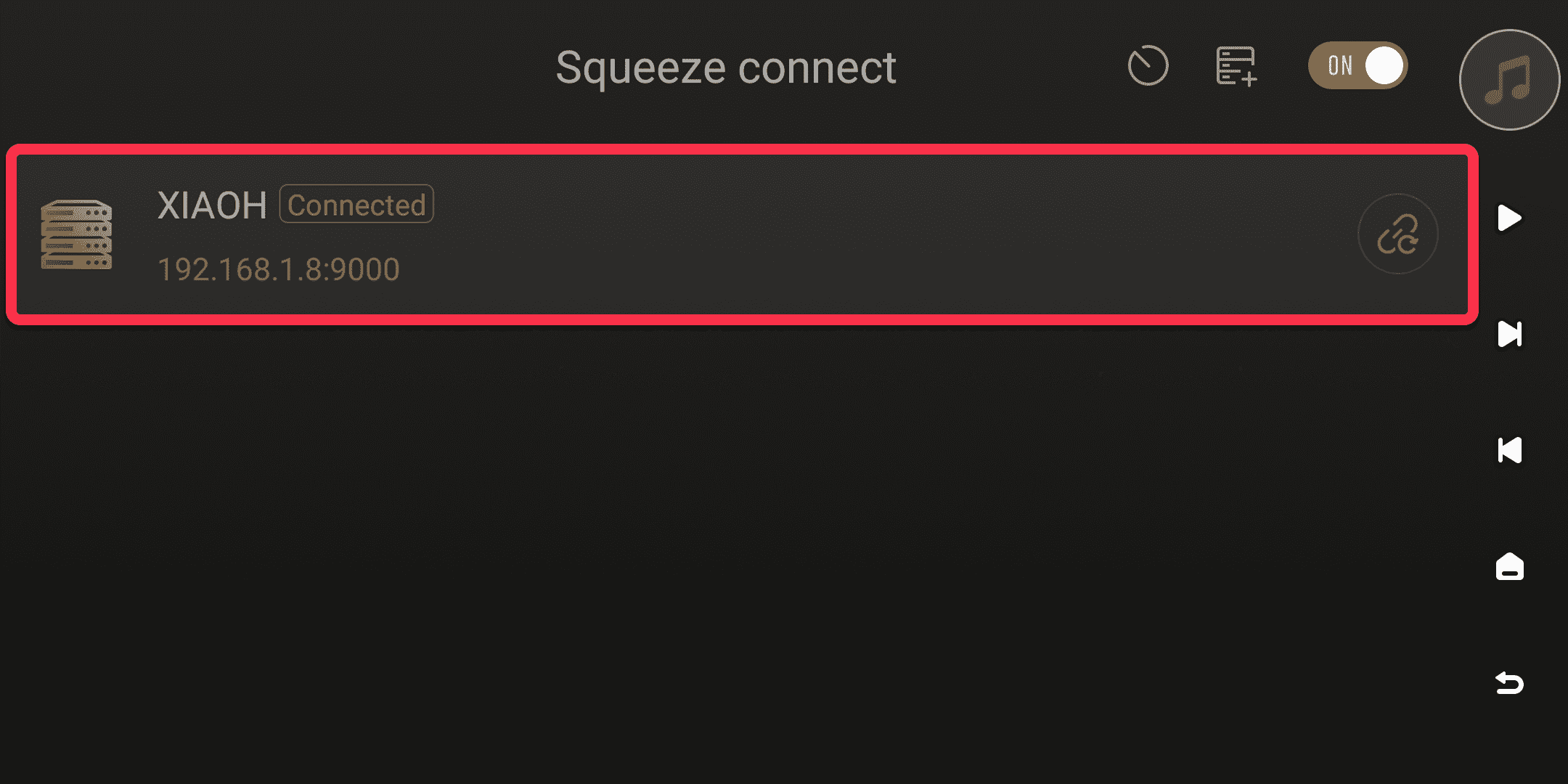
- On the Eversolo device, click "Squeeze Connect" under "Streaming-Connect." The system will automatically search for LMS servers on the local network. Click the target server to complete the connection.
Access path for the "Streaming-Connect" function:
Classic Mode: Main Interface → Streaming→ Scroll down to Squeeze connect
Simple Mode: Main Interface → Connect→ Squeeze connect
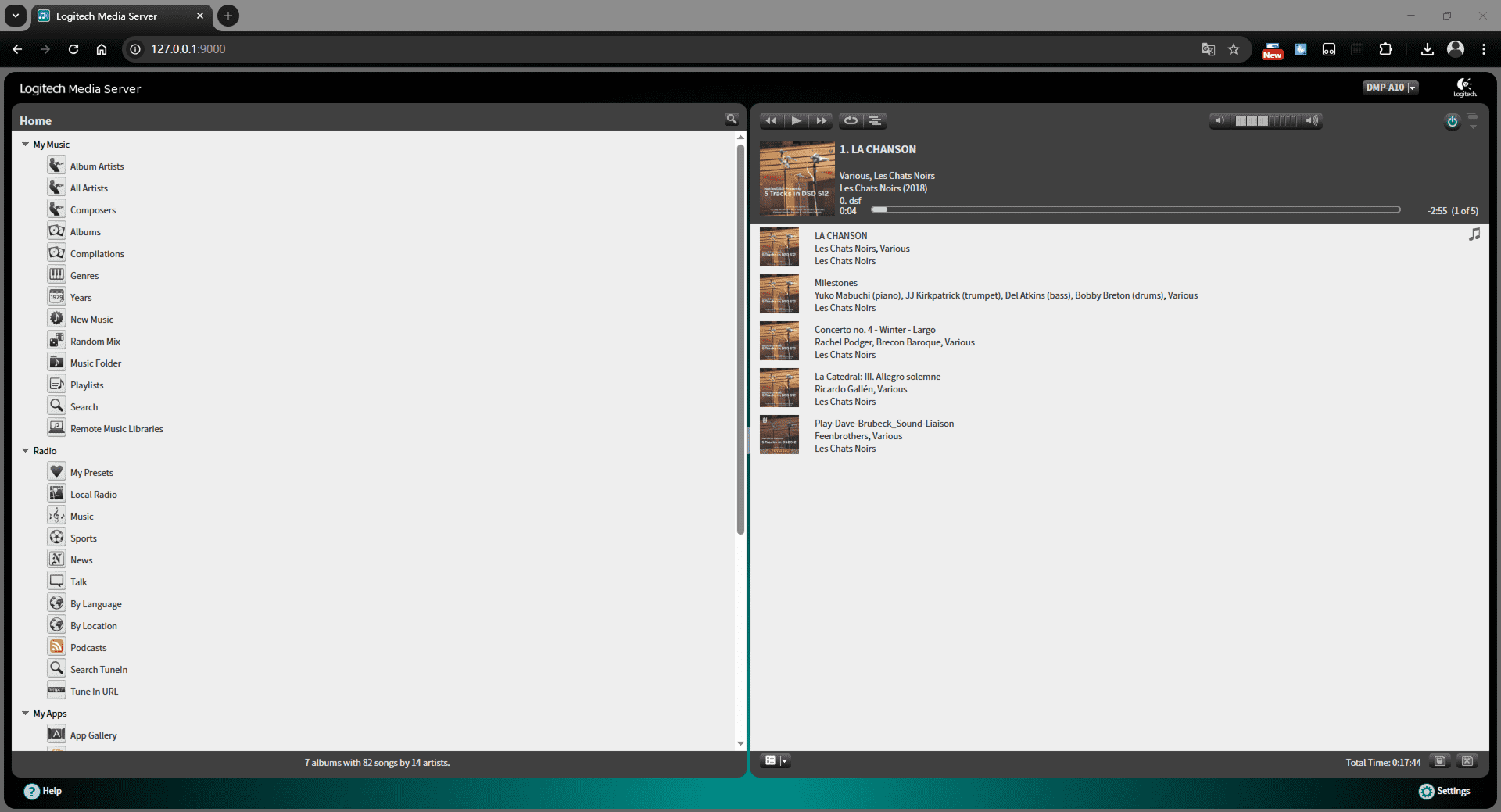
- Open the Logitech Media Server (LMS) management page in your computer's browser.
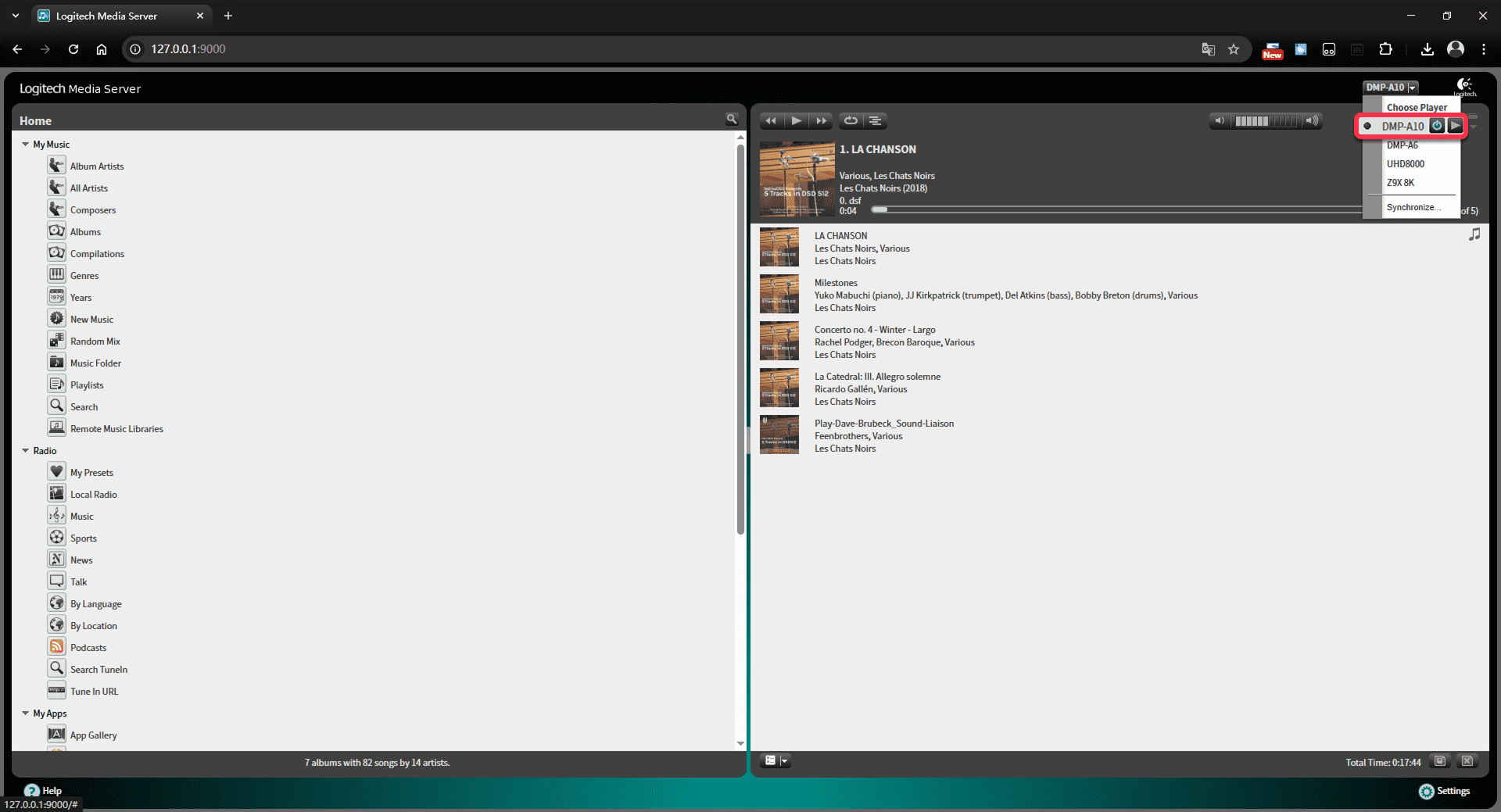
- Select your "Eversolo device" from the playback device menu in the upper right corner of the page.
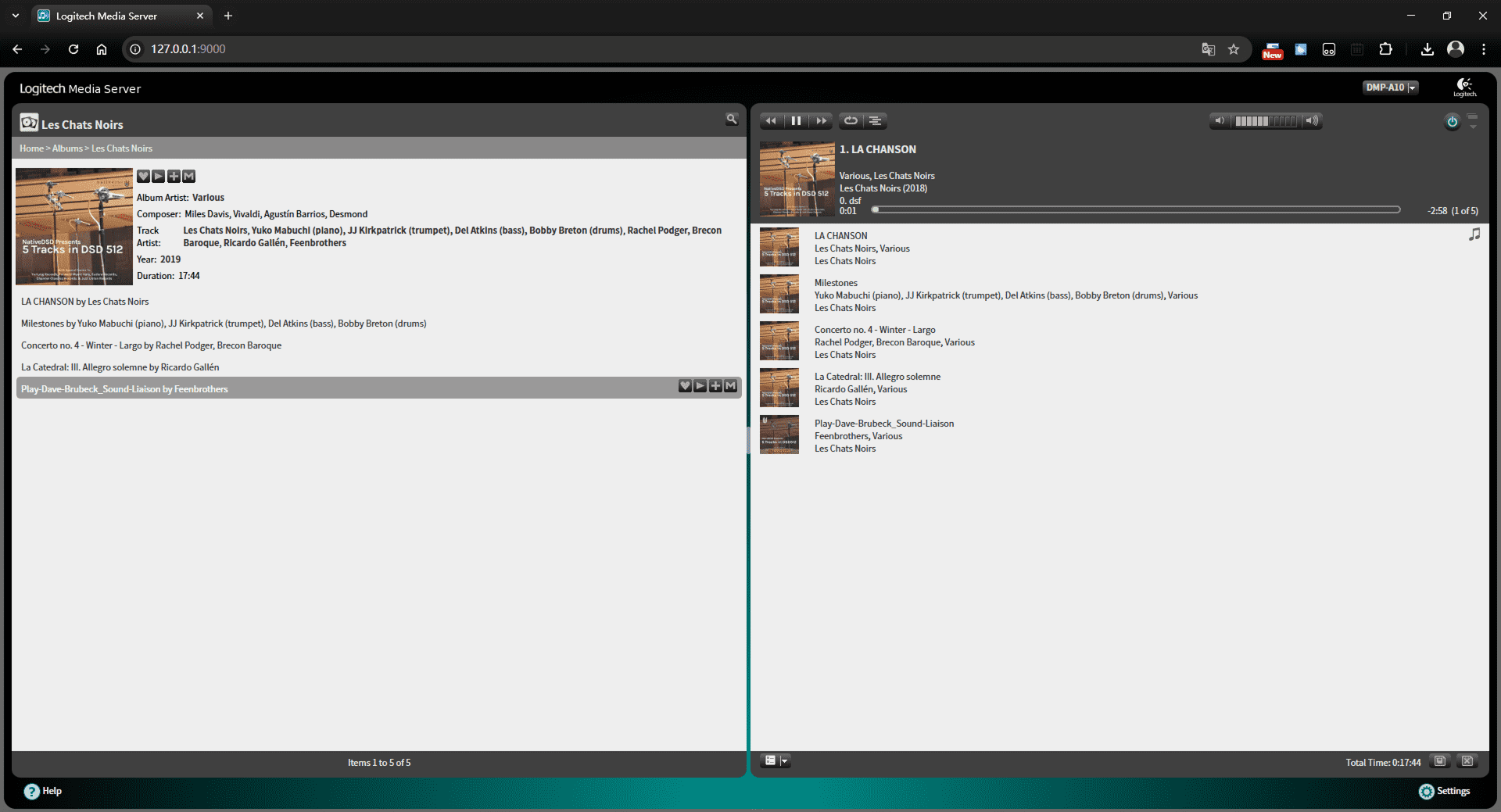
- When you select music playback on the LMS page, the audio will be automatically streamed to the device, and the playback information will be displayed synchronously on the Eversolo device.