1. Preparation
Open Hotmix on your device under "Streaming" - "Music", or open it in the Eversolo Control app under "Discover" - "Music Services". No account is required to use this service.
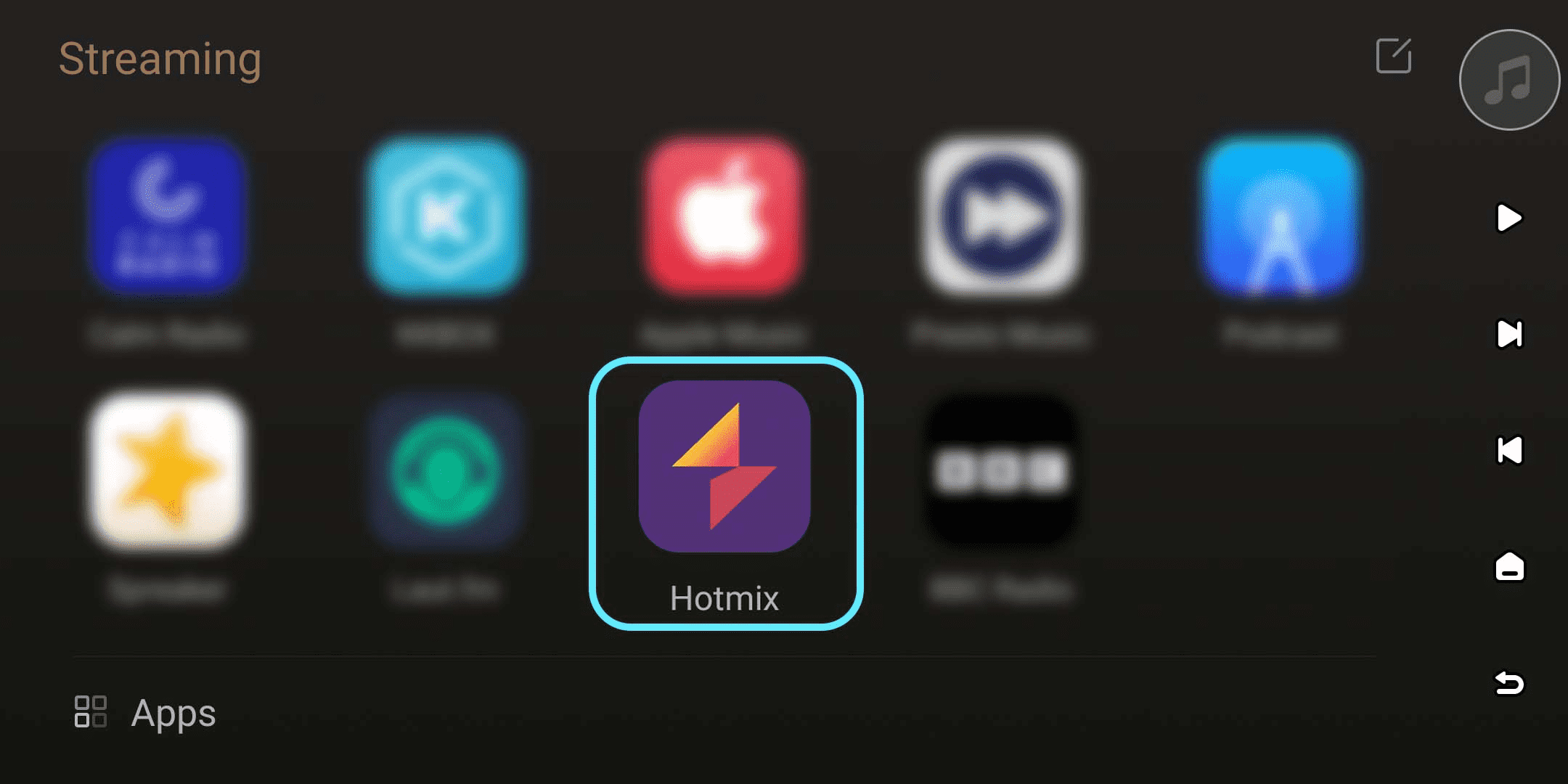
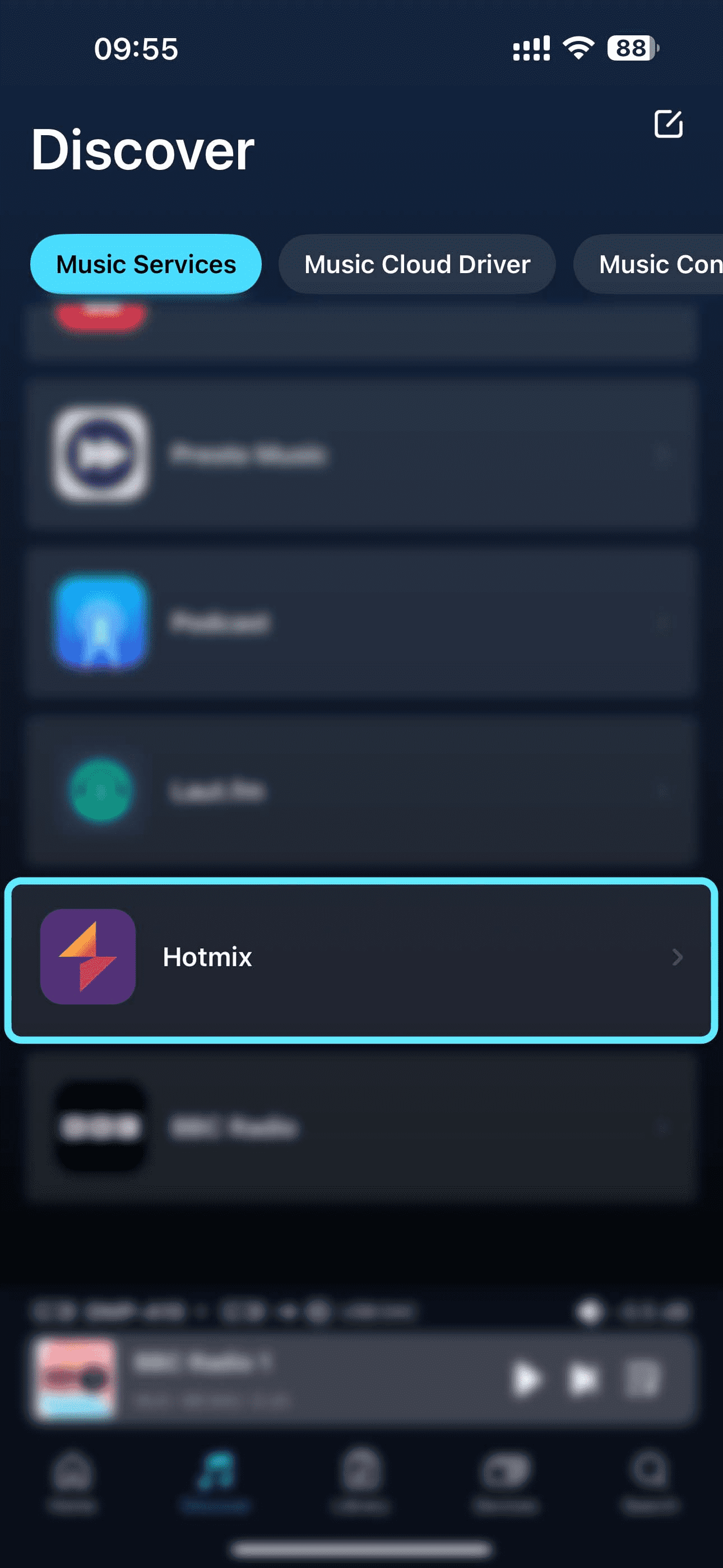
[Dual-end demonstration of the device and Eversolo Control]
2. Browsing
Hotmix content can be browsed on the device or in the Eversolo Control app. The main interface offers sections for Stations, Categories, and My.
Users can select and listen to different styles of radio programs in the "Stations" and "Categories" sections. Recent playback history and saved radio stations will be displayed together on the "My" page for easy viewing and management later.
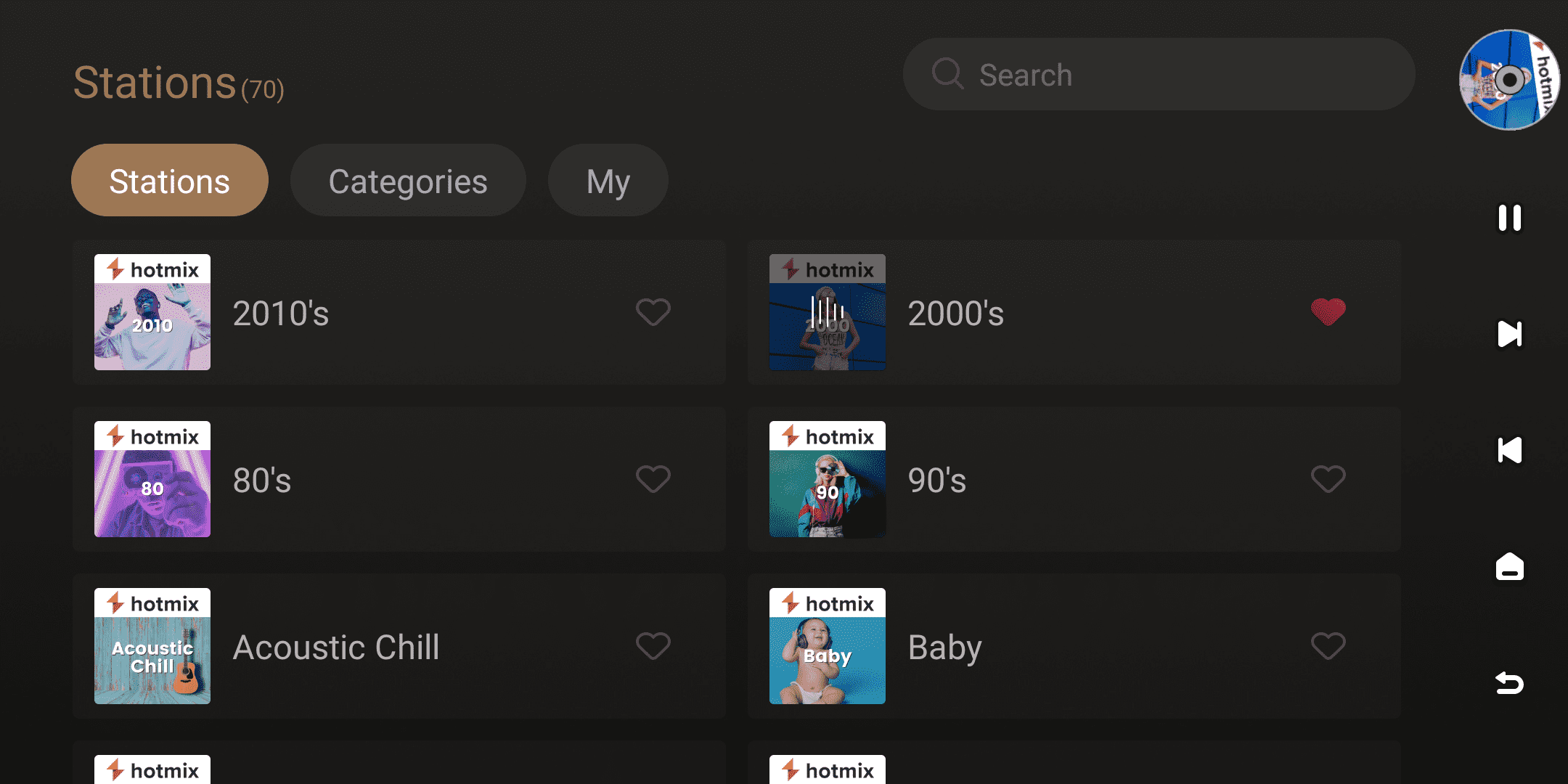
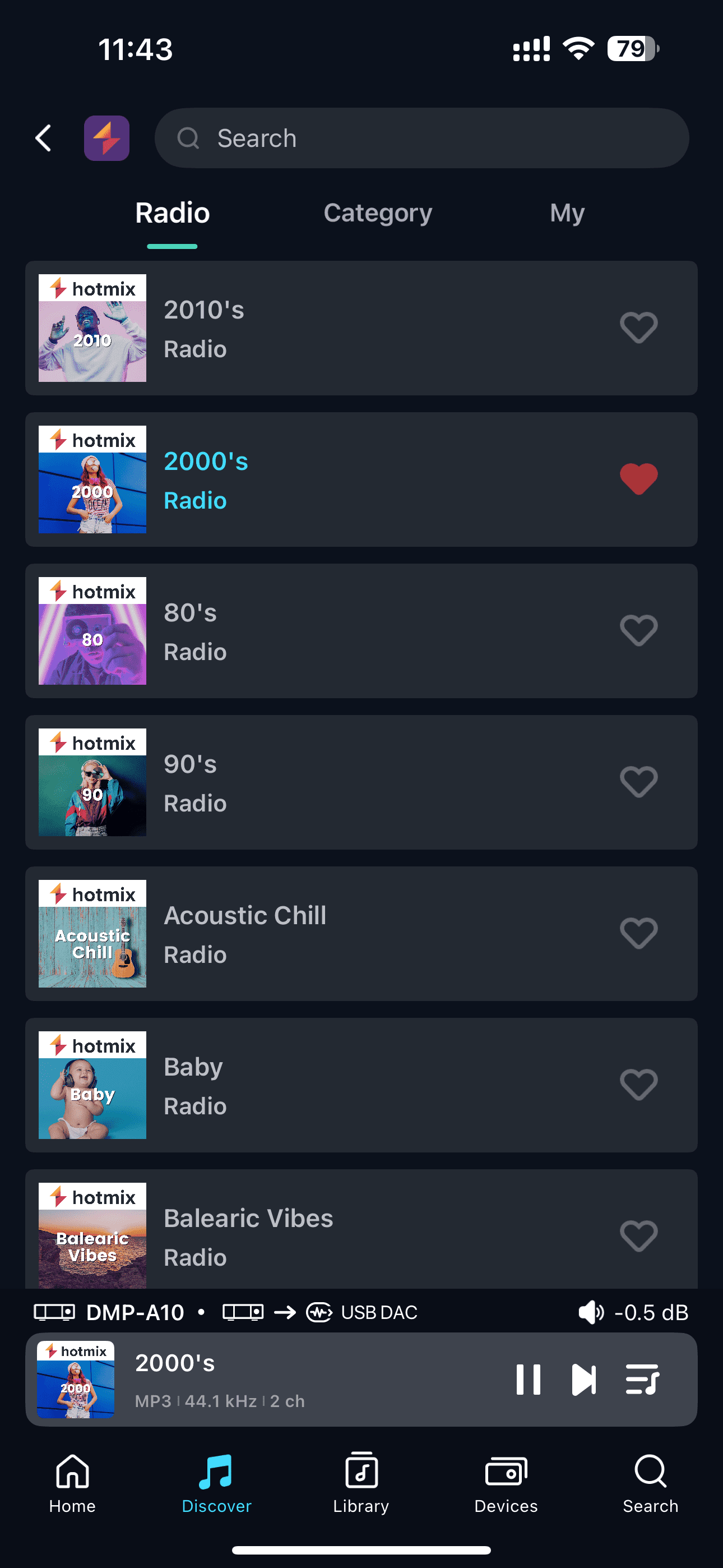
[Dual-end demonstration of the device and Eversolo Control]
3. Search
Clicking the search box at the top of the interface allows searching the Hotmix content library to quickly find target stations or programs.
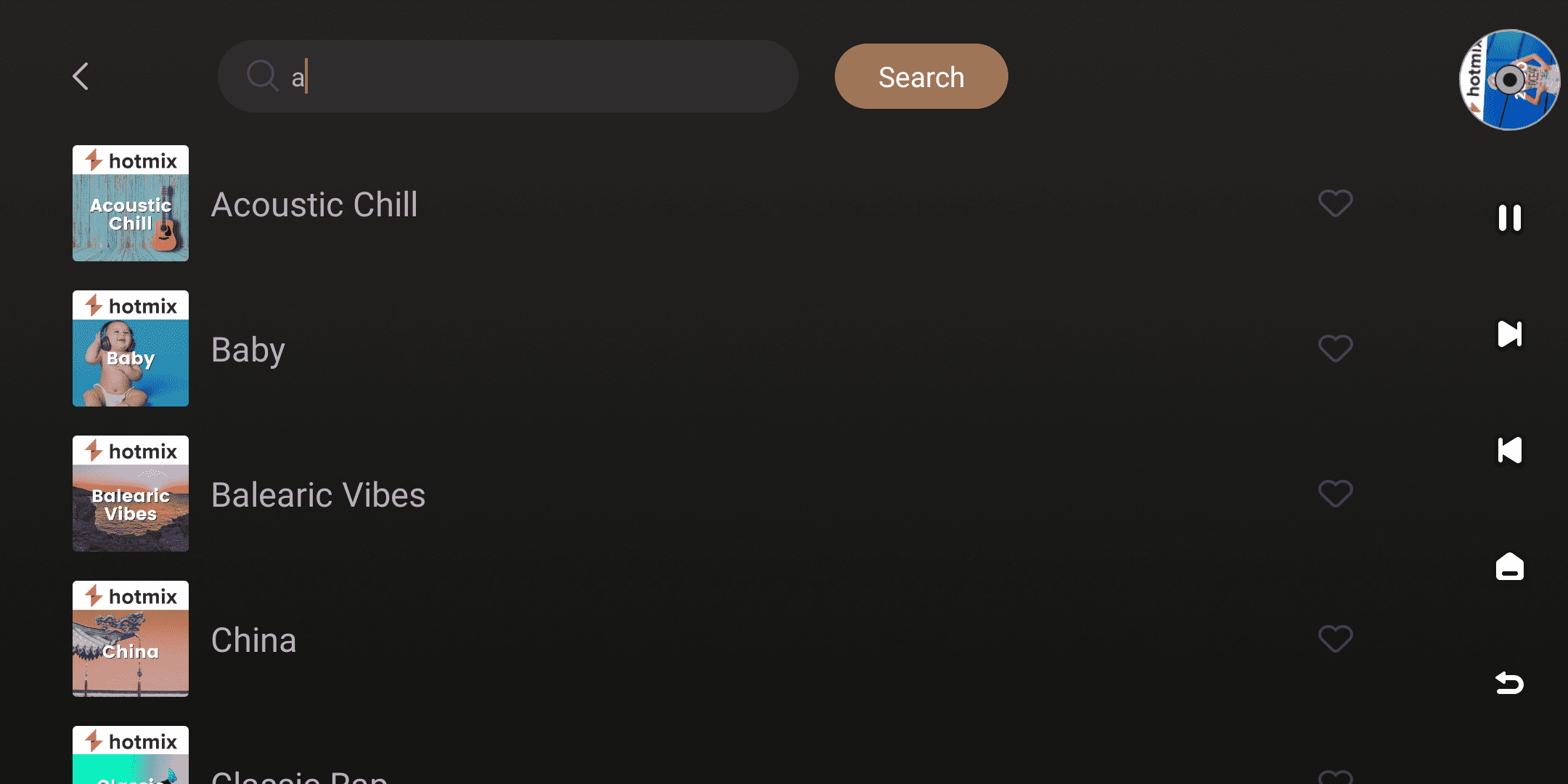
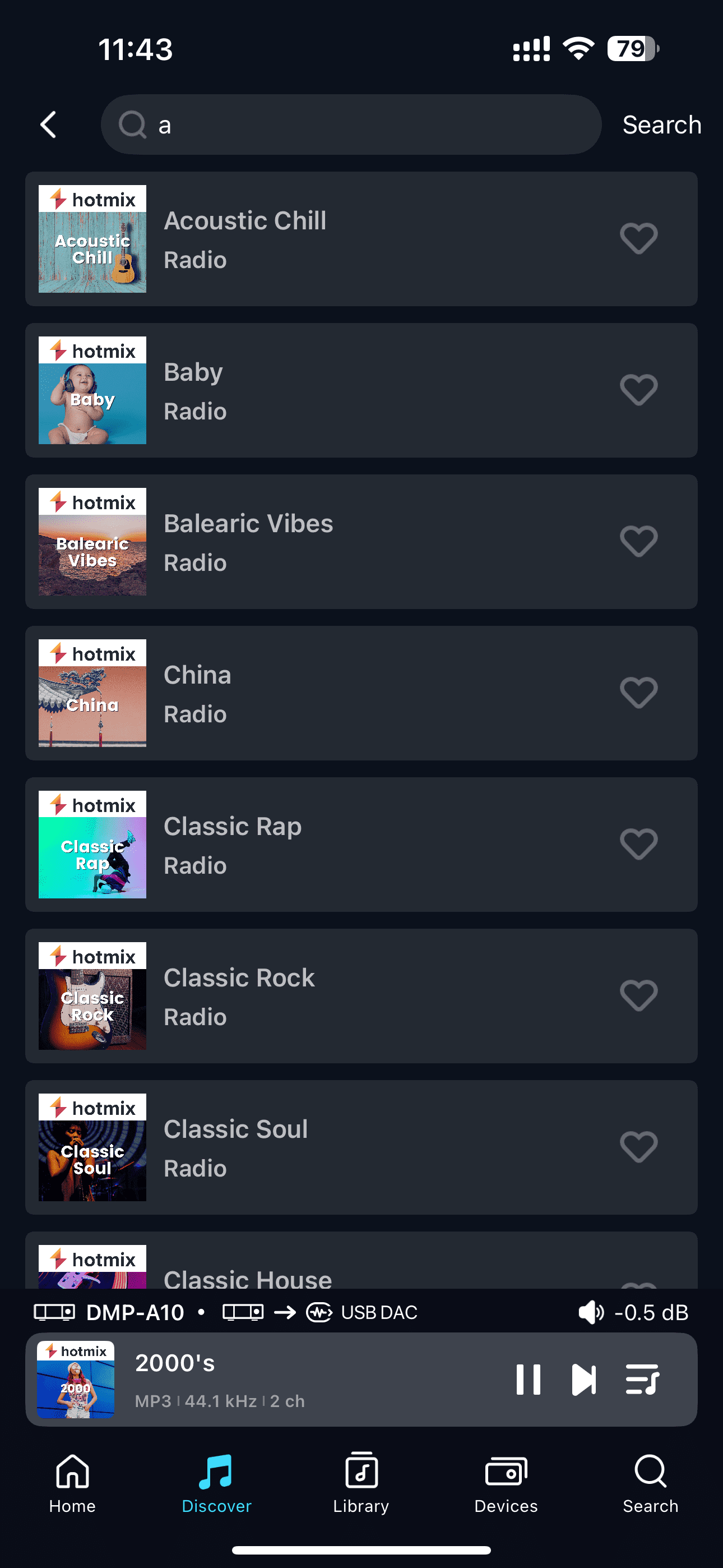
[Dual-end demonstration of the device and Eversolo Control]
4. Streaming Quality
When using the Hotmix service, the device will output directly according to the current audio source specifications.The actual audio quality depends on the original audio quality provided by the Hotmix platform.
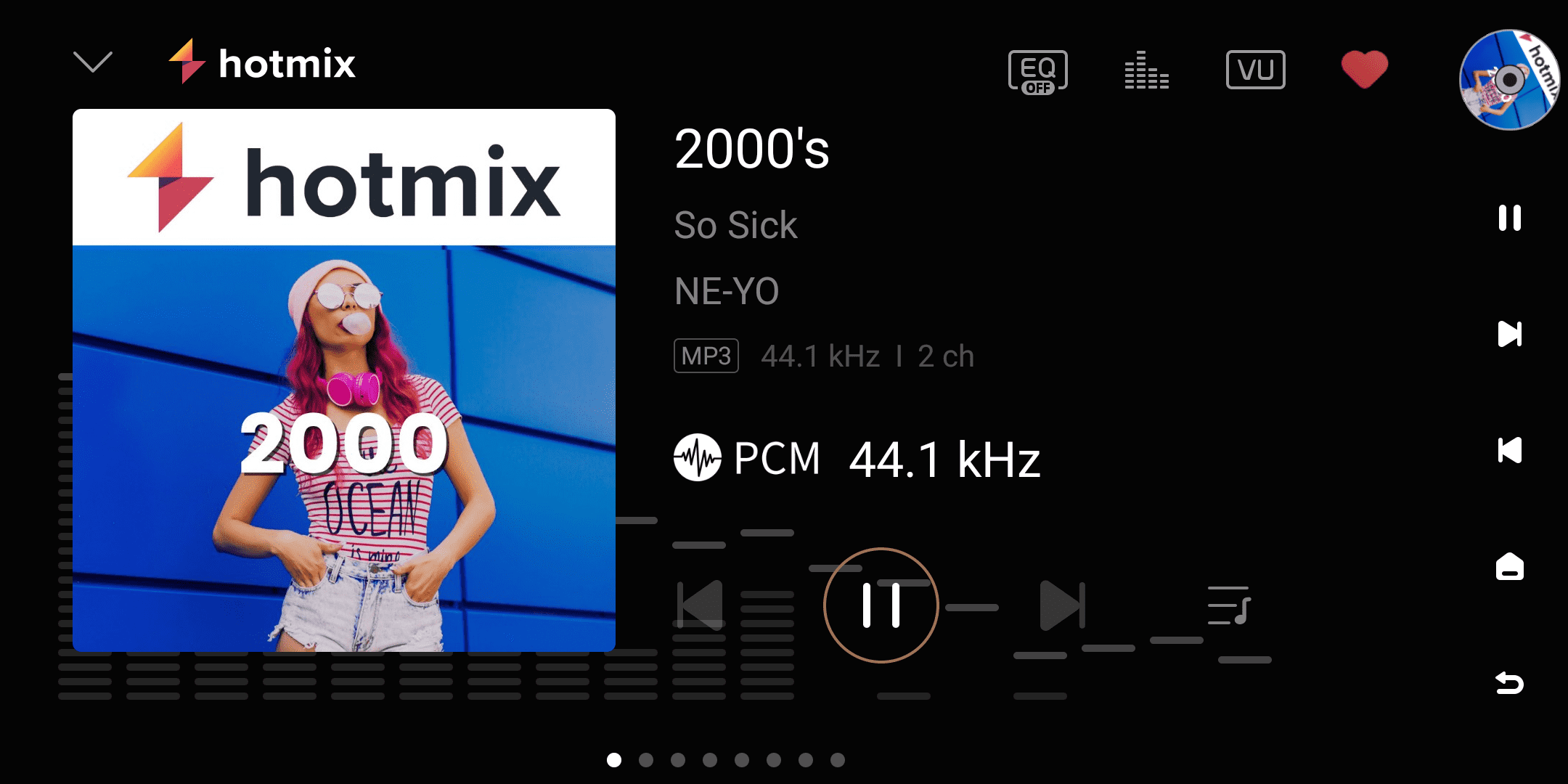
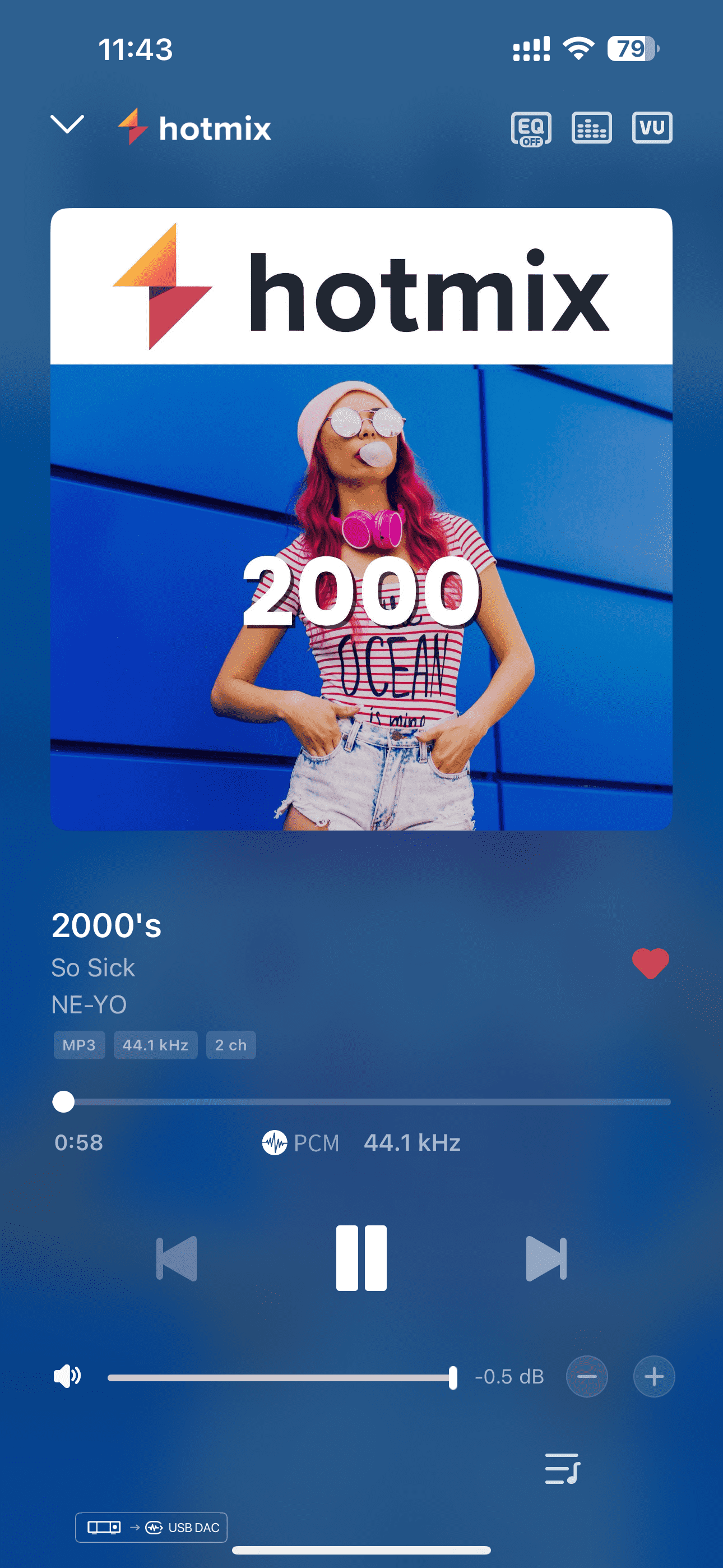
[Dual-end demonstration of the device and Eversolo Control]