1. Preparation
Before using Calm Radio, please prepare a valid Calm Radio account.
For first-time login, open Calm Radio on your device under "Streaming" - "Music", or open it in the Eversolo Control app under "Discover" - "Music Services". Follow the on-screen prompts to complete login.
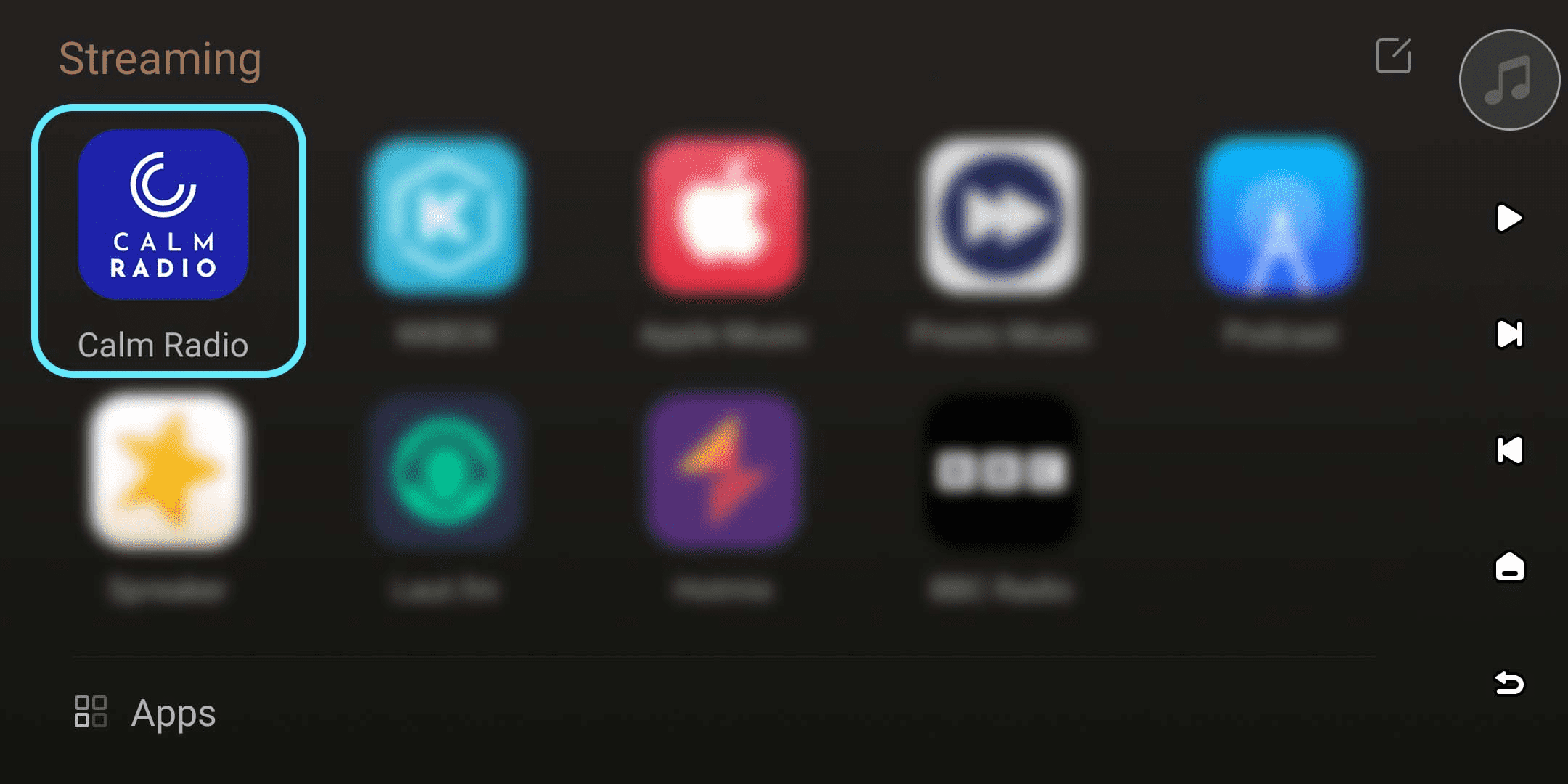
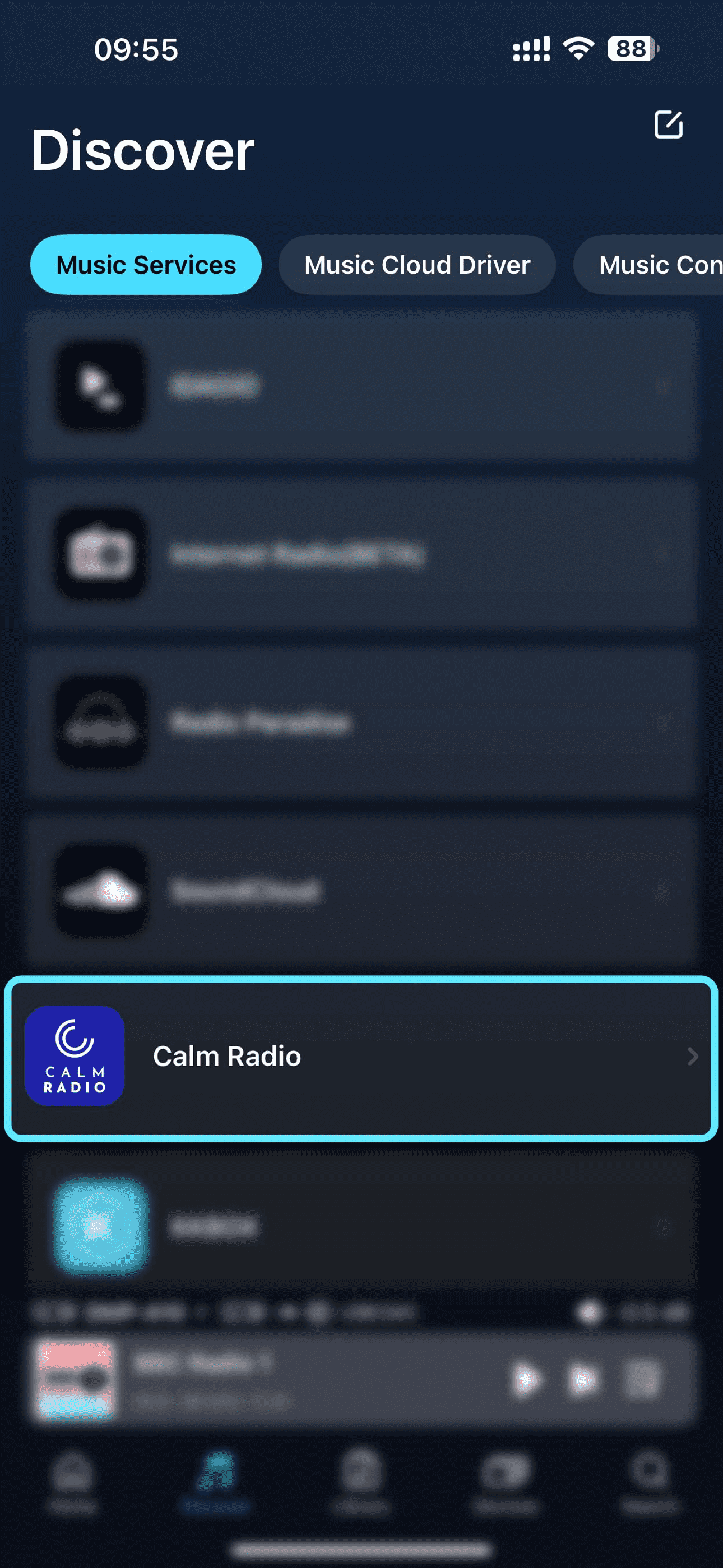
[Dual-end demonstration of the device and Eversolo Control]
2. Log In
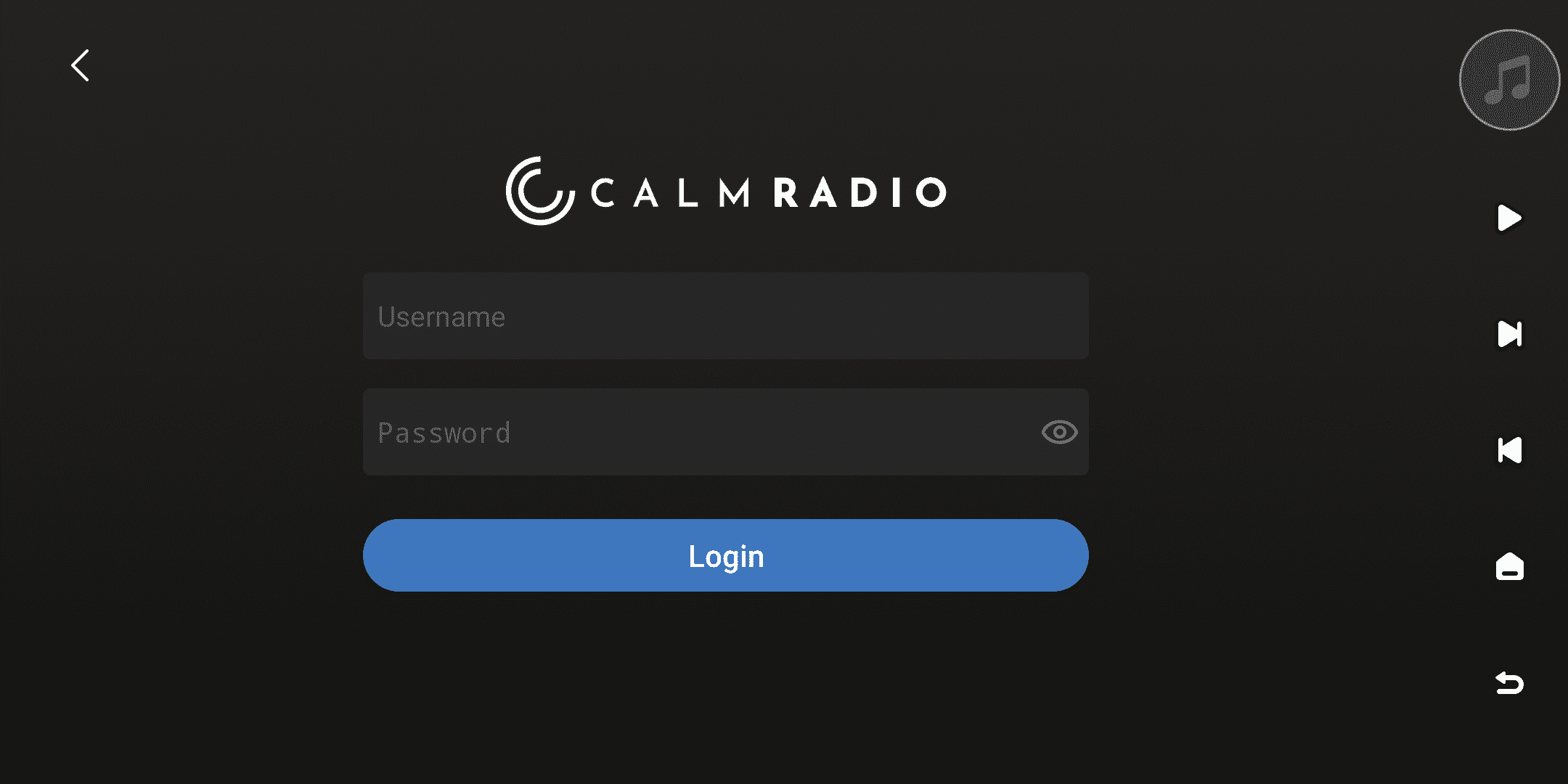
Enter your Calm Radio account and password on your device or in the Eversolo Control app to log in.
If you haven't registered the Calm Radio account yet, please visit the official website https://calmradio.com/register and follow the prompts to complete the registration process.
3. Browsing
After successfully logging in, you can browse Calm Radio content on your device or in the Eversolo Control app. The homepage offers sections for Channels, My, and Settings.
In the "Channels" menu, you can freely select and listen to various styles of radio music. Your listening history is automatically recorded in the "My" menu for easy access.
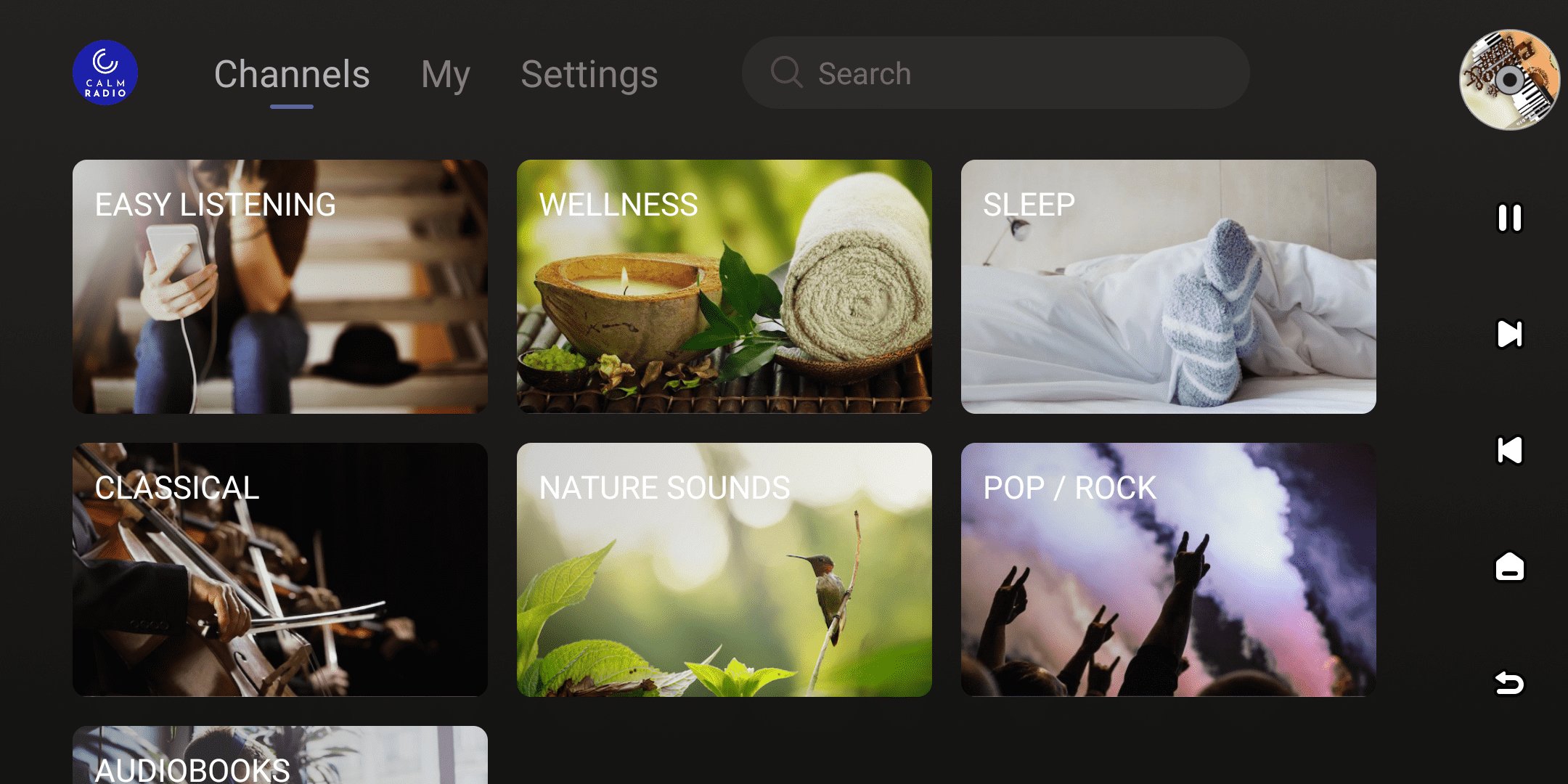
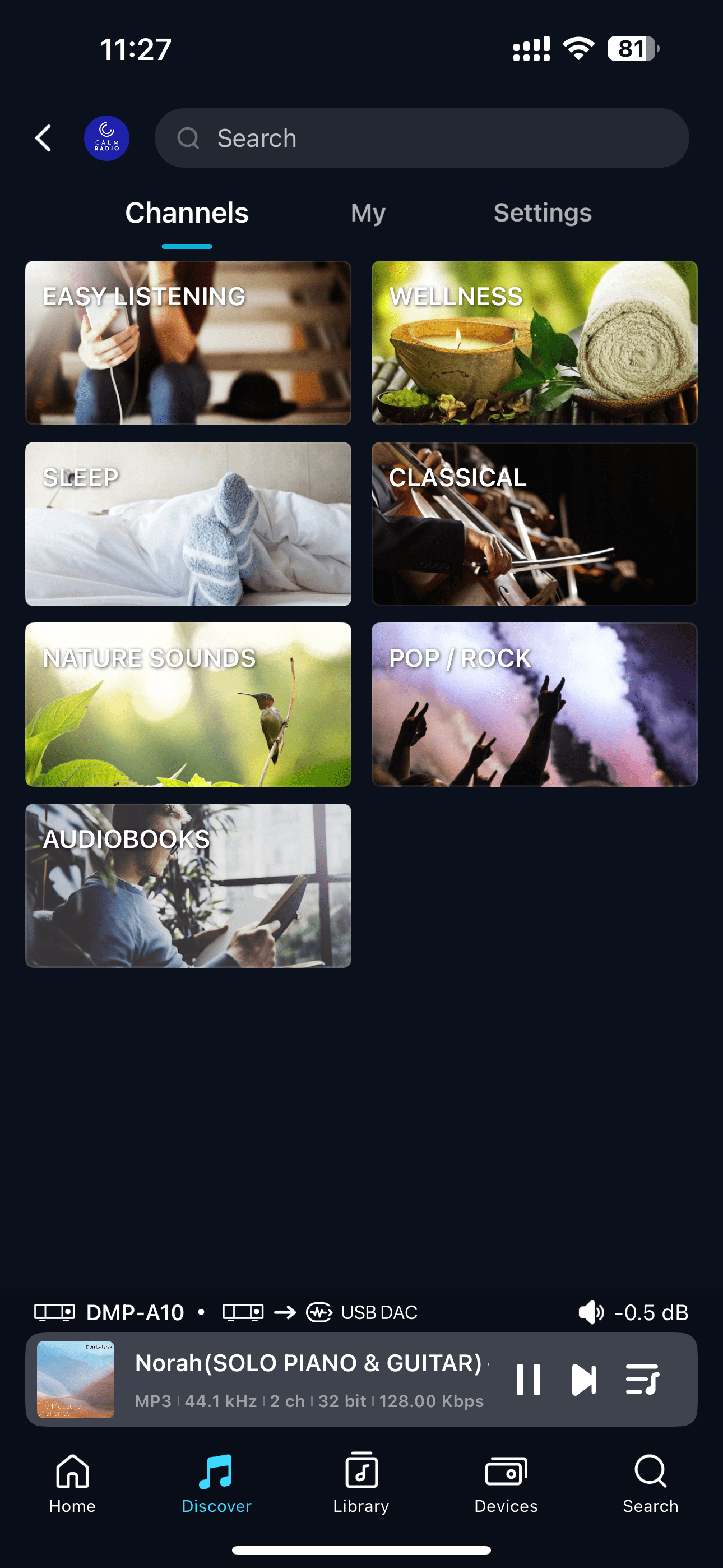
[Dual-end demonstration of the device and Eversolo Control]
4. Search
Click the search box at the top of the screen to search the entire Calm Radio library and quickly find your target music radio resources.
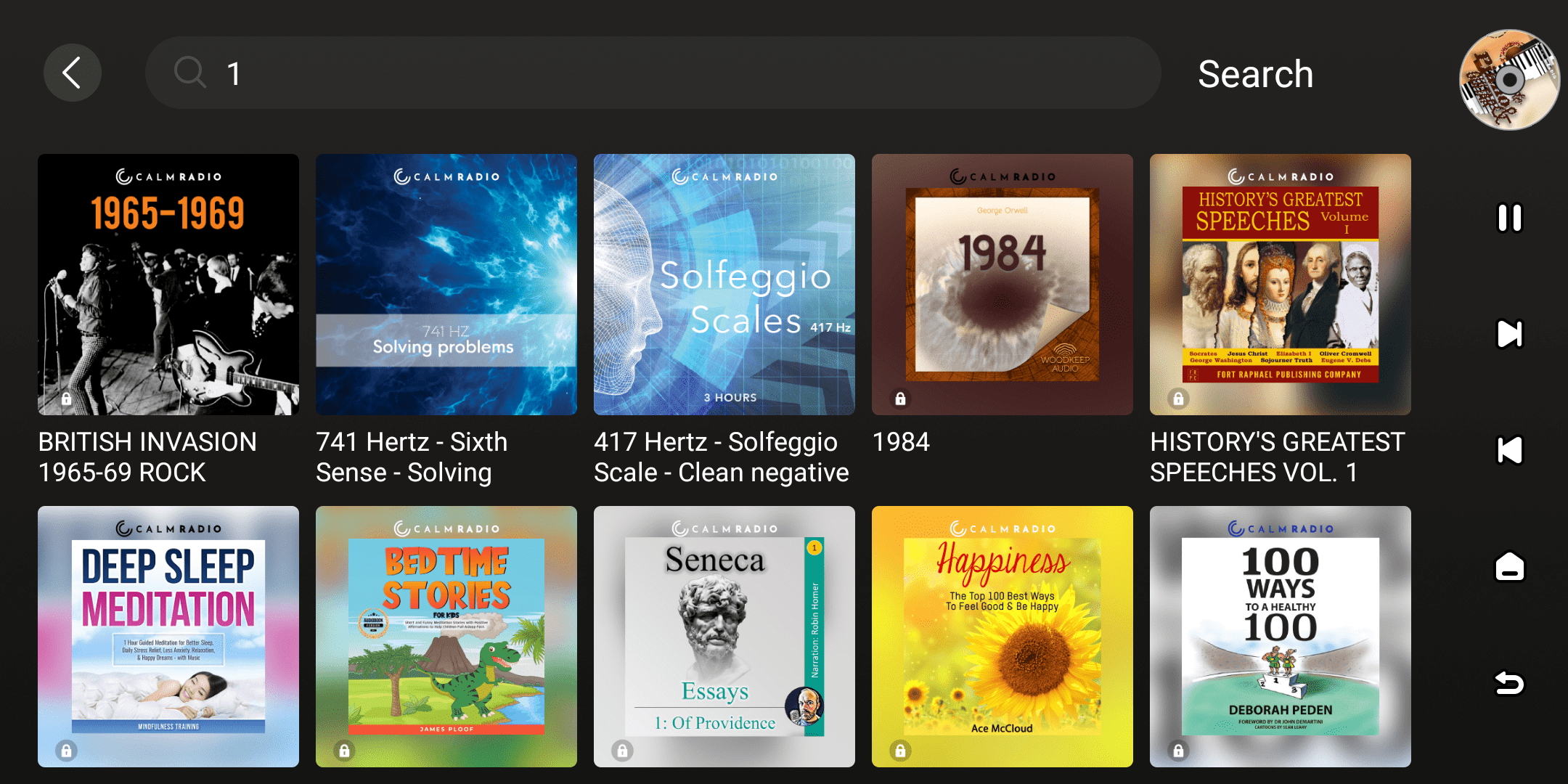
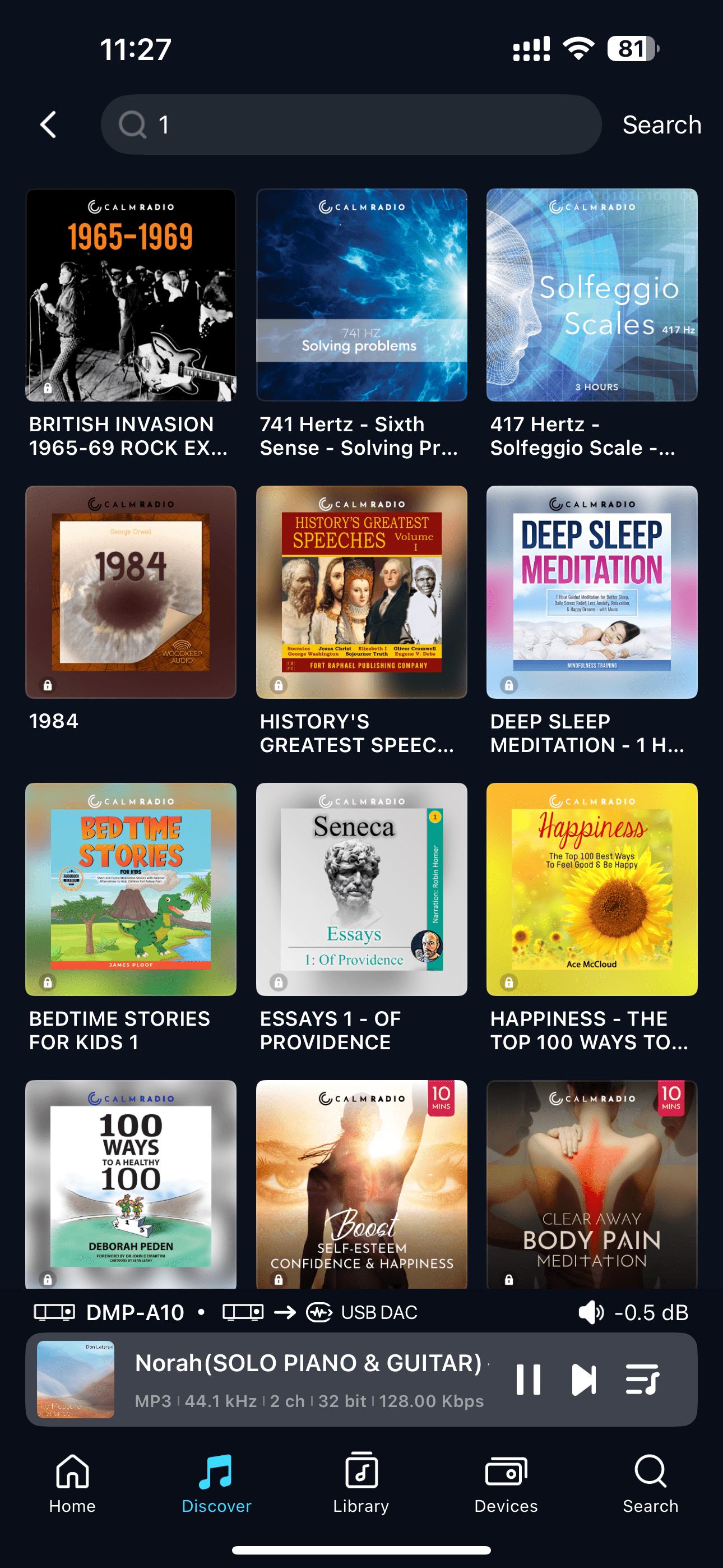
[Dual-end demonstration of the device and Eversolo Control]
5. Streaming Quality
When using Calm Radio, you can select the streaming quality mode through the "Settings" menu.
Supported options include:
- High (320 kb/s)
- Medium(192 kb/s)
- Low (64 kb/s)
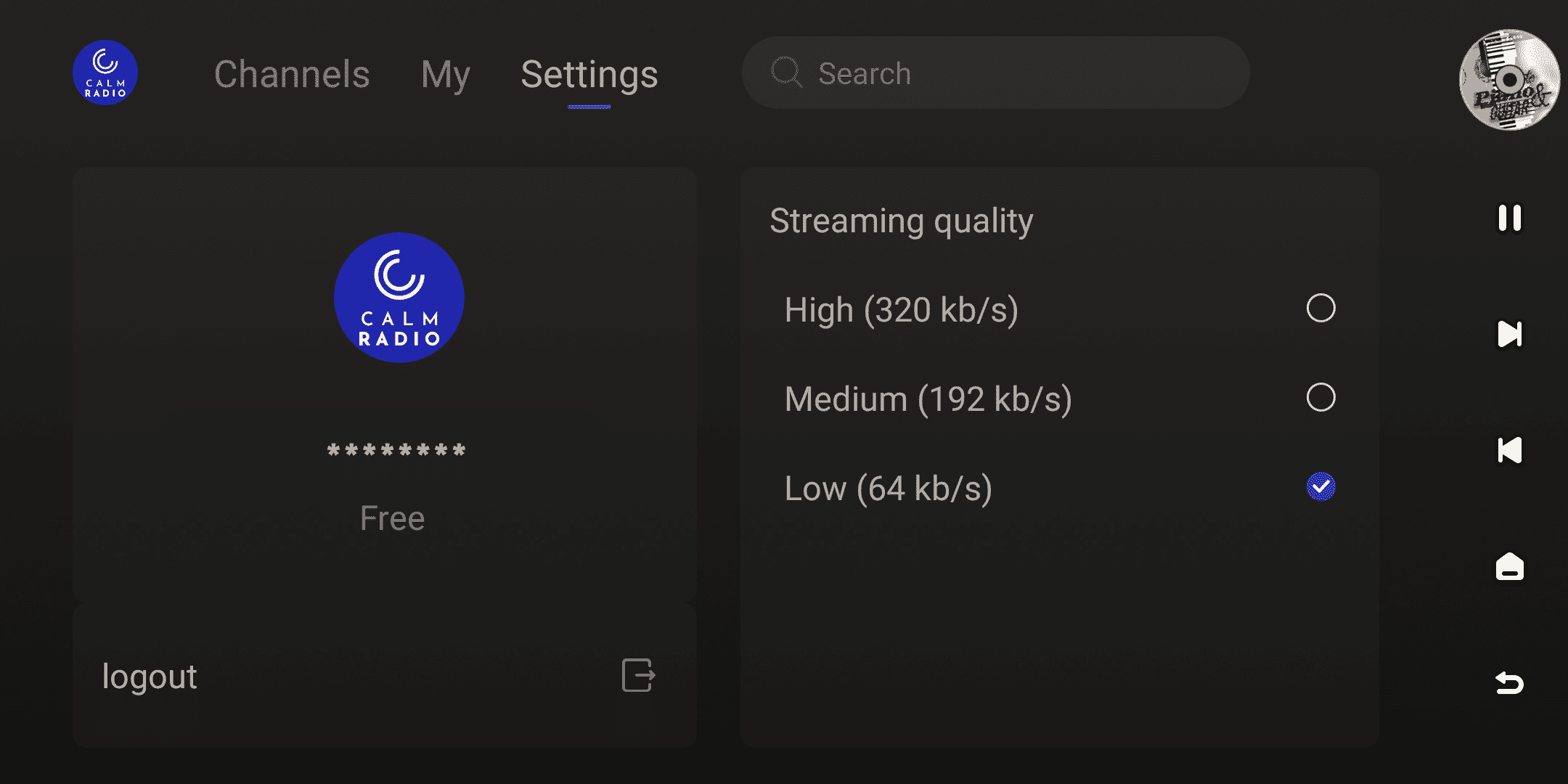
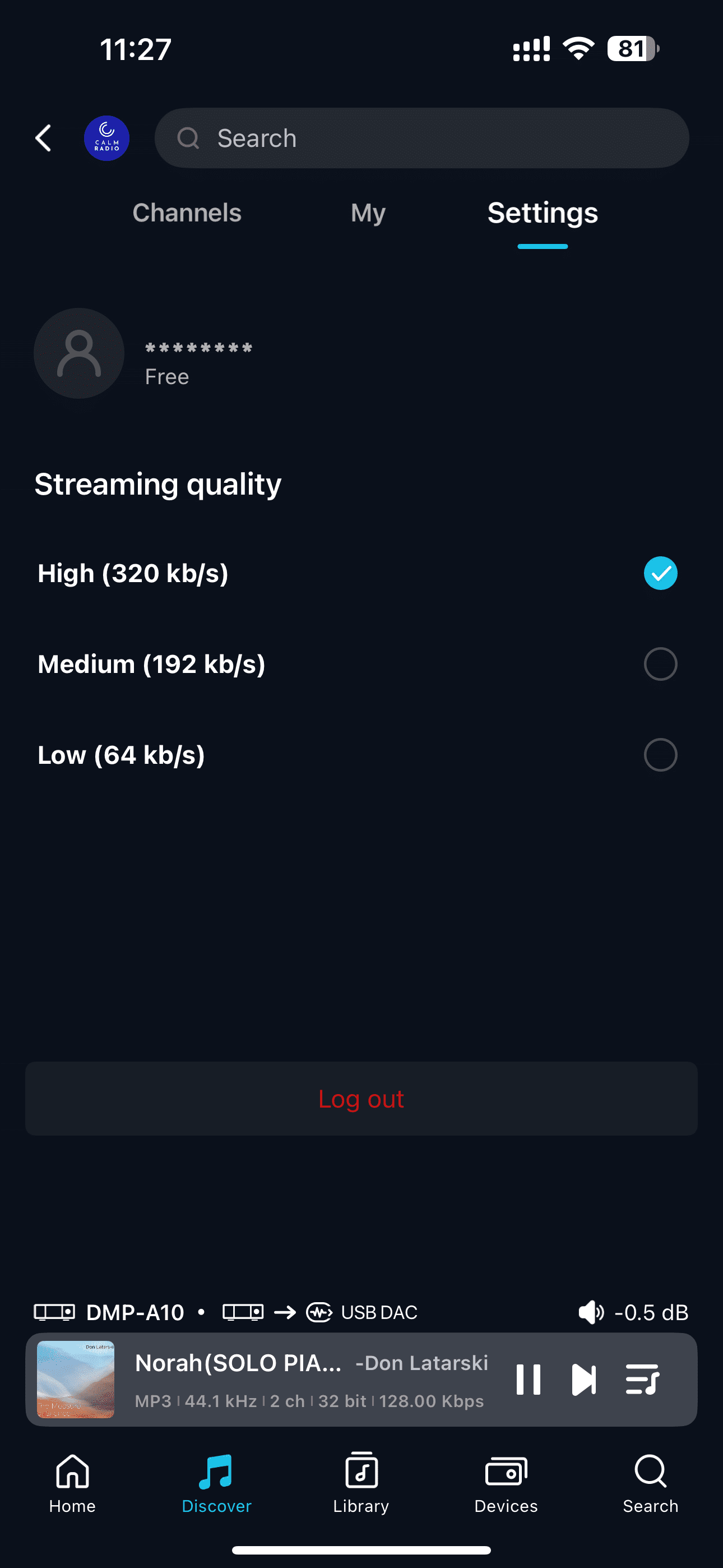
[Dual-end demonstration of the device and Eversolo Control]