1. Preparation
Open Radio Paradise on your device under "Streaming" - "Music", or open it in the Eversolo Control app under "Discover" - "Music Services". No account is required to use this service.
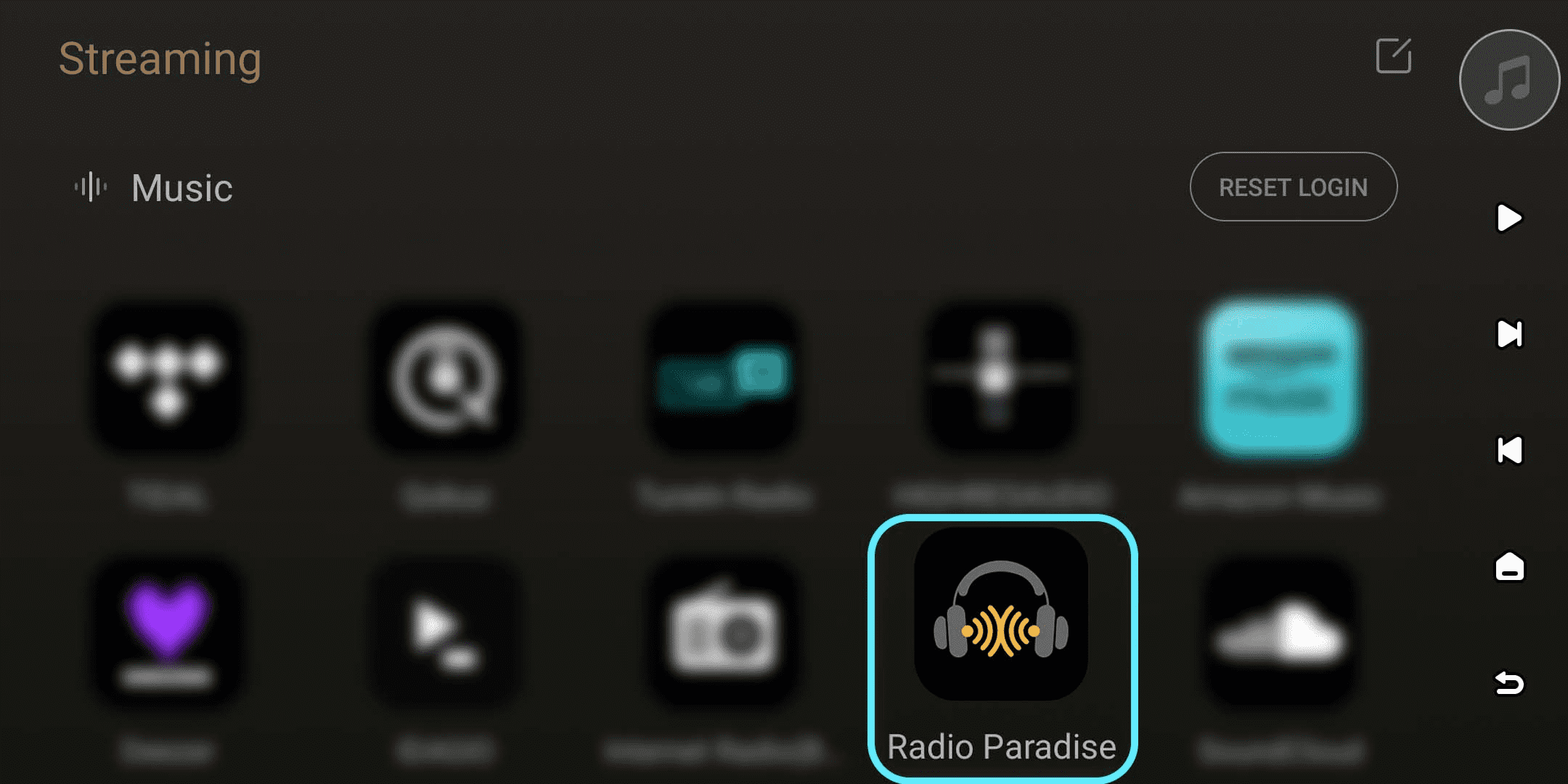
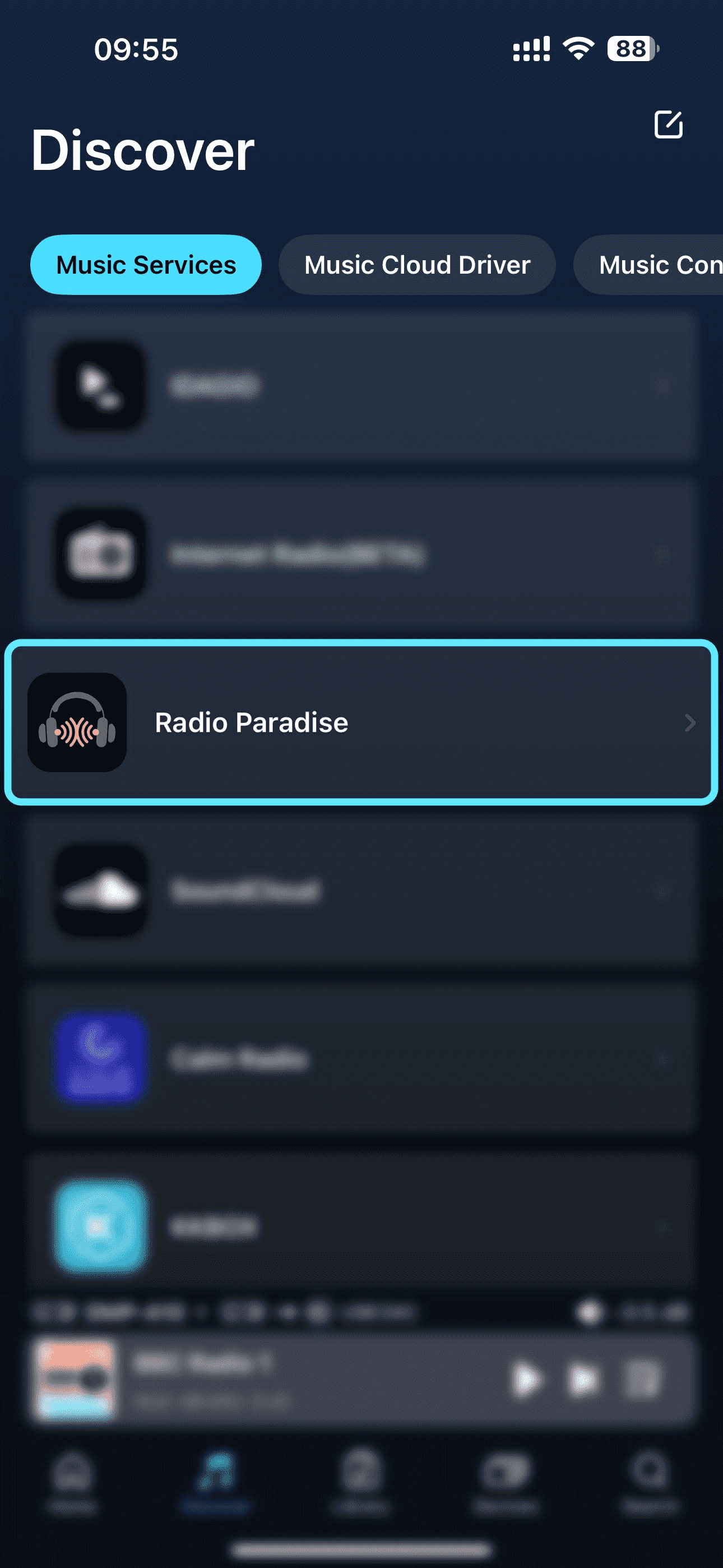
[Dual-end demonstration of the device and Eversolo Control]
2. Log In
Radio Paradise supports anonymous mode. However, you need to log in to save your listening history or rate your favorite content.
On the main screen of your device or the Eversolo Control app, click "Login" and enter your Radio Paradise username and password to log in.
If you haven't created an account yet, click "Create An Accountt" at the bottom and follow the prompts to complete the registration process.
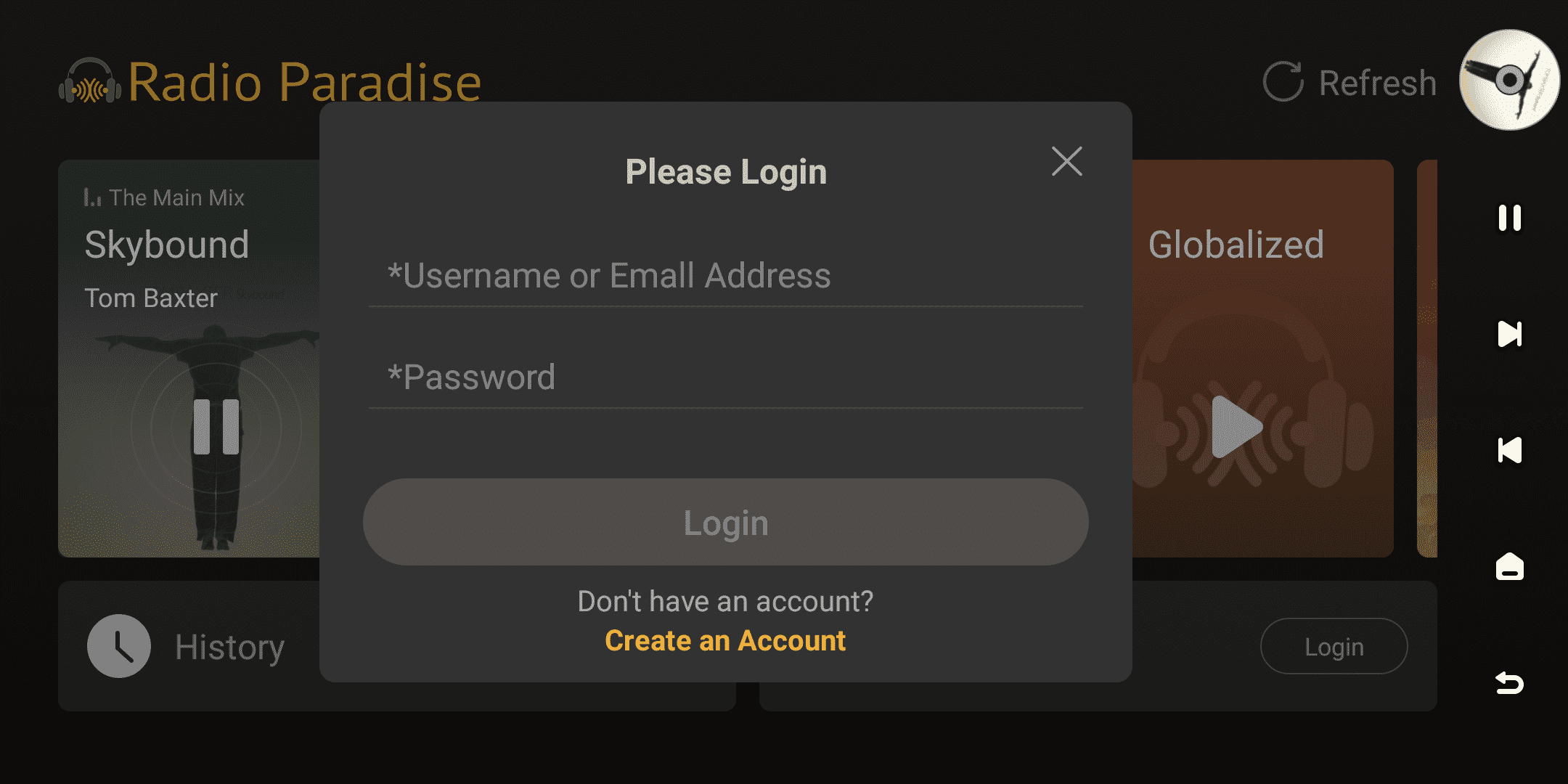
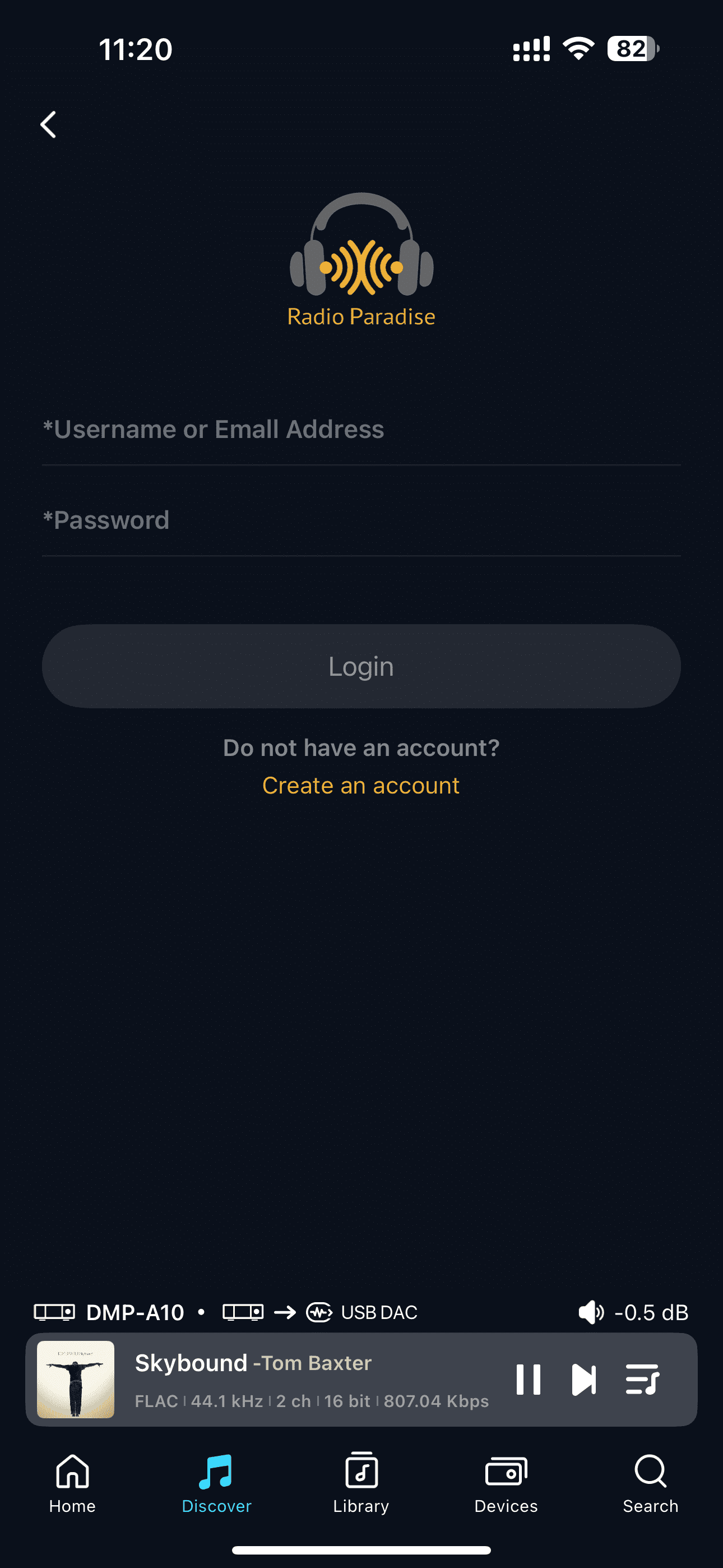
[Dual-end demonstration of the device and Eversolo Control]
3. Browsing
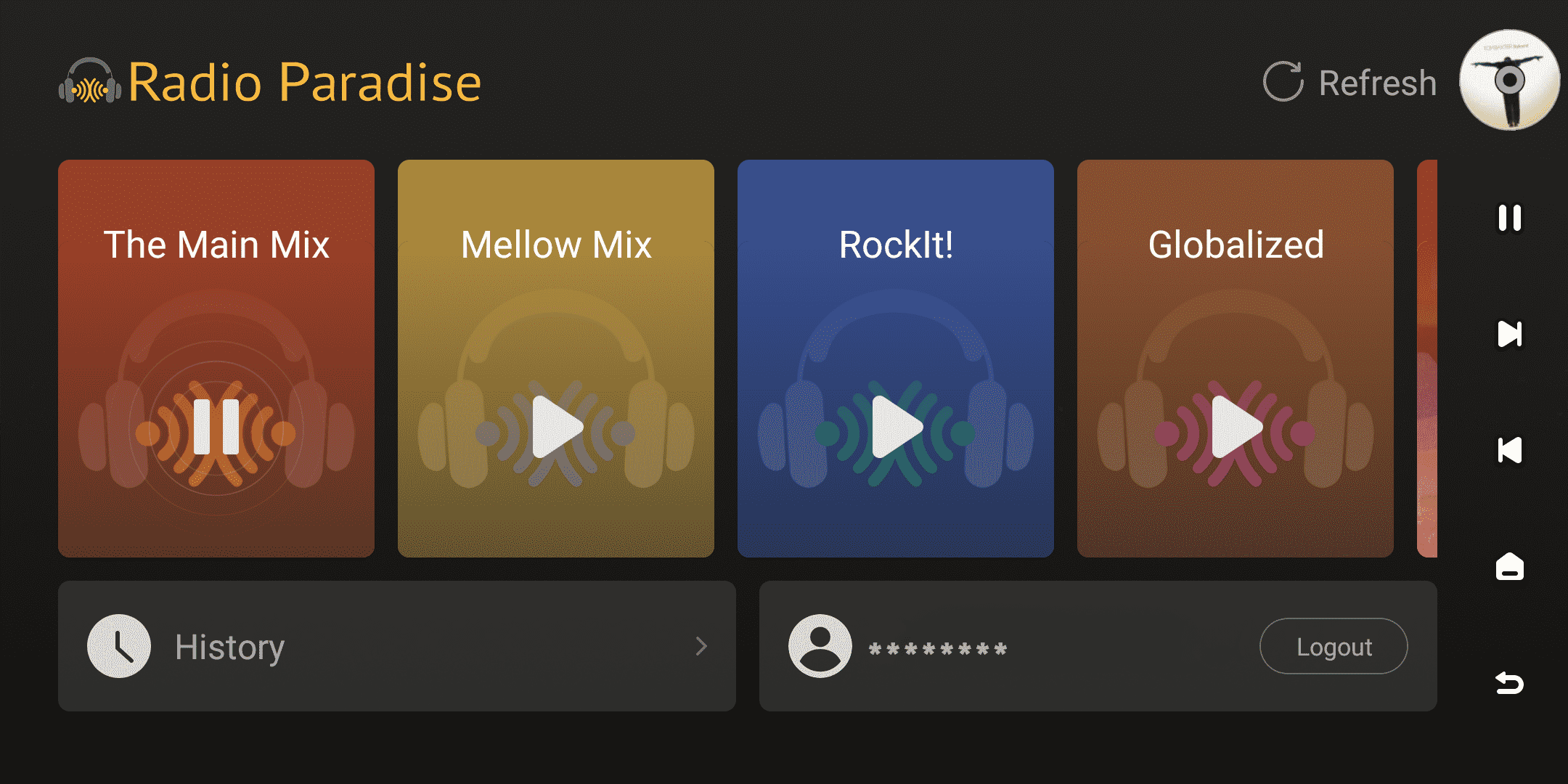
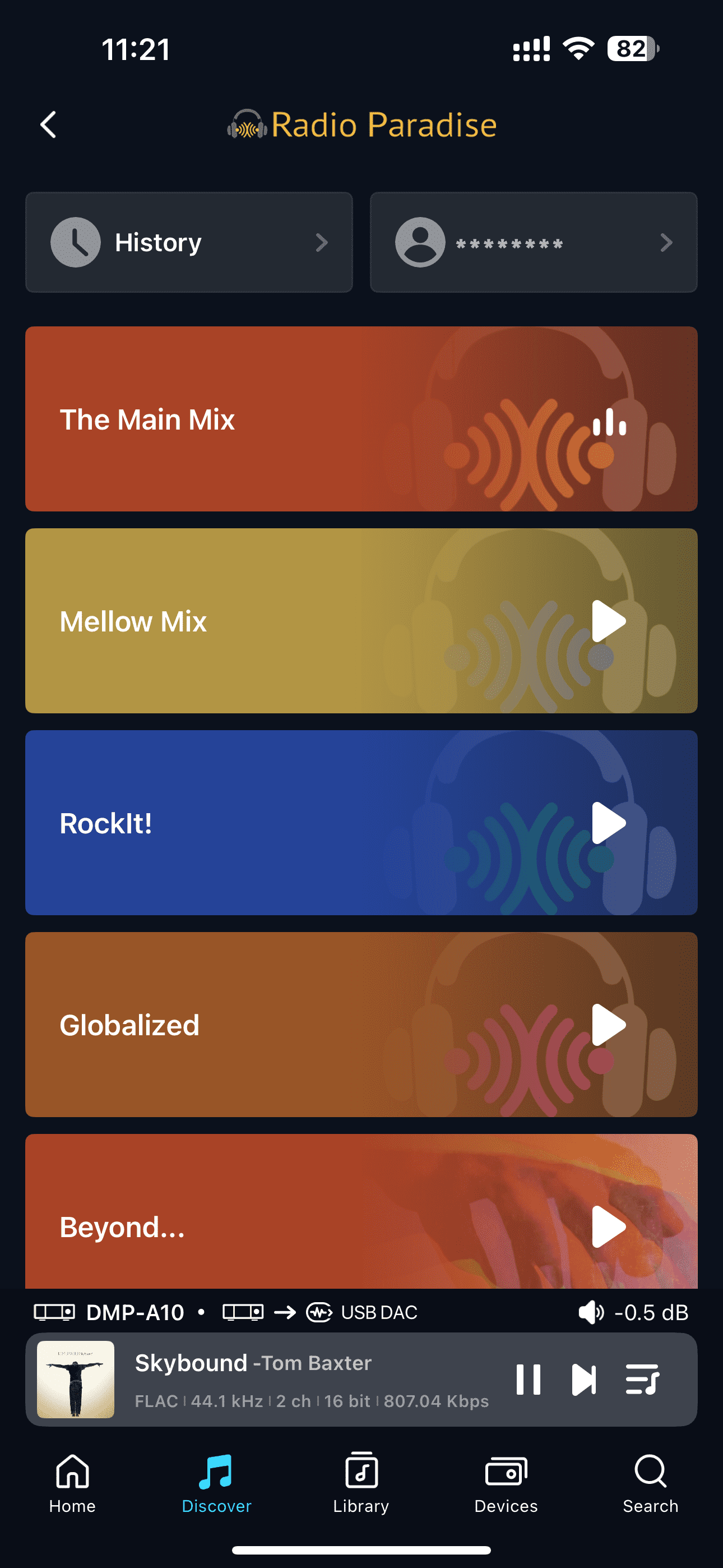
Browse Radio Paradise content on your device or the Eversolo Control app. The homepage offers various genre categories such as The Main Mix, Mellow Mix, RockIt!, Globalized, and Beyond etc. Allowing you to directly select and listen to different styles of music broadcasts.
You can view the tracks you've listened to in your history. You can also browse track descriptions, artist information, and user reviews on this screen or the playback details page, and rate your favorite content.
[Dual-end demonstration of the device and Eversolo Control]
4. Streaming Quality
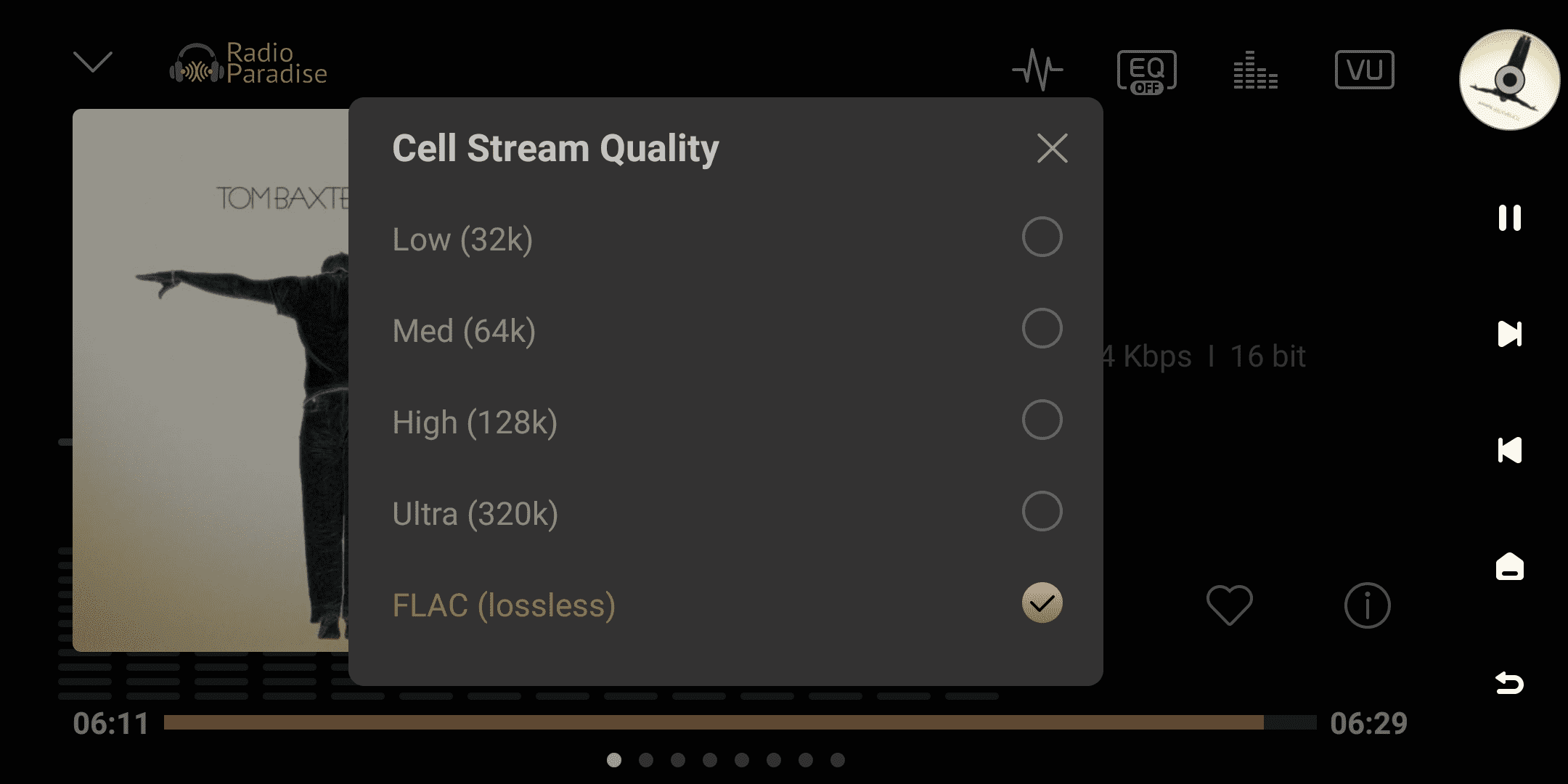
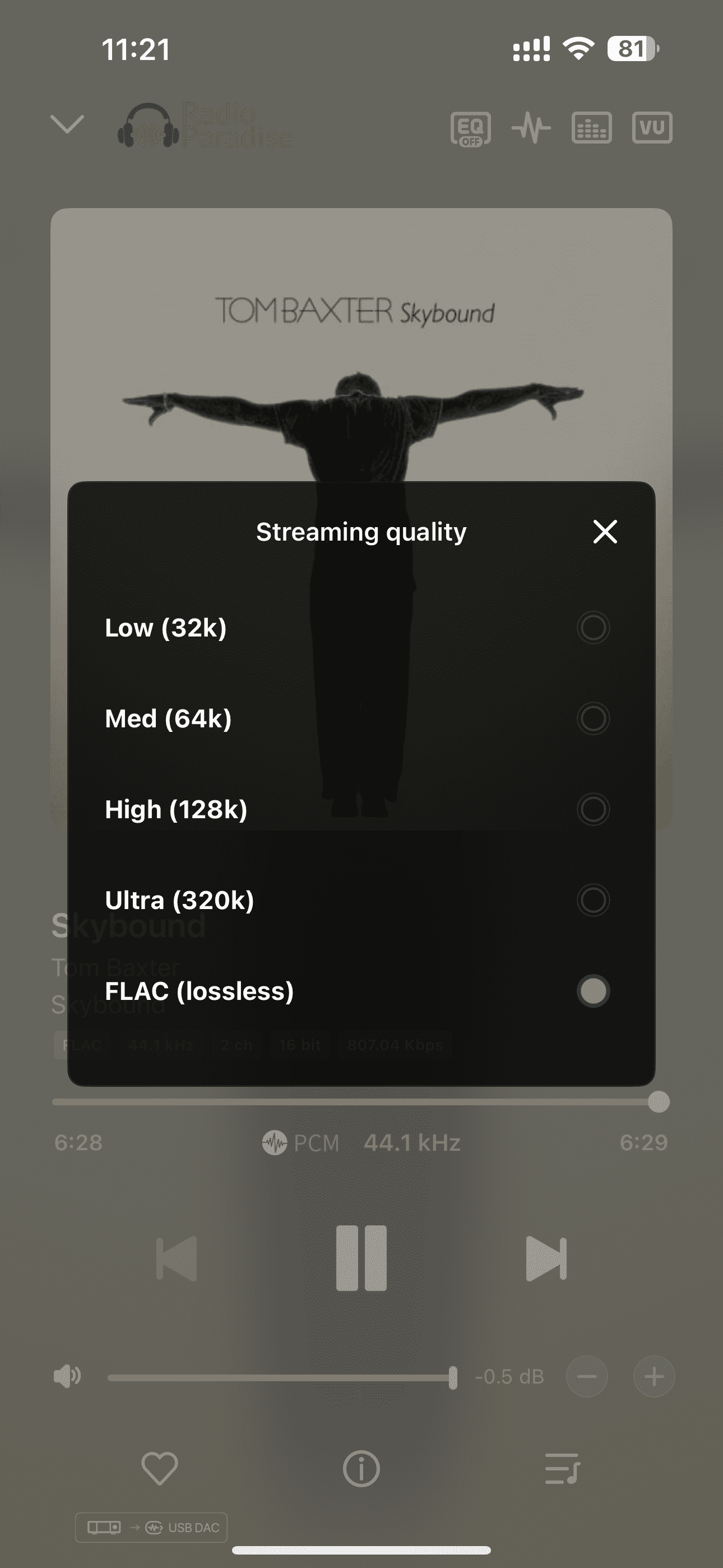
On the playback details screen, click the " " icon to select the following audio quality modes:
- Low (32k)
- Med (64k)
- High (128k)
- Ultra (320k)
- FLAC (lossless)
[Dual-end demonstration of the device and Eversolo Control]