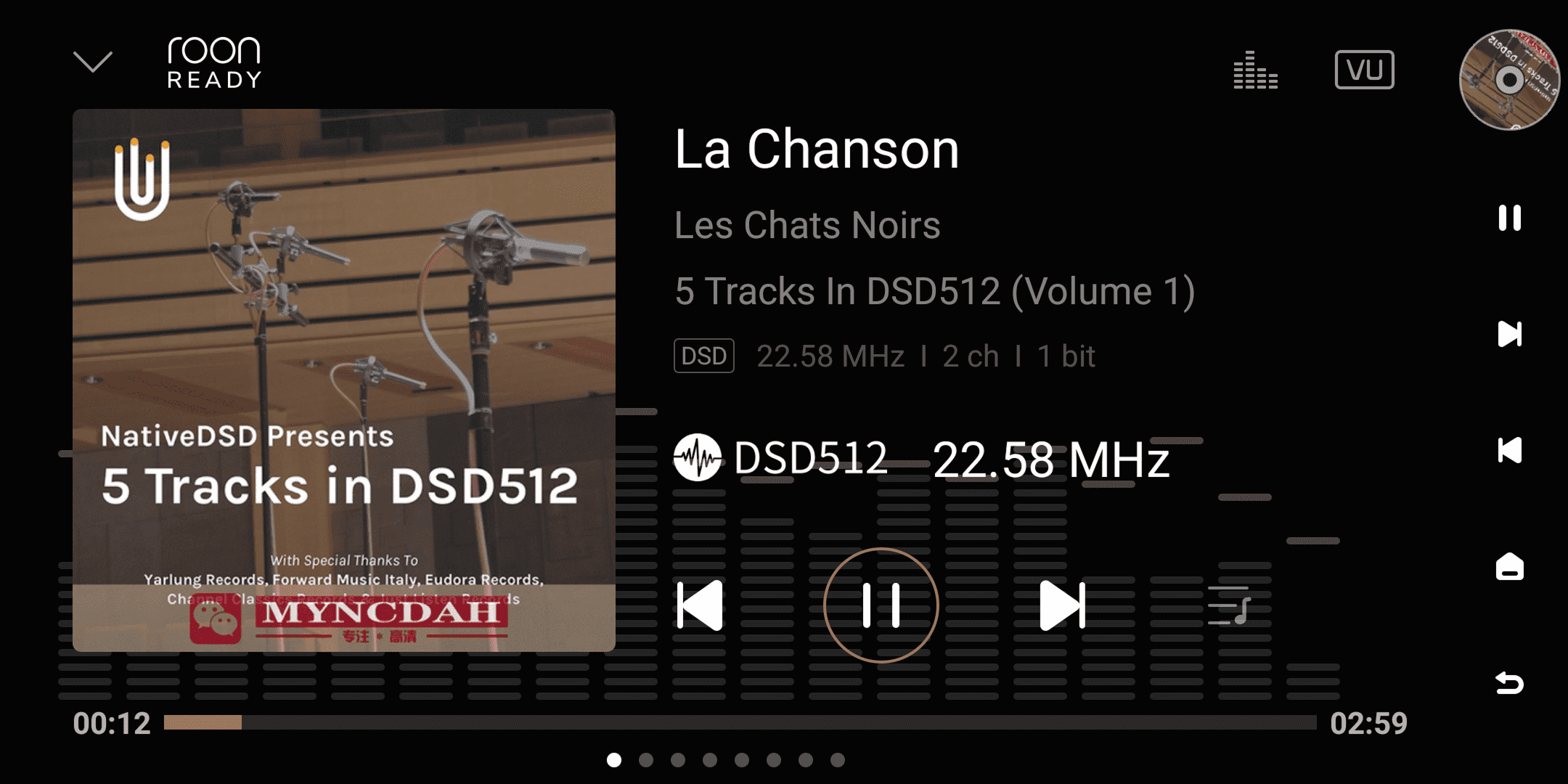
Eversolo devices are officially certified by Roon and can be used as high-quality audio bridging terminals within the Roon system.
- Open the Roon software and go to "Settings" → "Audio".
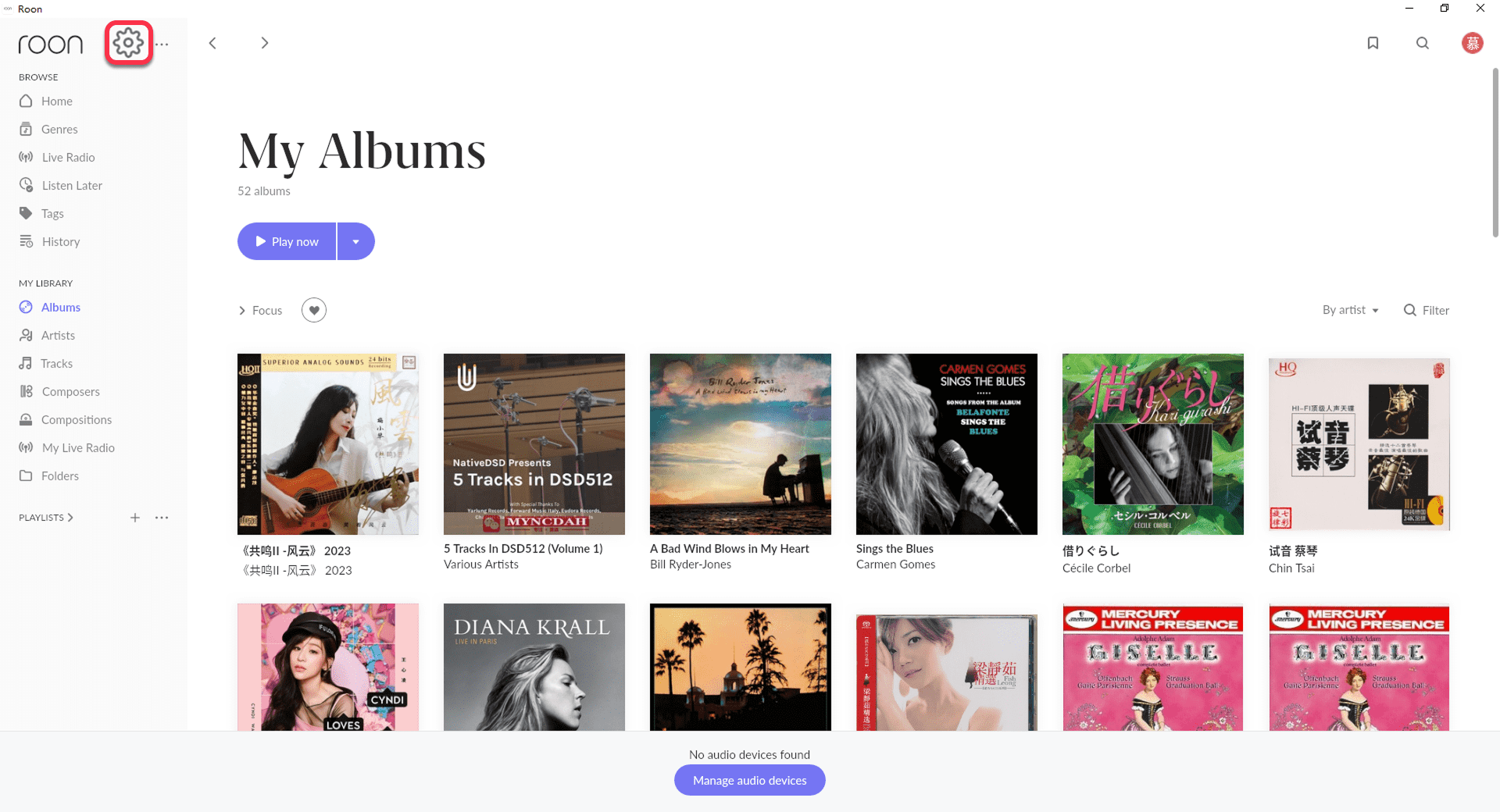
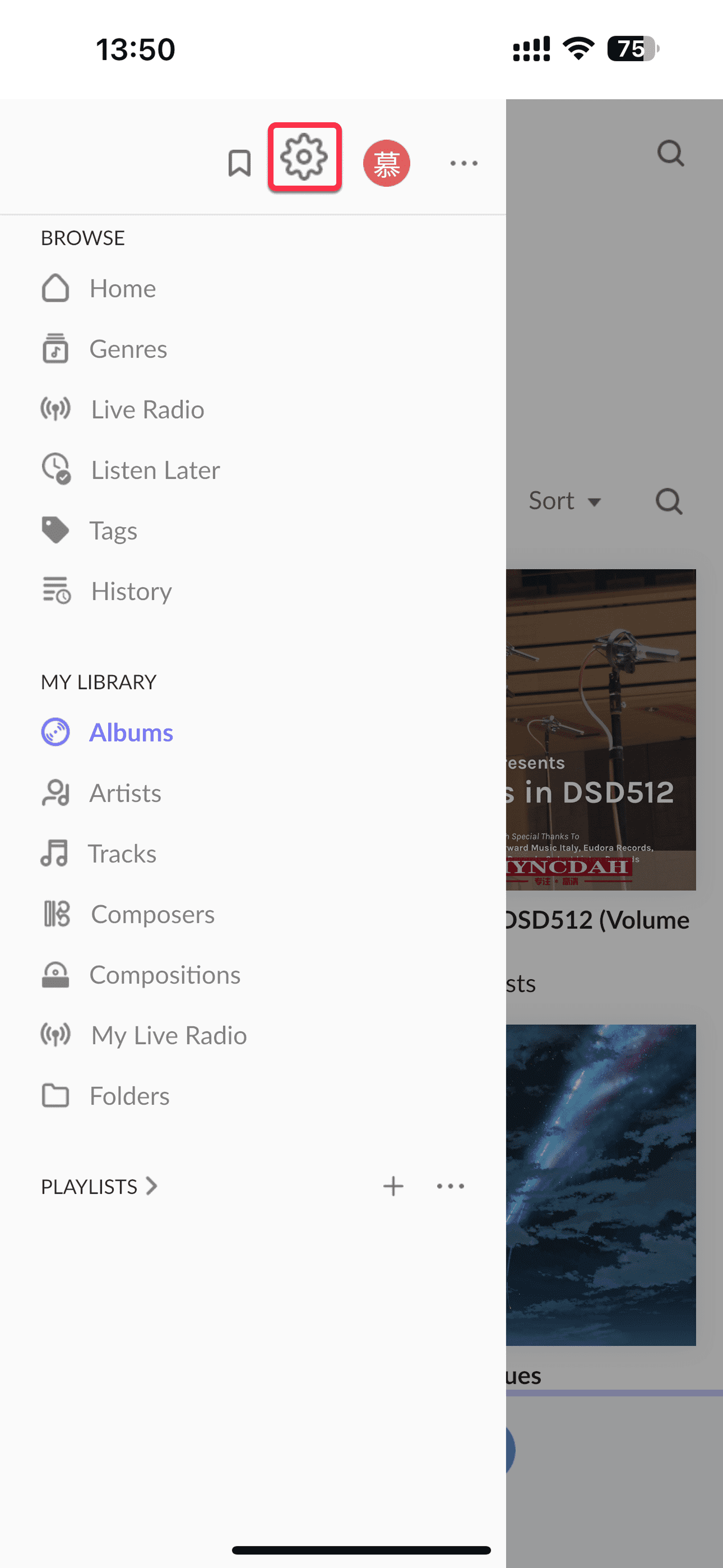
[Dual-end demonstration of the mobile and PC]
- In the Audio list, find "Roon Ready" and enable "Eversolo device".
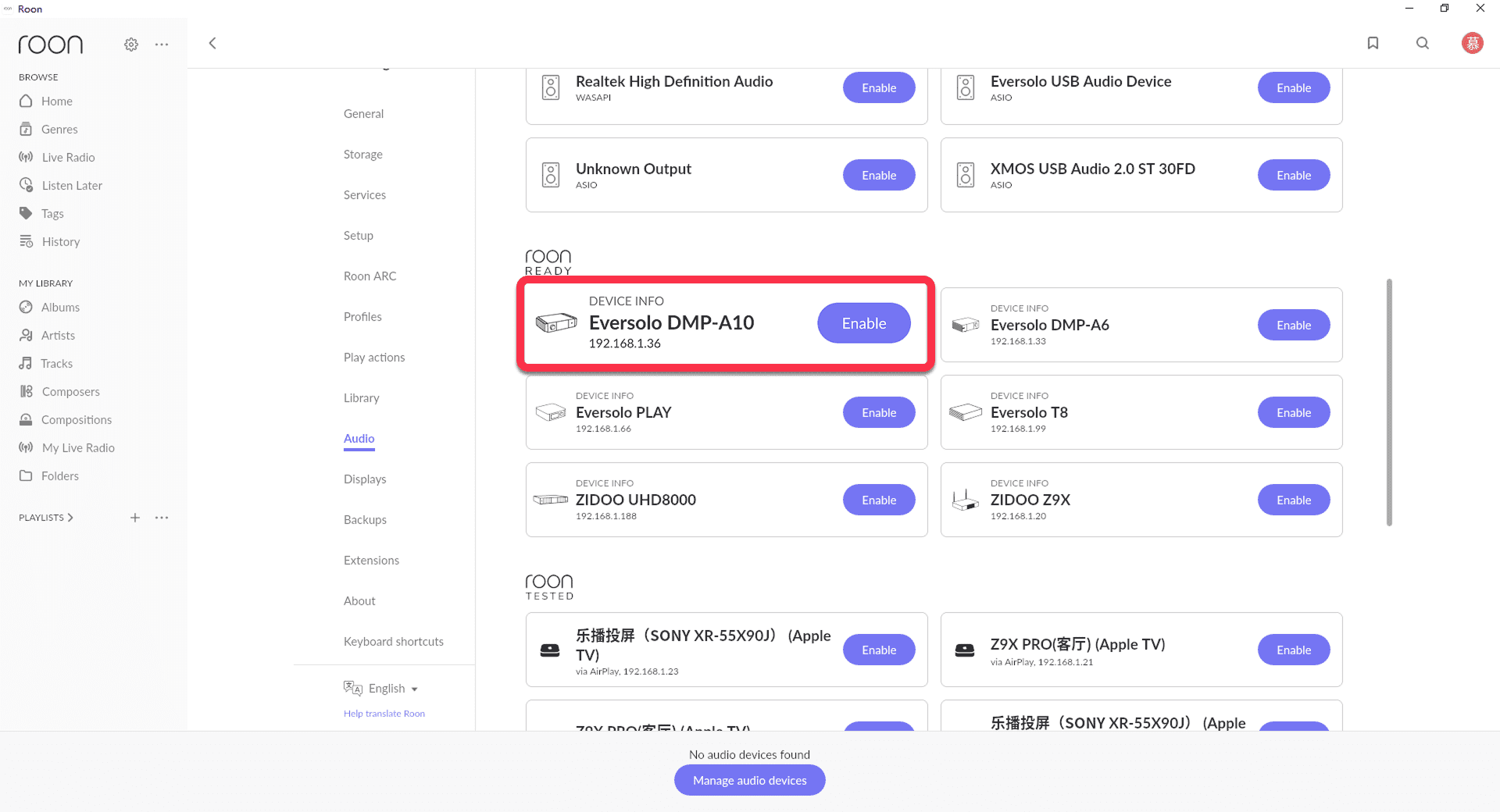
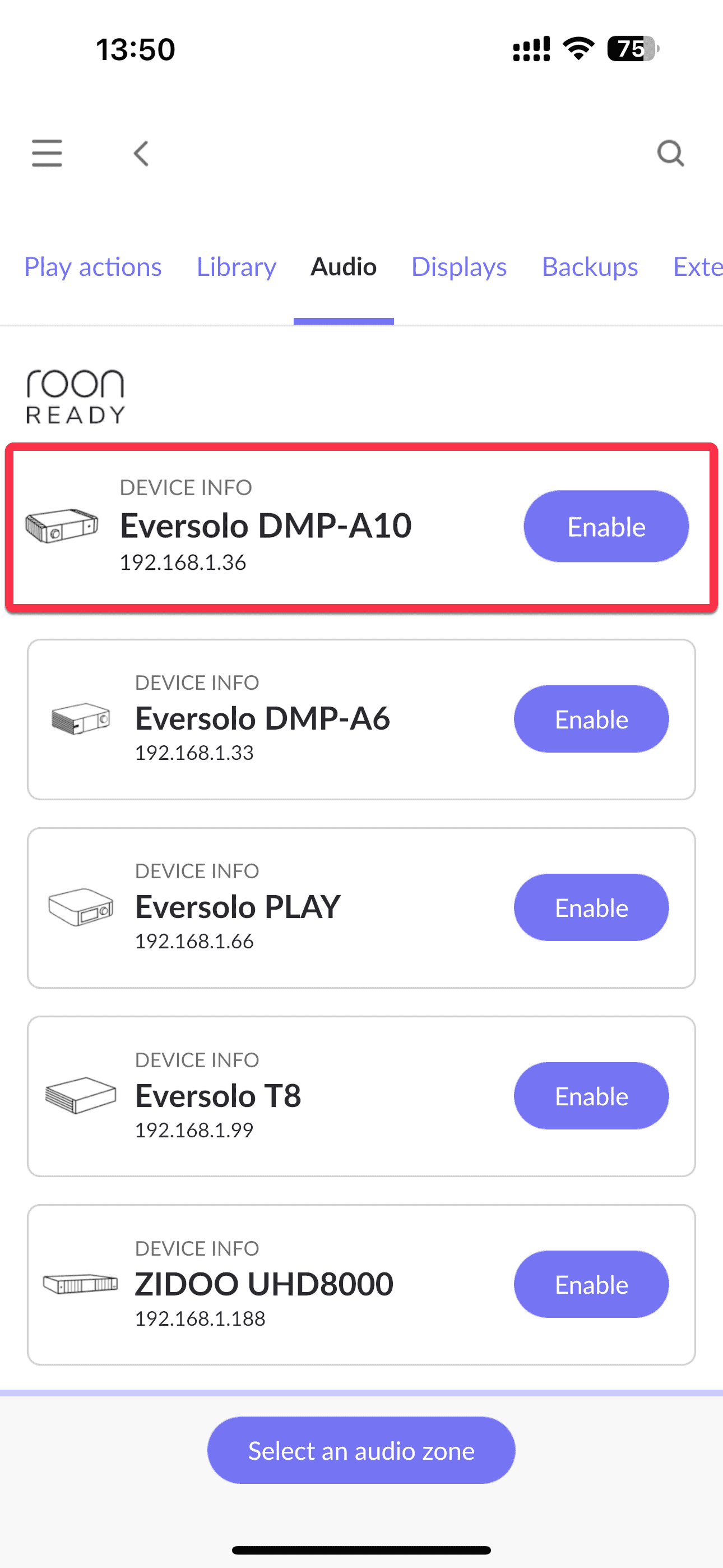
[Dual-end demonstration of the mobile and PC]
- In the Roon playback interface, tap the "Select an audio zone" icon at the bottom (displayed as a device icon on mobile devices) and select your Eversolo as the output device.
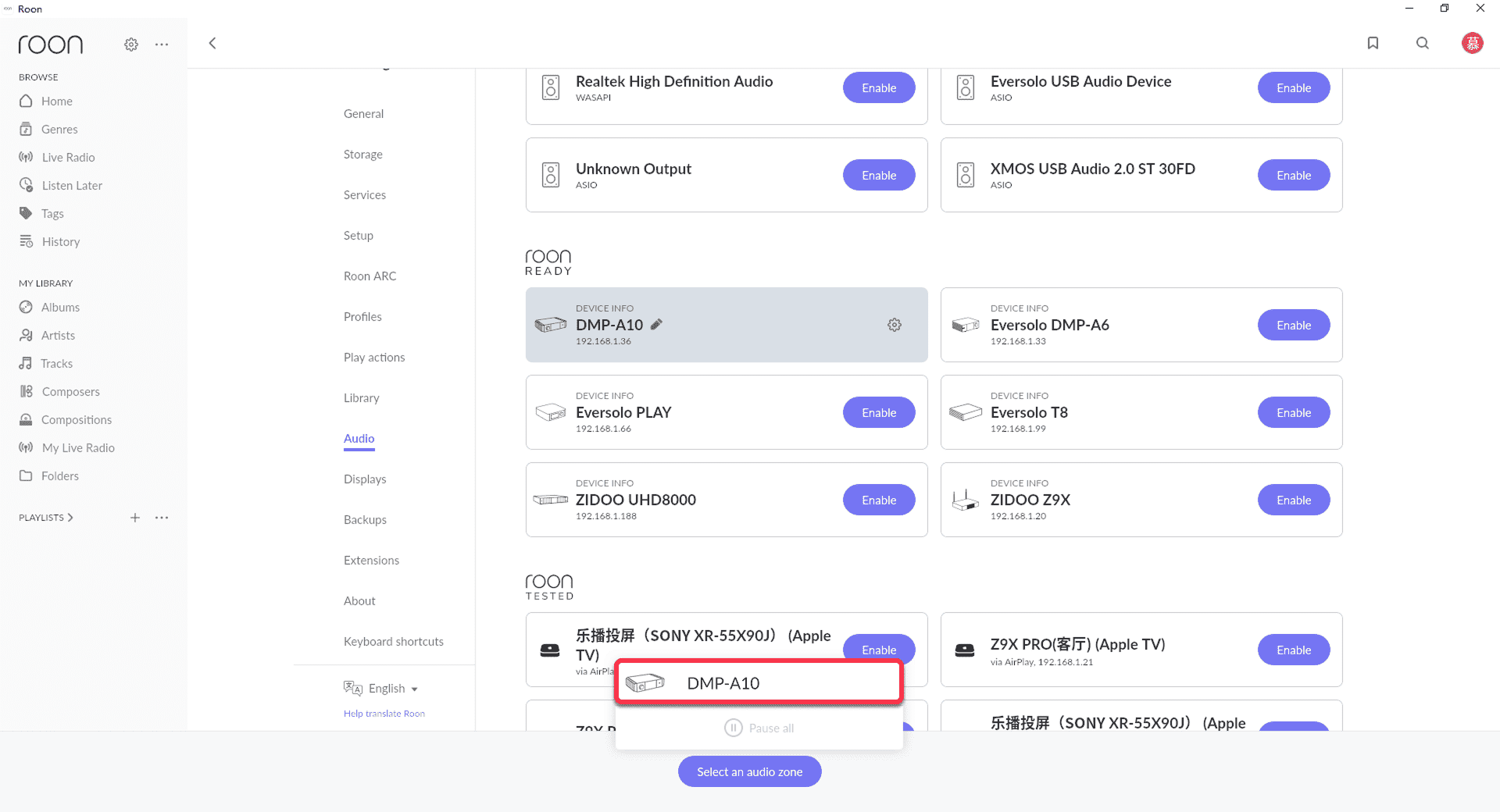
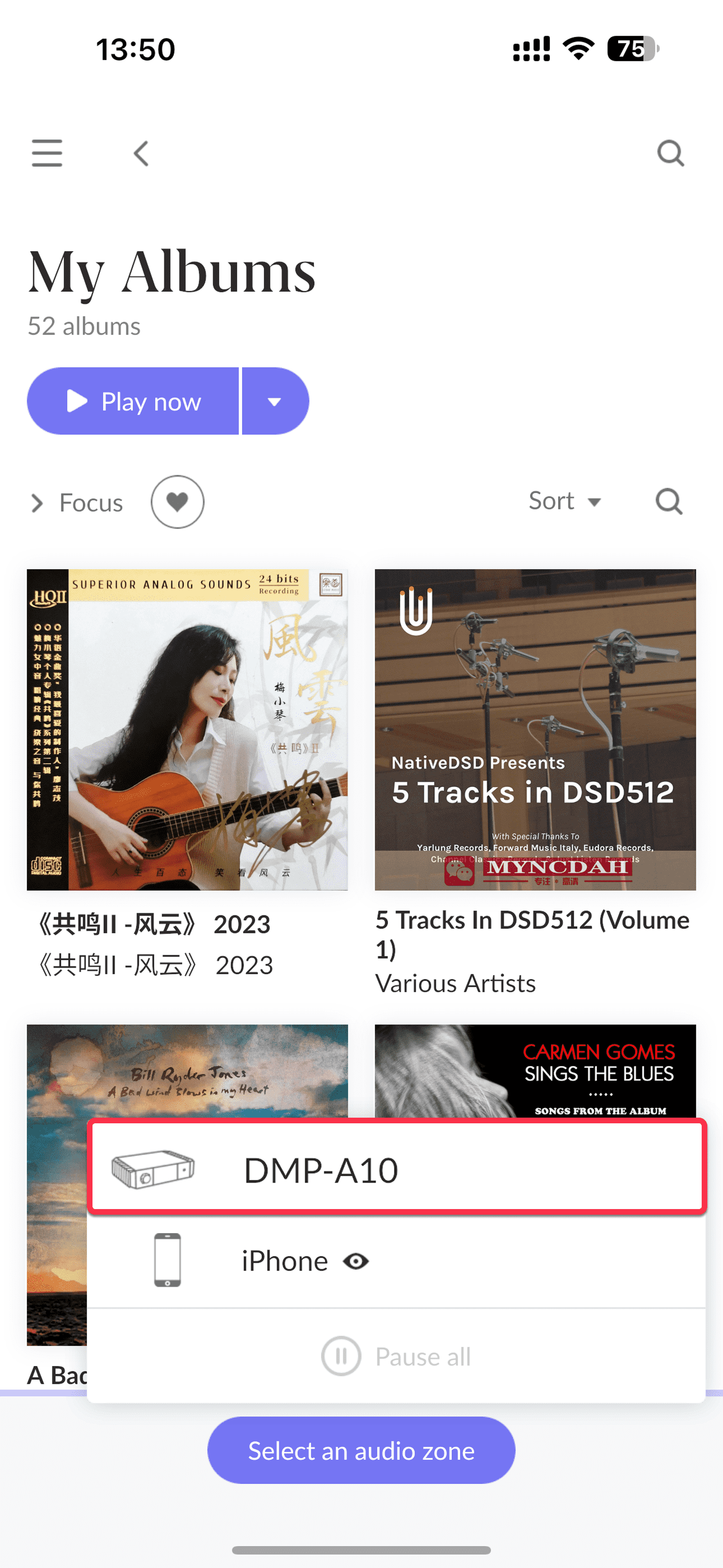
[Dual-end demonstration of the mobile and PC]
4.Select a track in the Roon music library to play. The audio will be streamed to the Eversolo device in its original quality, and playback details will be displayed simultaneously on the device screen.
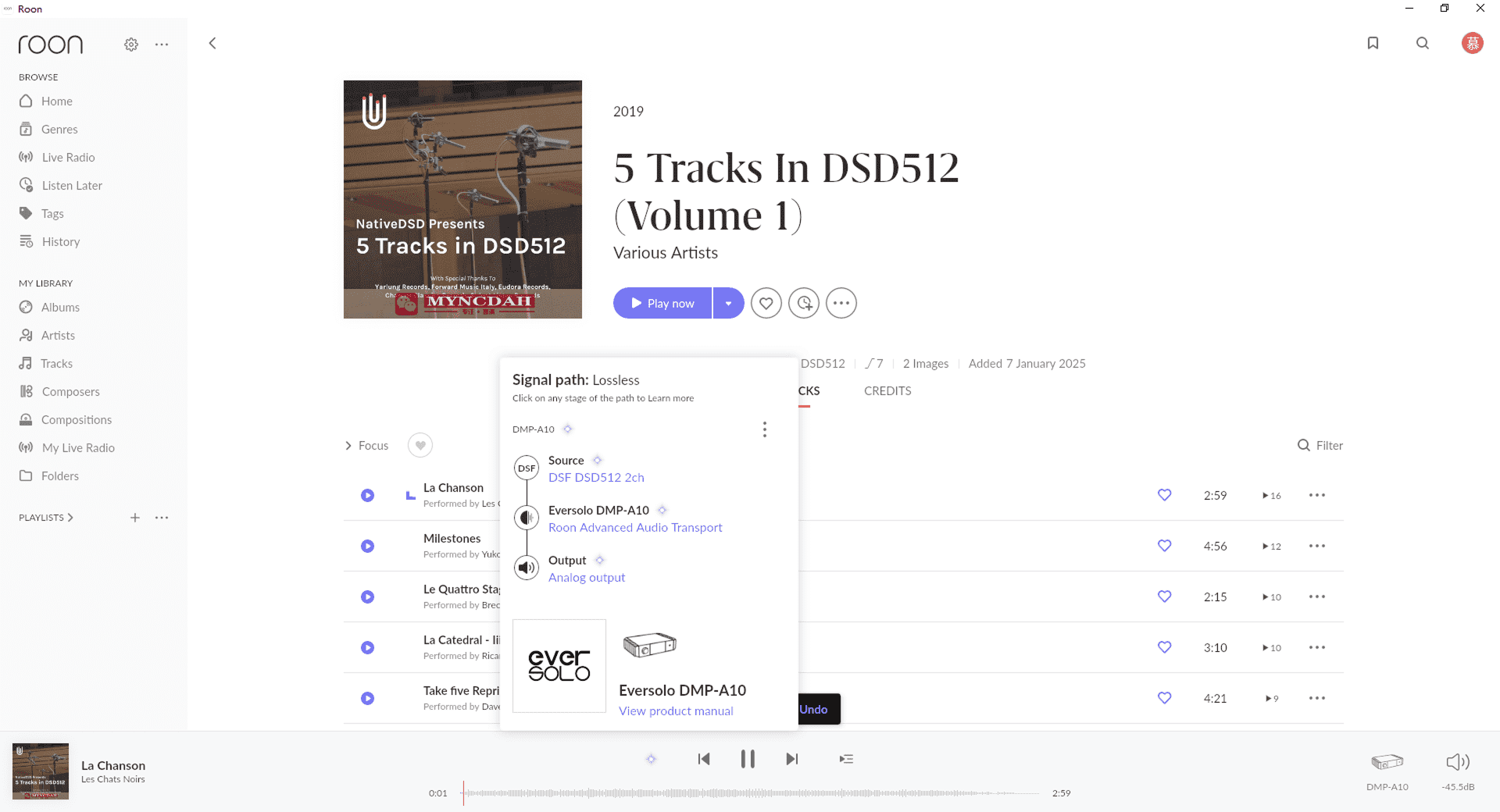
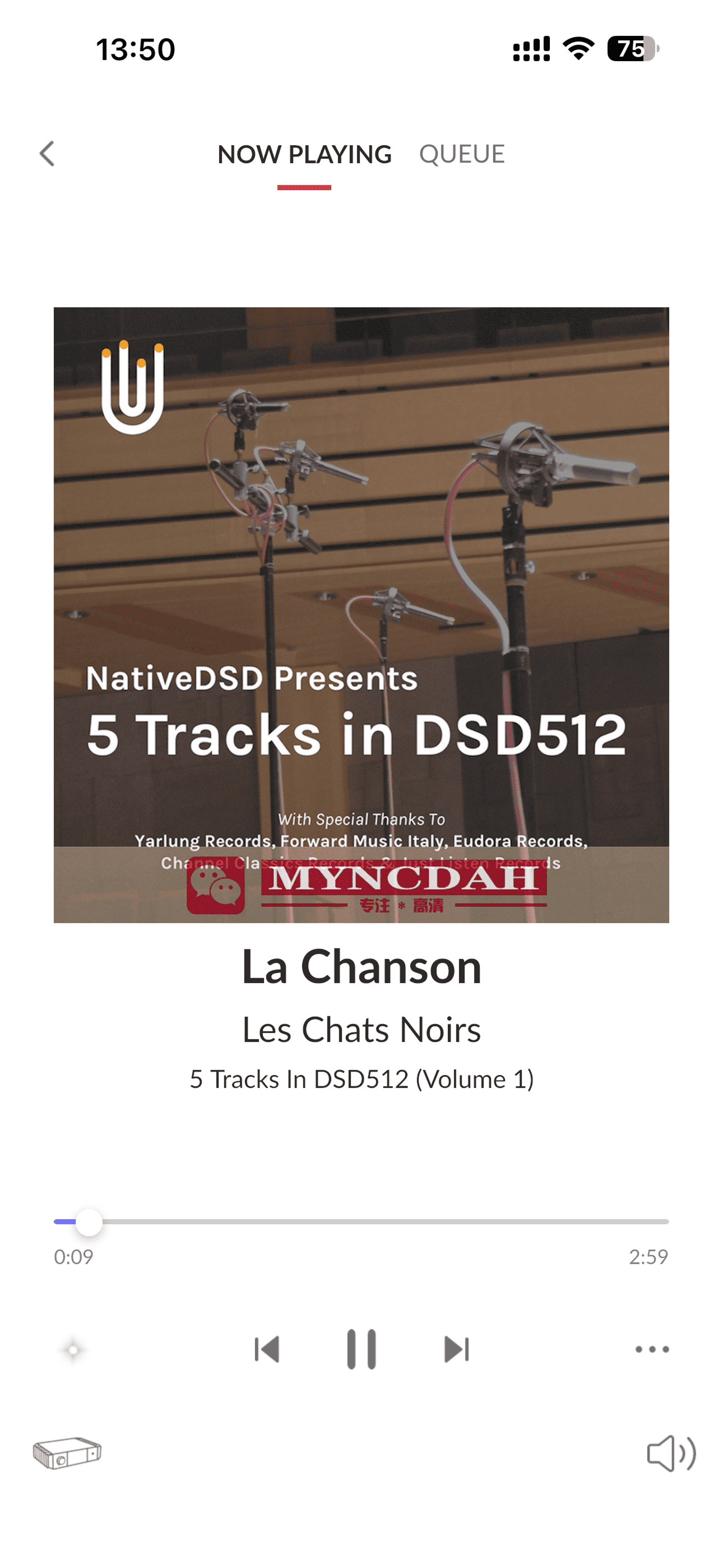
[Dual-end demonstration of the mobile and PC]