1. Preparation
Before using the Spreaker service, you need to prepare a valid Spreaker account.
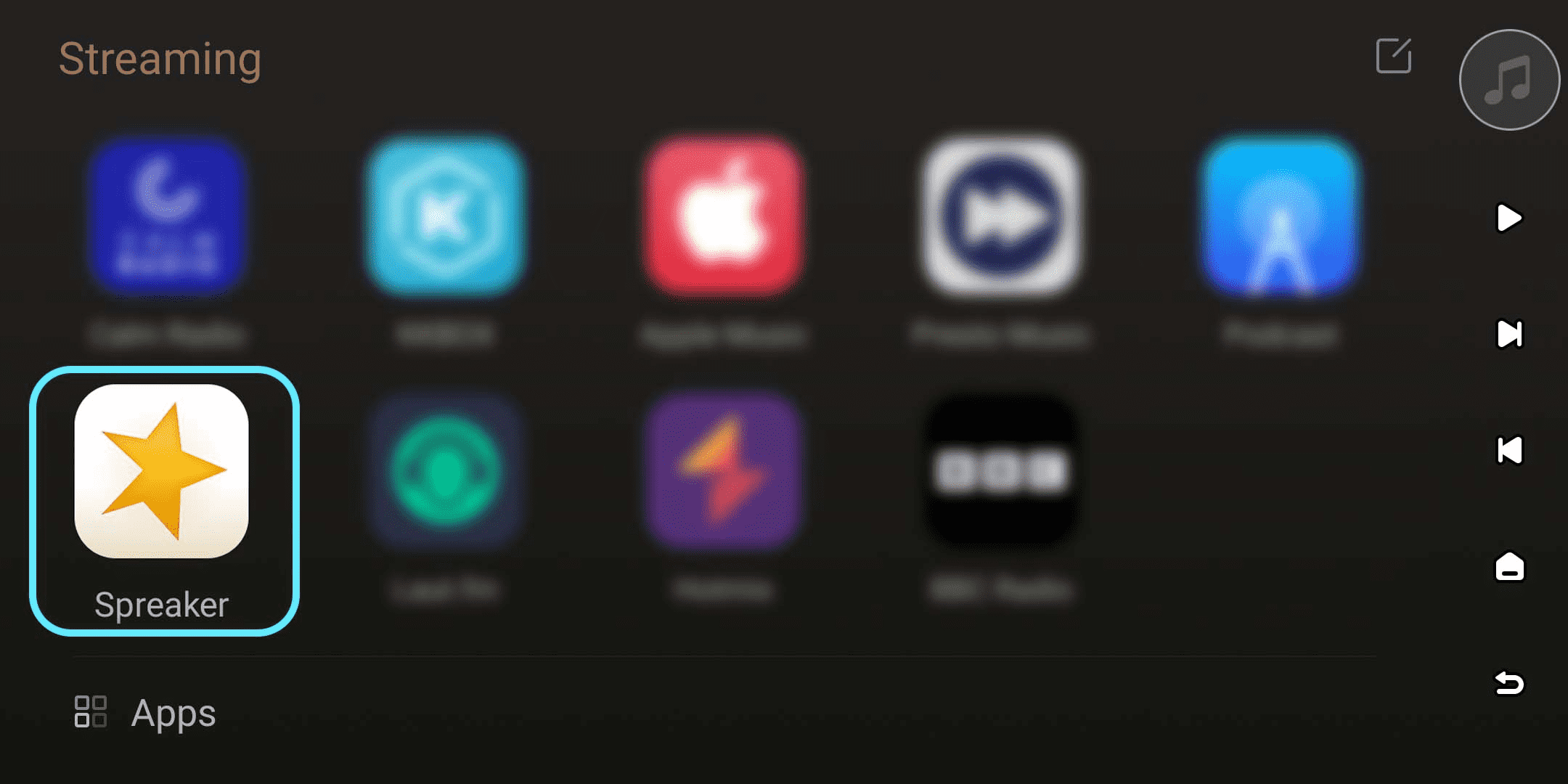
For first-time users, please open Spreaker in the "Streaming" - "Music" menu on your device and follow the prompts to log in.
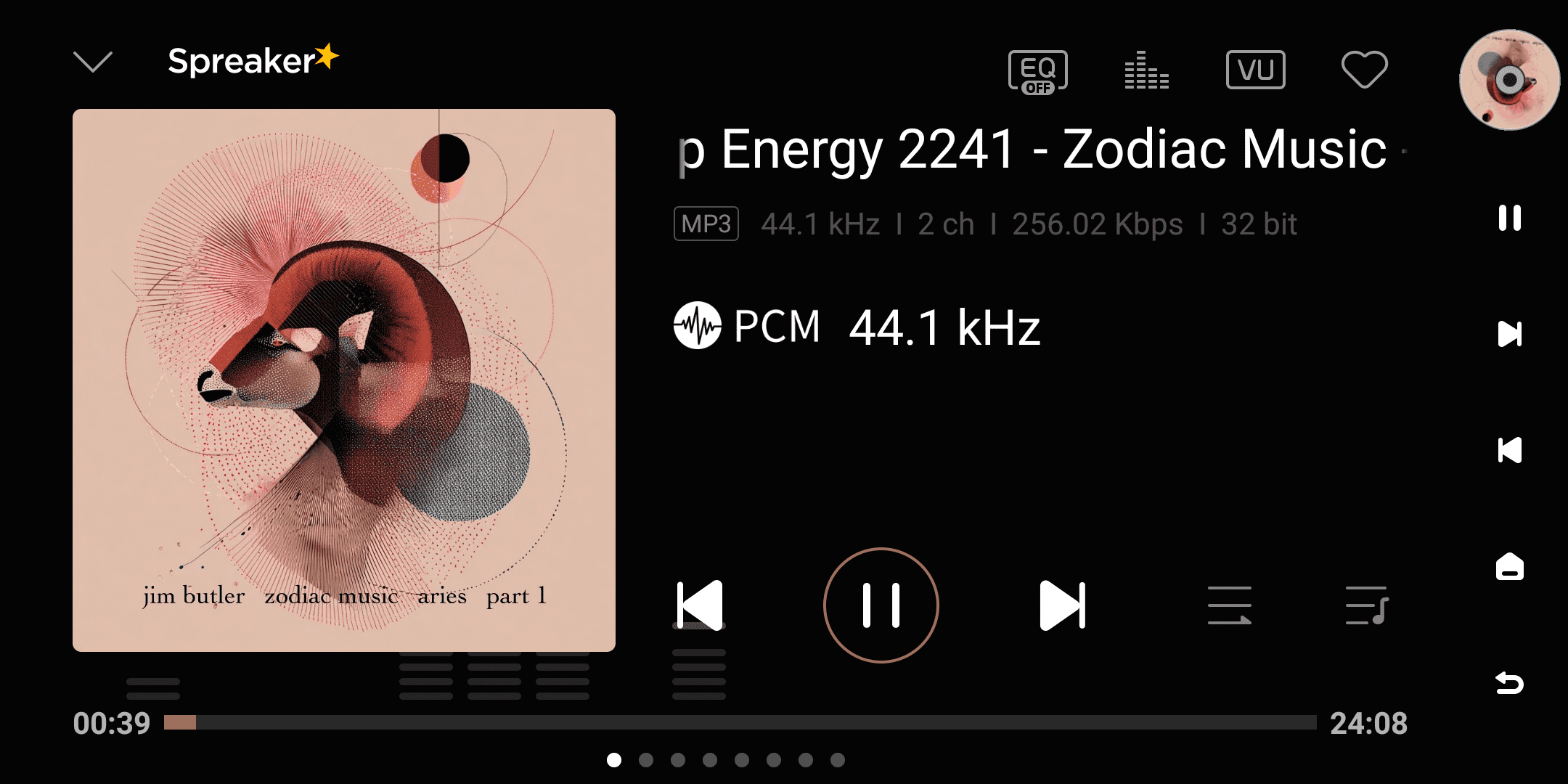
[Dual-end demonstration of the device and Eversolo Control]
2. Log In
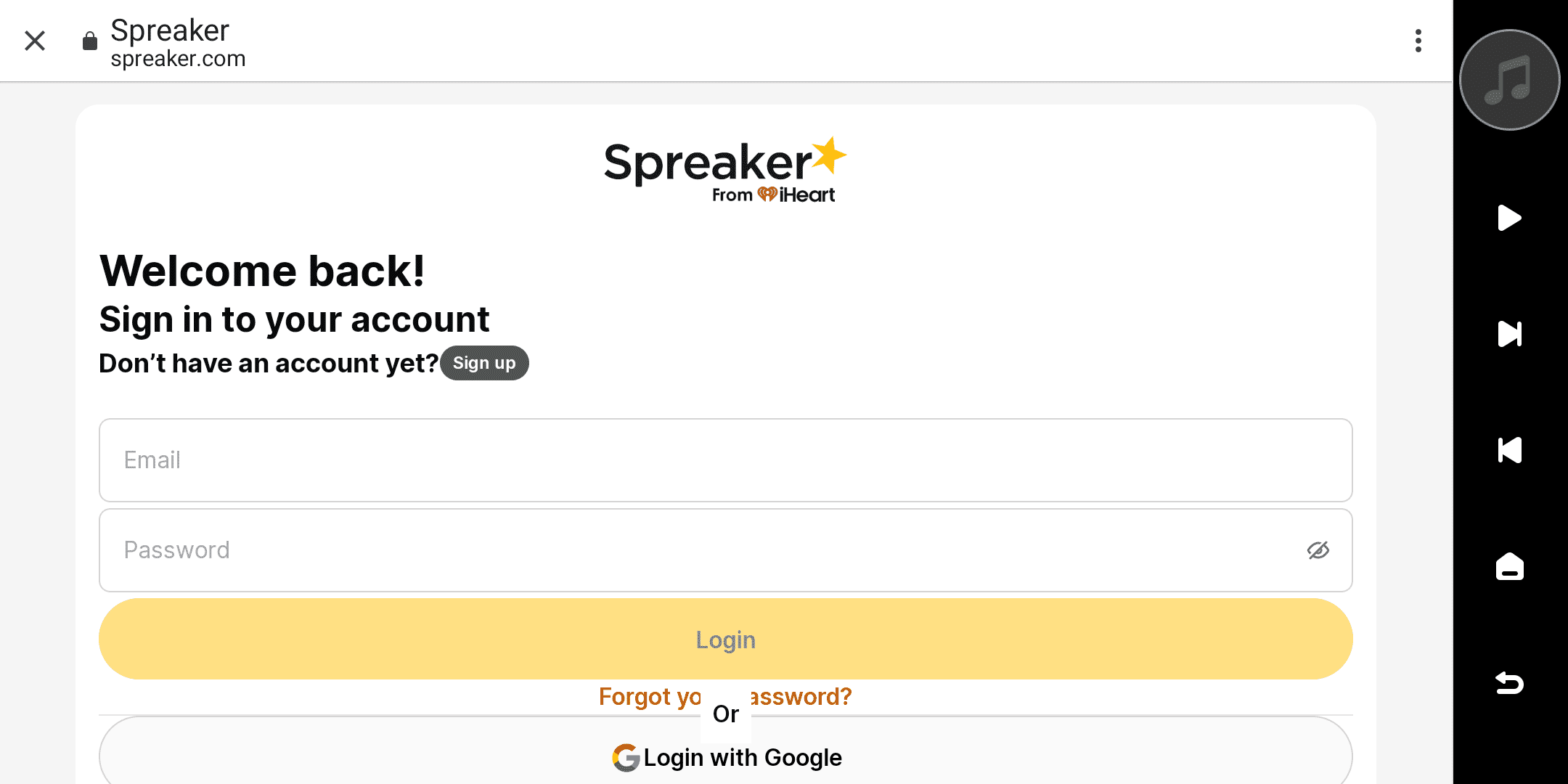
Enter your Spreaker account and password in your device to log in.
If you haven't registered a Spreaker account yet, please click "Sign up" and follow the prompts to complete the account registration process.
3. Browsing
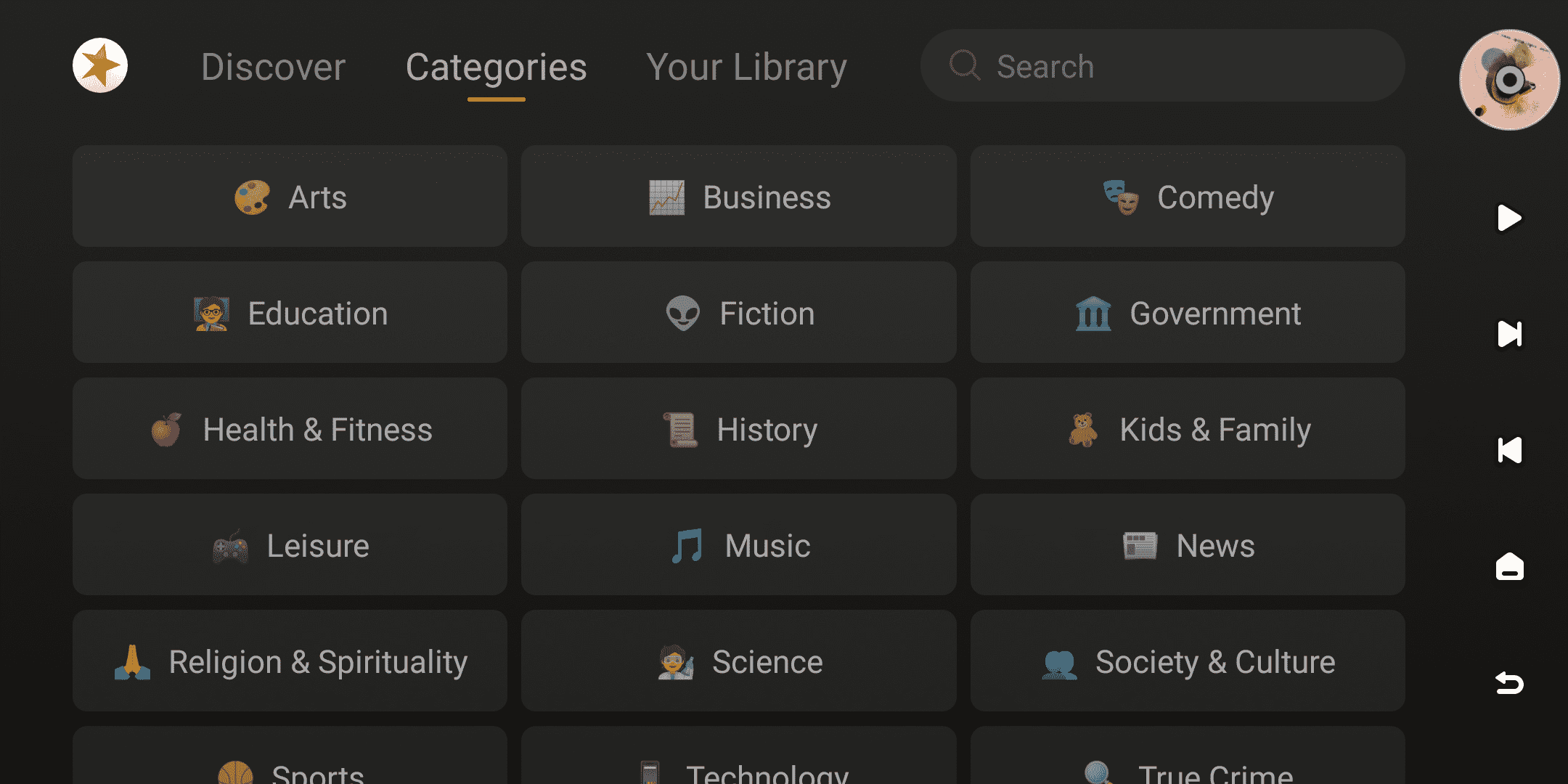
After successfully logging in, you can browse Spreaker content in your device . The homepage offers sections such as Discover, Categories, and Your Library.
Users can select and listen to different styles of radio programs in the "Discover" and "Categories" sections. Recent playback history and saved radio stations will be displayed together on the "Your Library" page for easy viewing and management later.
4. Search
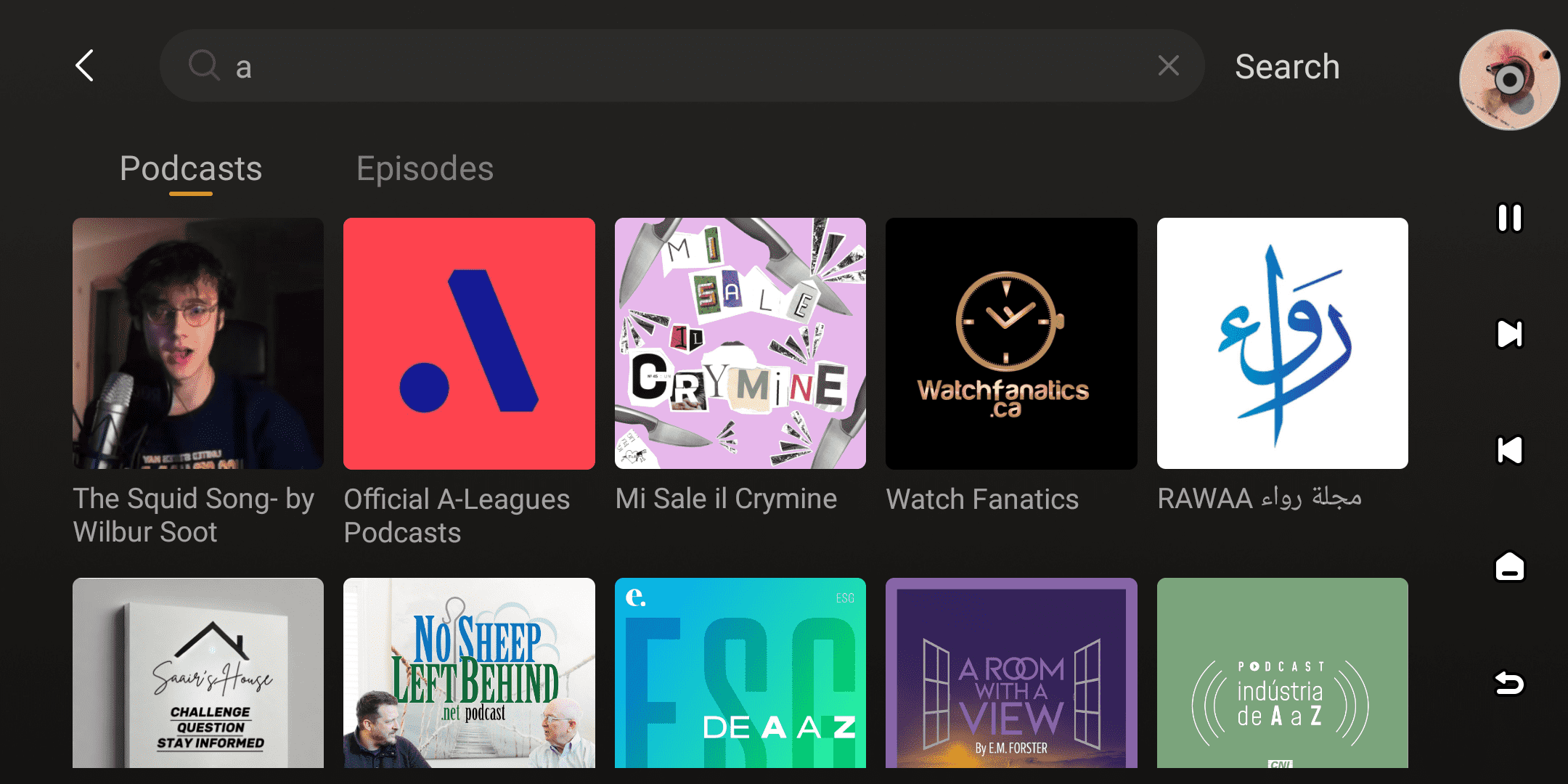
Click the search box at the top of the interface to search the Spreaker content library for Podcasts, Episodes, and other content to quickly locate your target podcast.
5. More
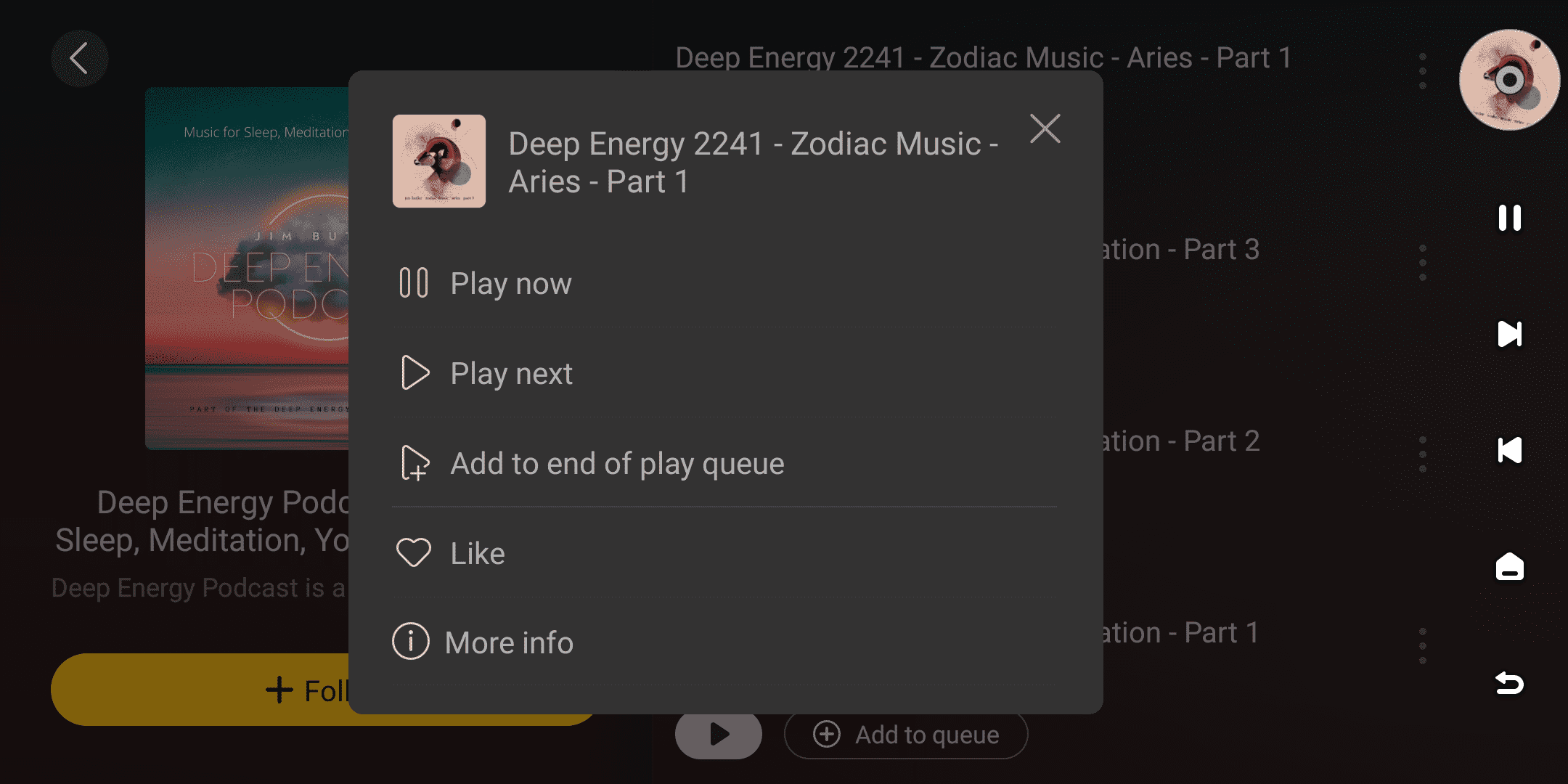
While browsing a podcast list or collection, click the "More" icon to the right of an episode to open the operation menu.
This menu supports the following functions:
| More menus for episodes |
|---|
| Play now (device end only) |
| Next song play (device end only) |
| Add to the end of play queue (device end only) |
| View podcast information |
6. Streaming Quality
When using the Spreaker service, the device will output directly according to the current audio source specifications. The actual audio quality depends on the original audio quality provided by the Spreaker platform.