DLNA is an open network streaming protocol supported by many music apps on the Android platform and local music servers on PC platforms (such as JRiver).
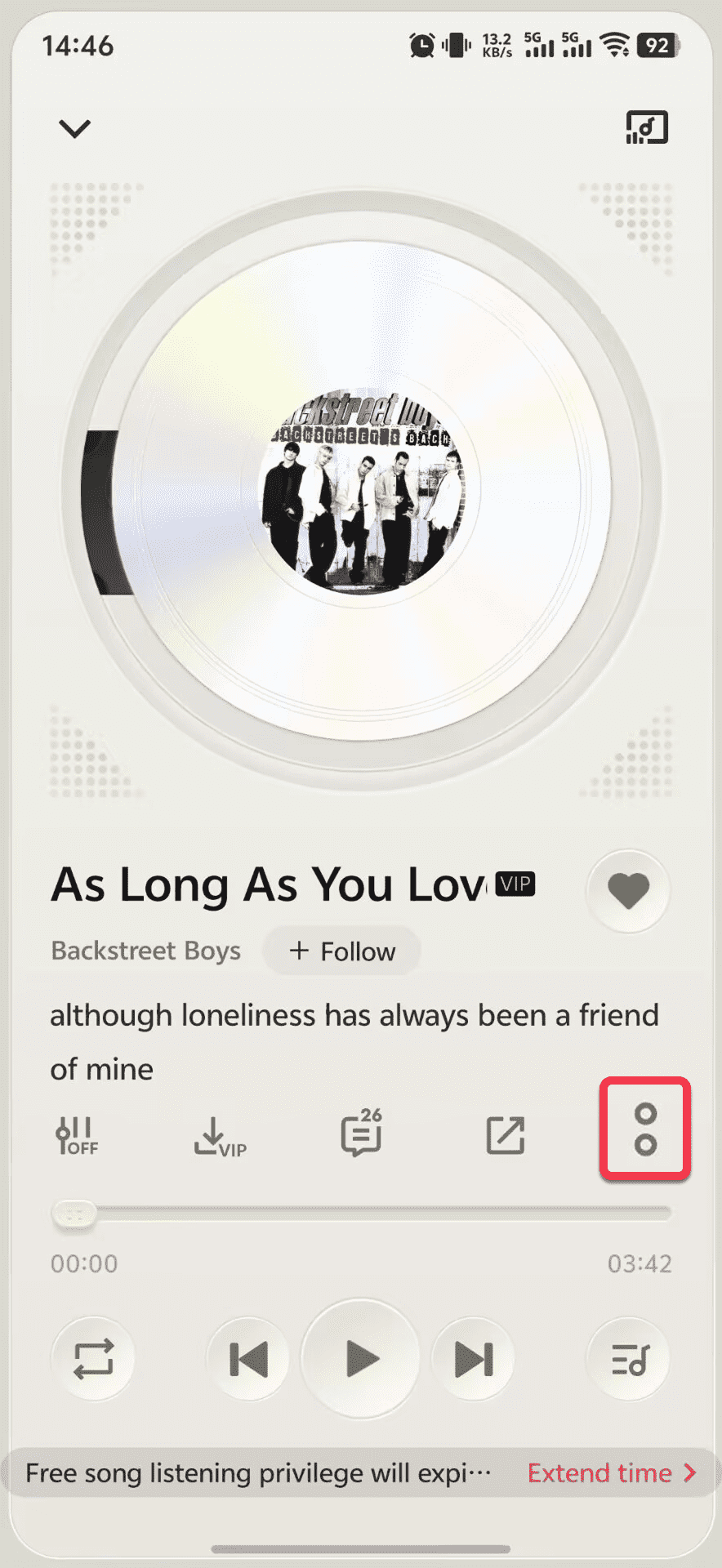
- Play a song in a DLNA-enabled music app and go to the playback details page.
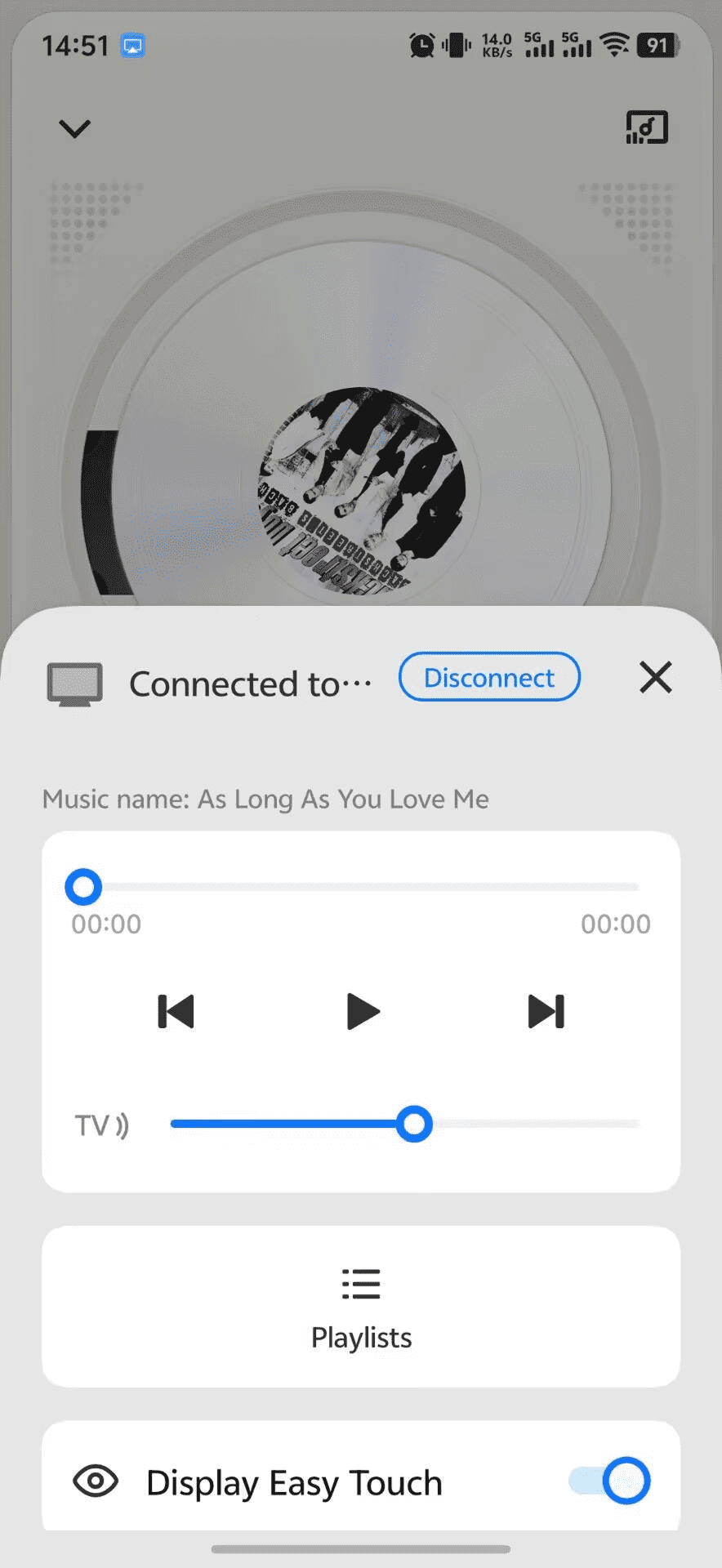
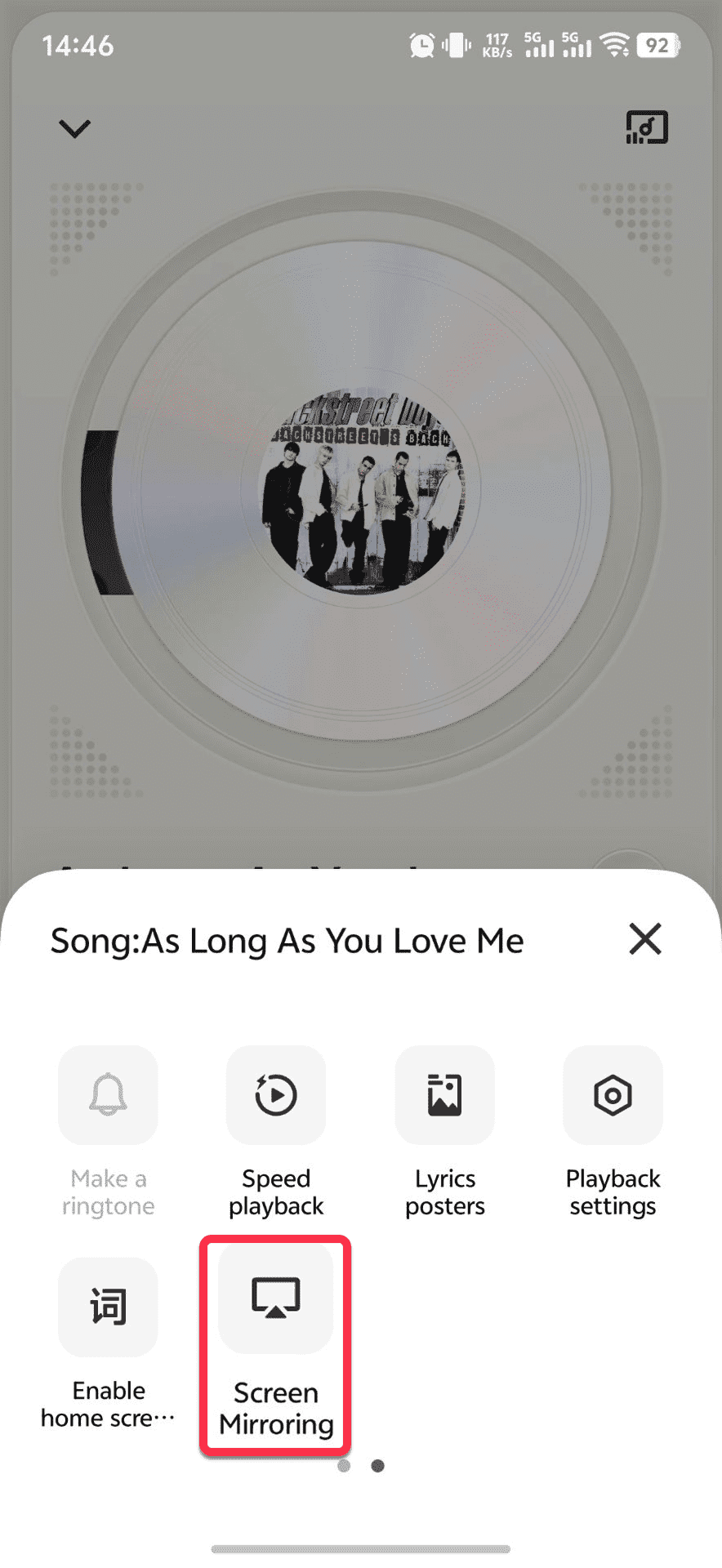
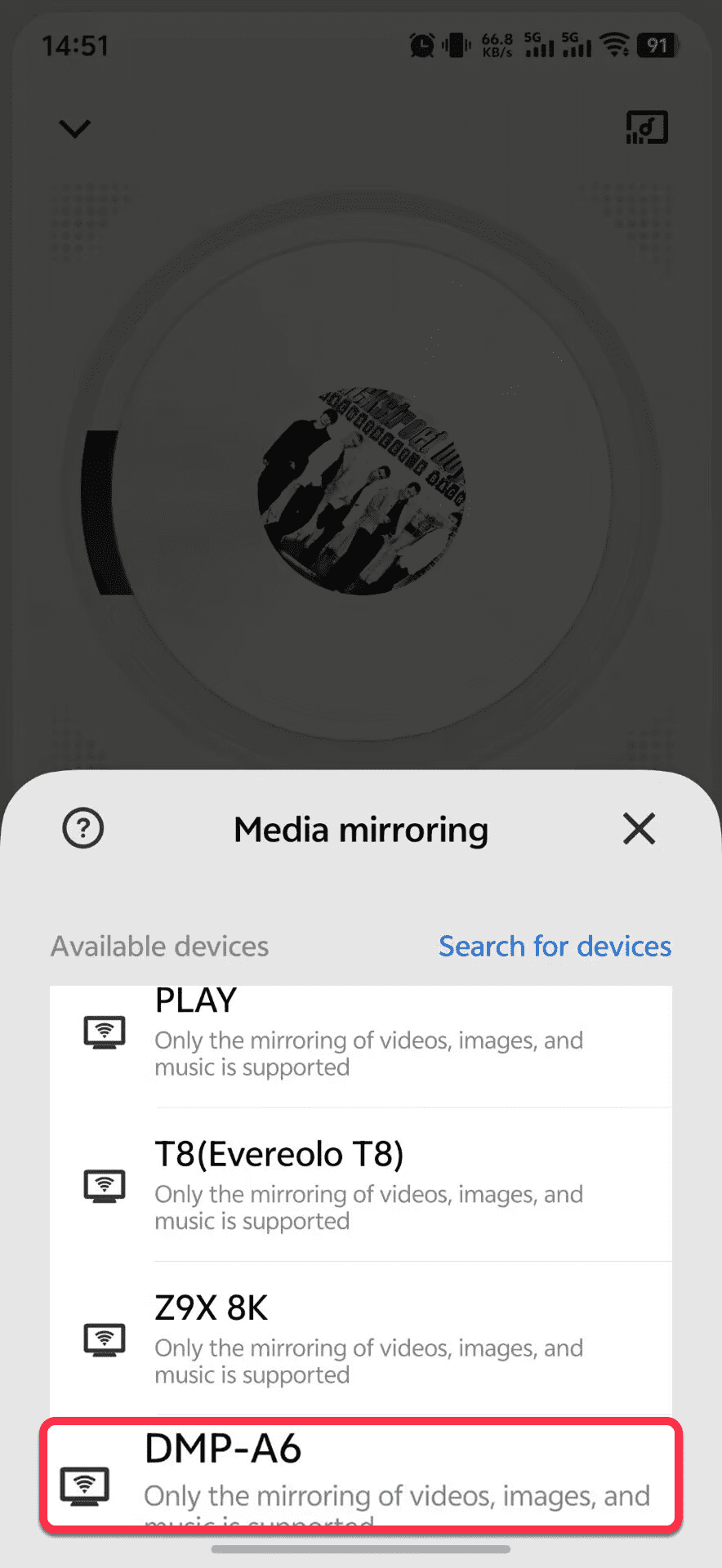
- Tap the "DLNA" icon (usually in the More menu), and select your "Eversolo device" from the device list.
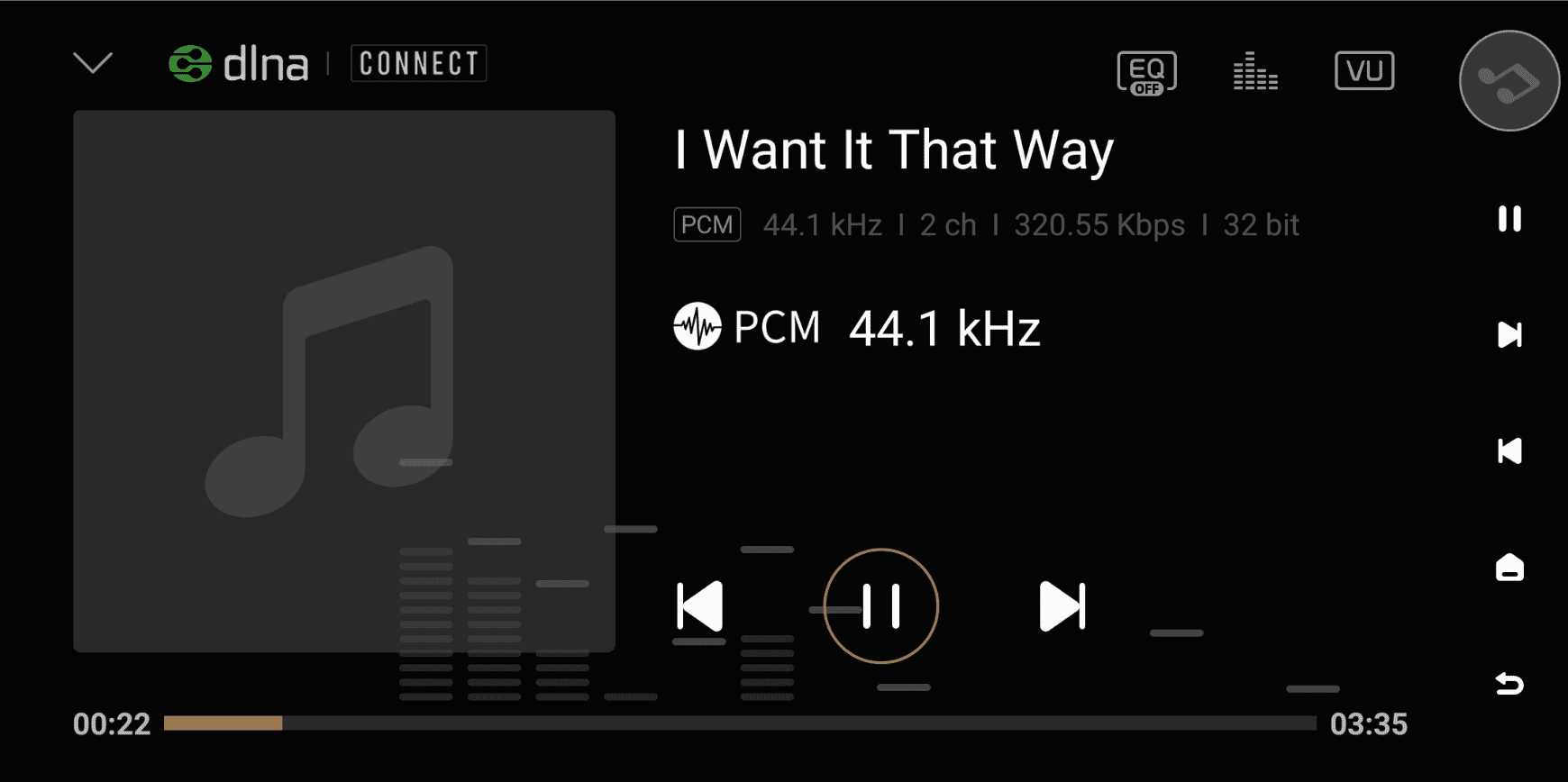
- Music will be automatically streamed to the device, and playback information will be displayed simultaneously.