1. Preparation
Before using the HIGHRESAUDIO music service, you need to prepare a valid HIGHRESAUDIO account.
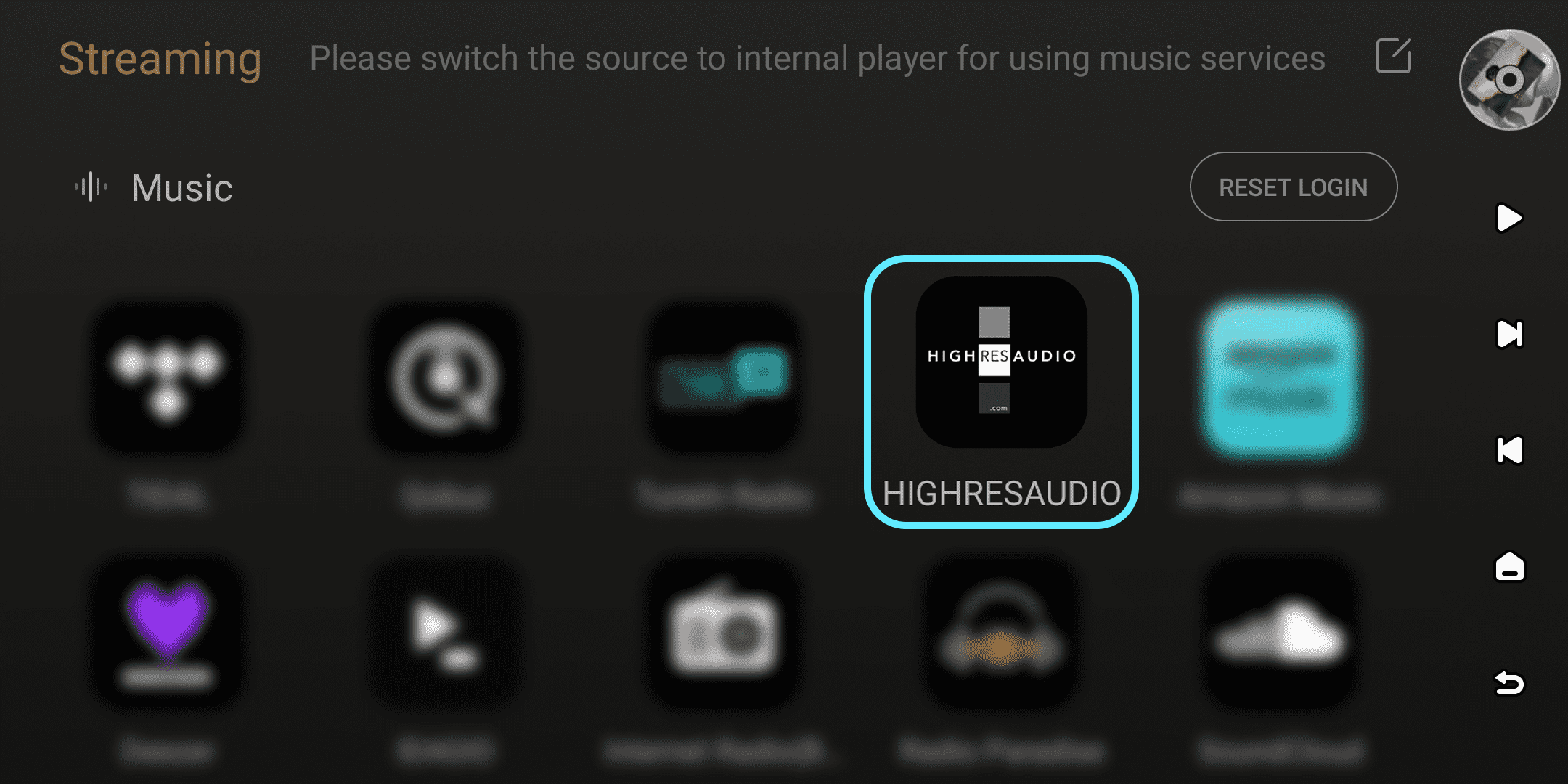
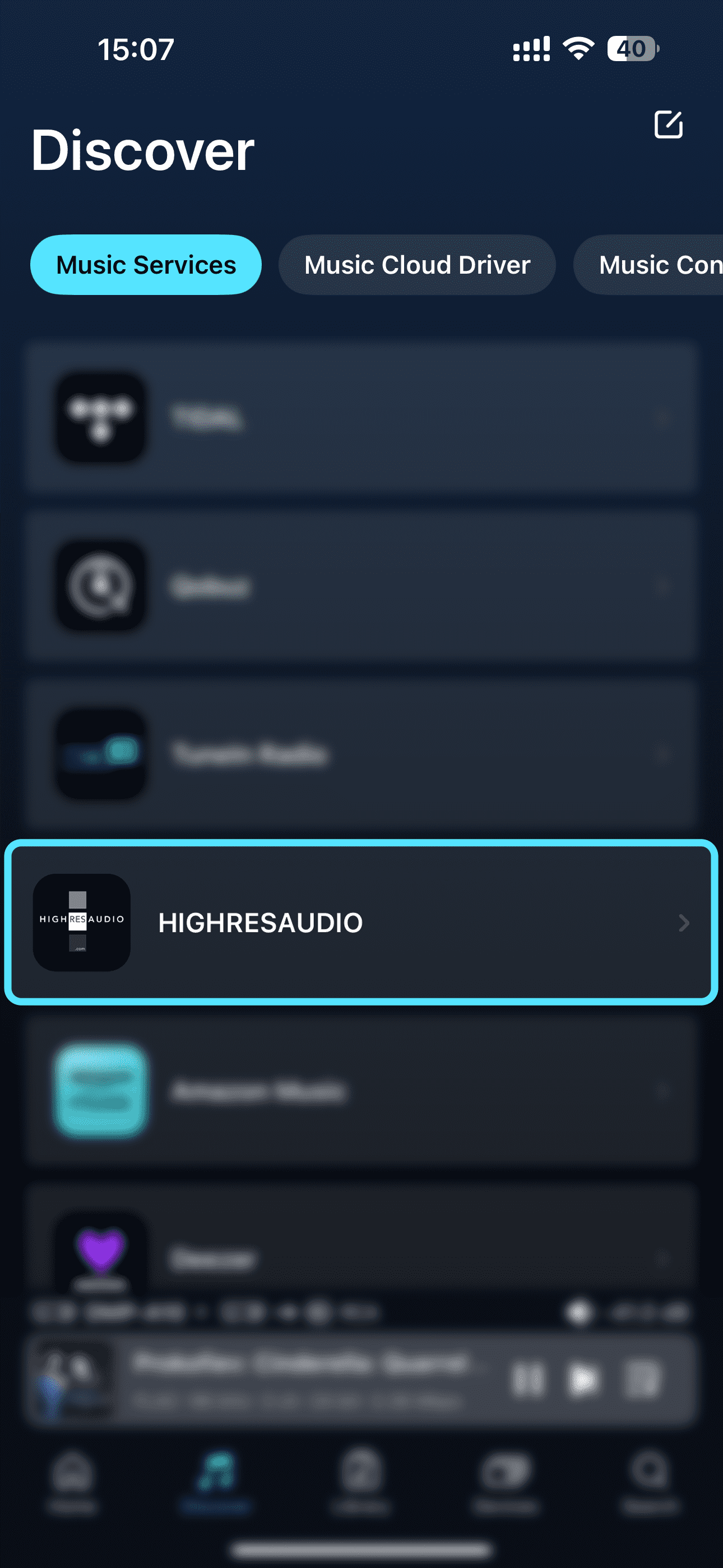
For first-time login, open HIGHRESAUDIO on your device under "Streaming" - "Music", or open it in the Eversolo Control app under "Discover" - "Music Services". Follow the on-screen prompts to complete login.
2. Log In
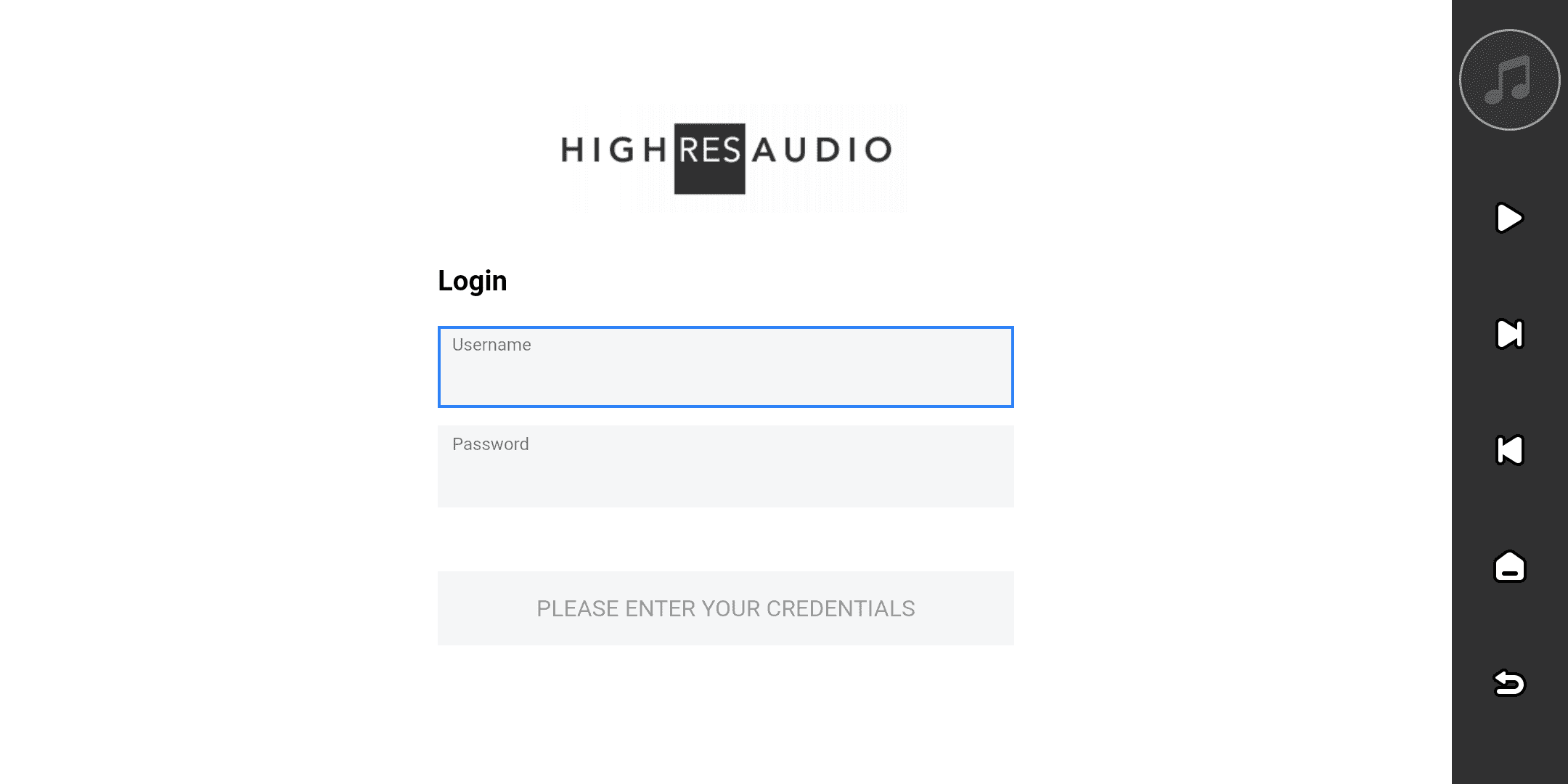
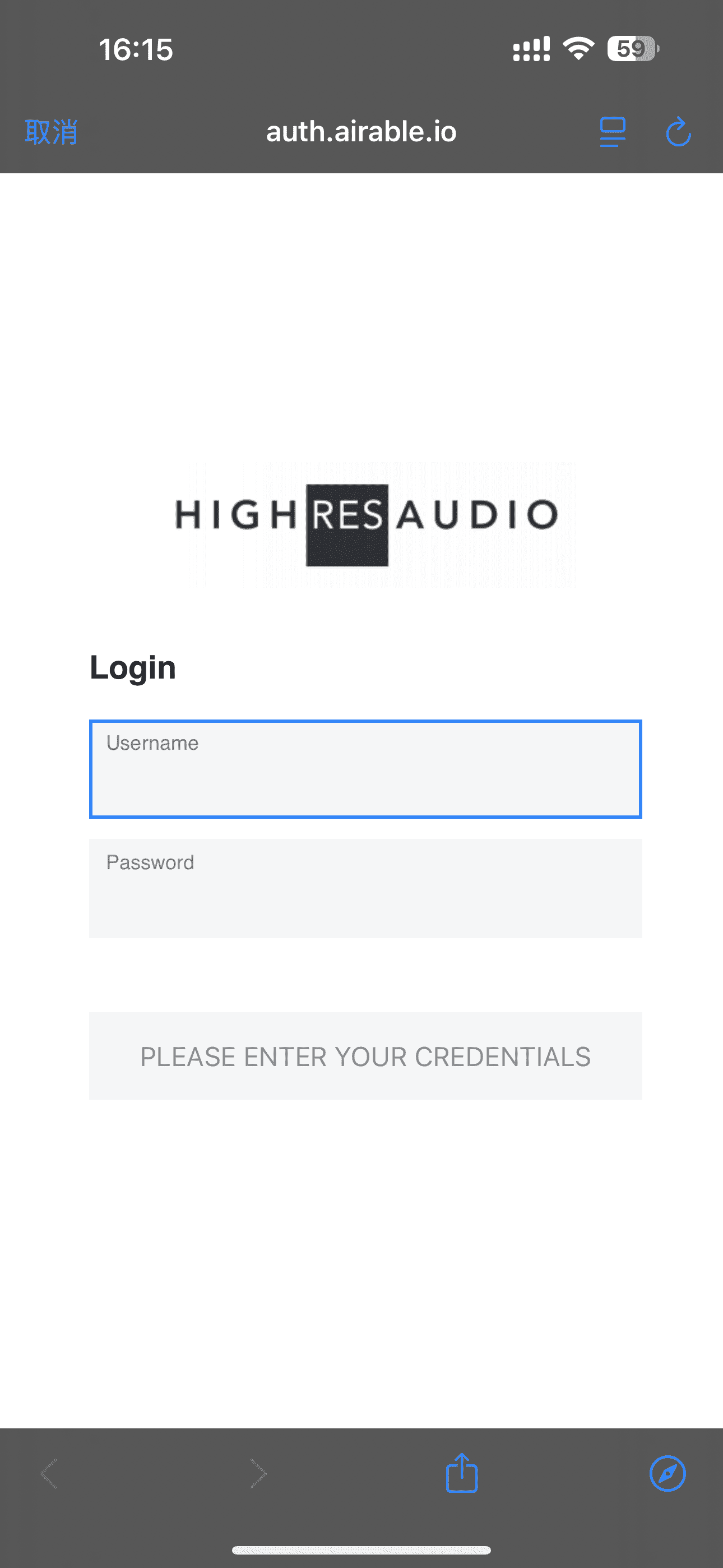
Please enter your HIGHRESAUDIO account and password on your device or in the Eversolo Control app to log in.
If you haven't created a HIGHRESAUDIO account yet, please register an account on the HIGHRESAUDIO website: https://www.highresaudio.com/en/user/login, or on the official HIGHRESAUDIO app.
3. Browsing
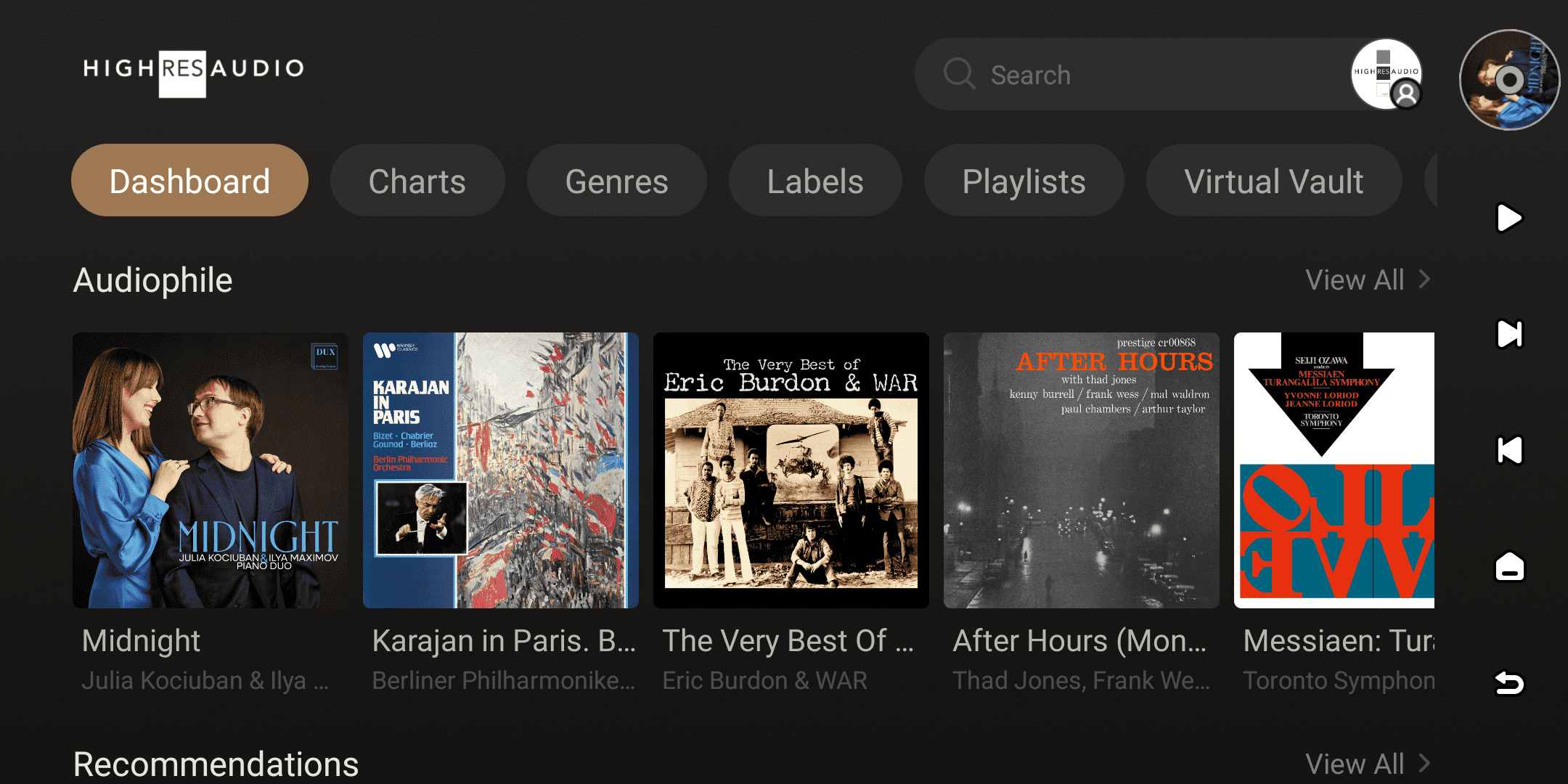
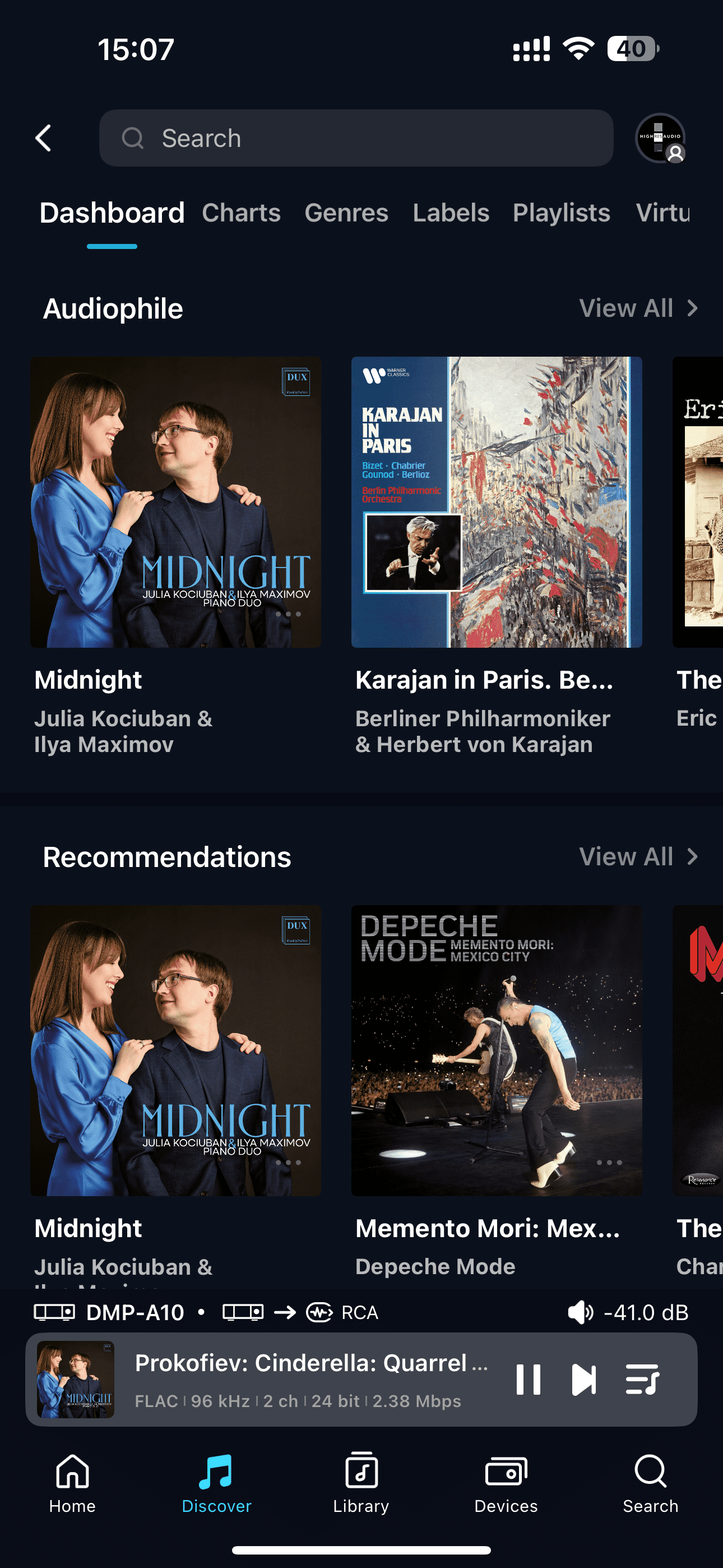
After successfully logging in, you can browse HIGHRESAUDIO music on your device or in the Eversolo Control app. At the top of the interface, you will see options such as Dashboard, Charts, Genres, Labels, Playlists, Virtual Vault, and My Music.
You can browse these categories layer by layer to access various recommended content from HIGHRESAUDIO curated music selection. You can also view your favorite playlists, albums, and singles in the My Music section.
4. Search
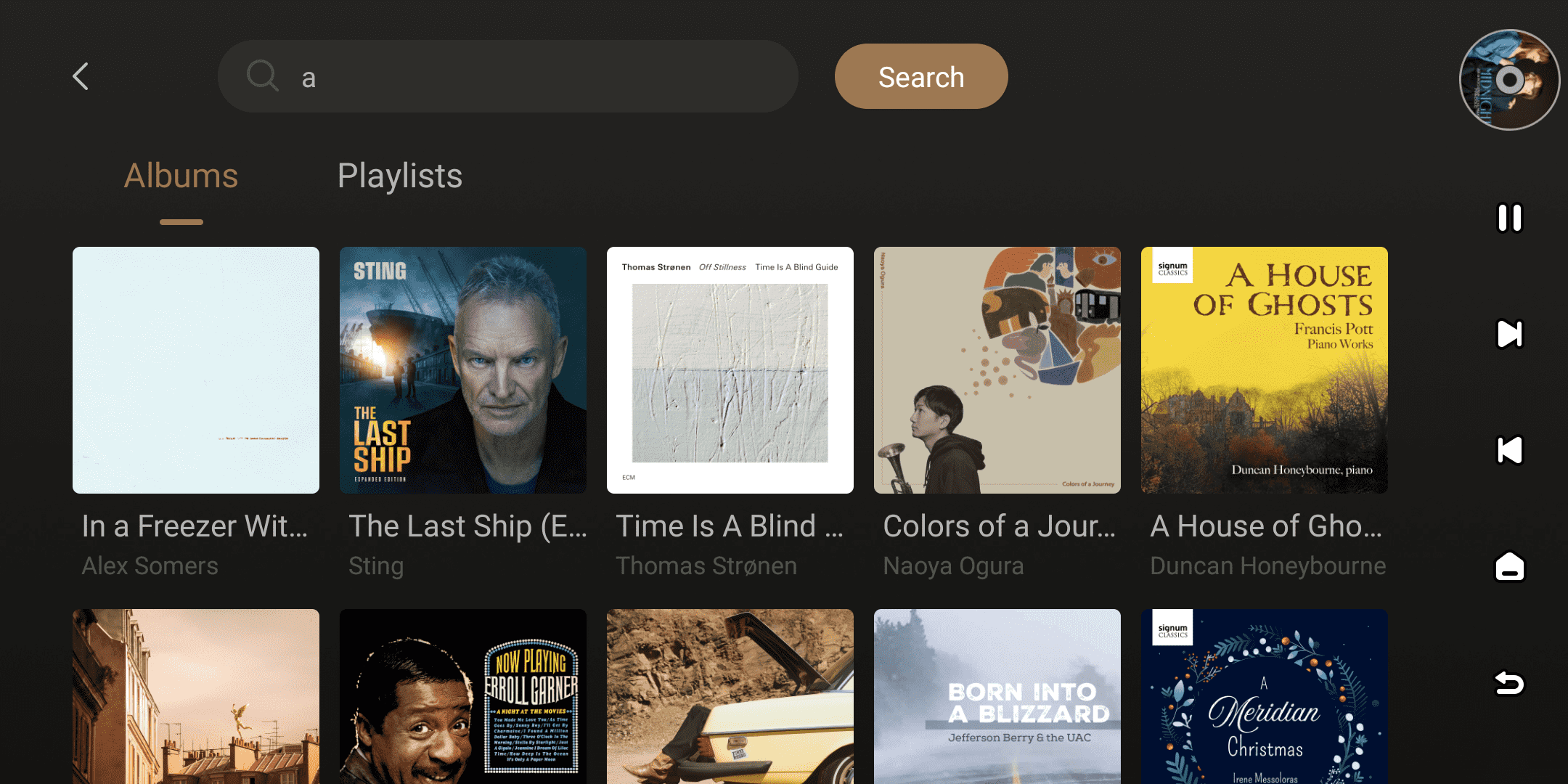
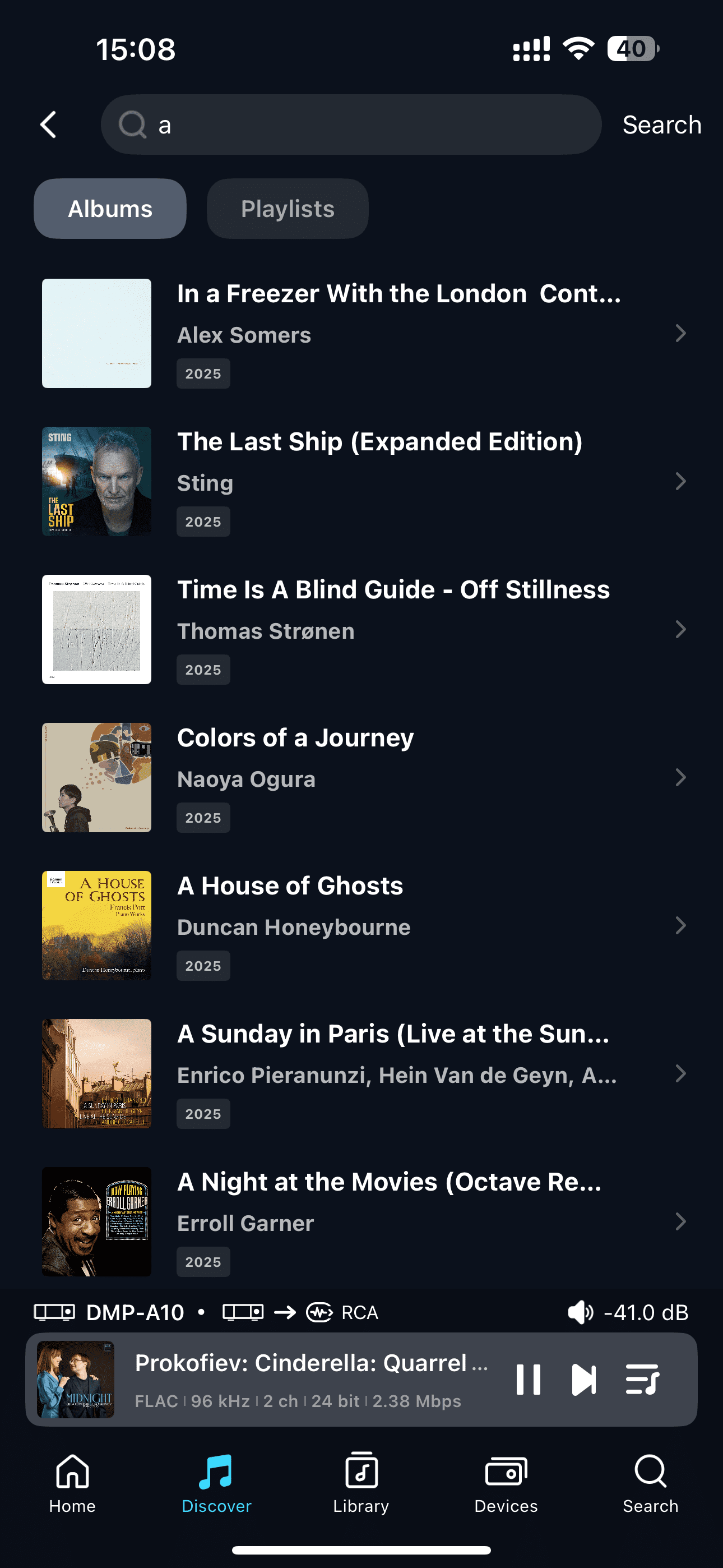
Click the search box at the top to search the entire HIGHRESAUDIO music library, finding albums, playlists, and other content to quickly locate your desired music resources.
[Dual-end demonstration of the device and Eversolo Control]
5. More
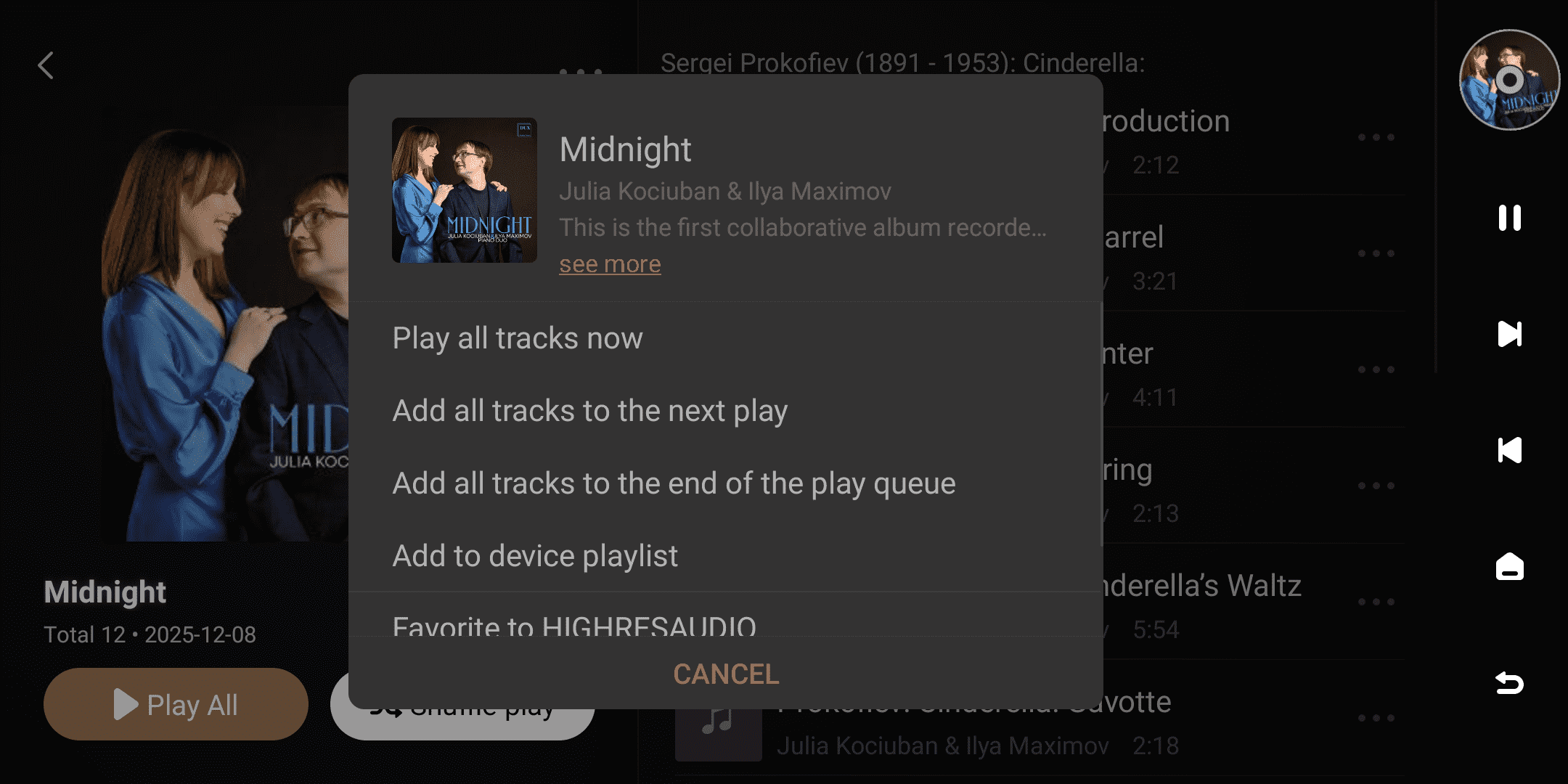
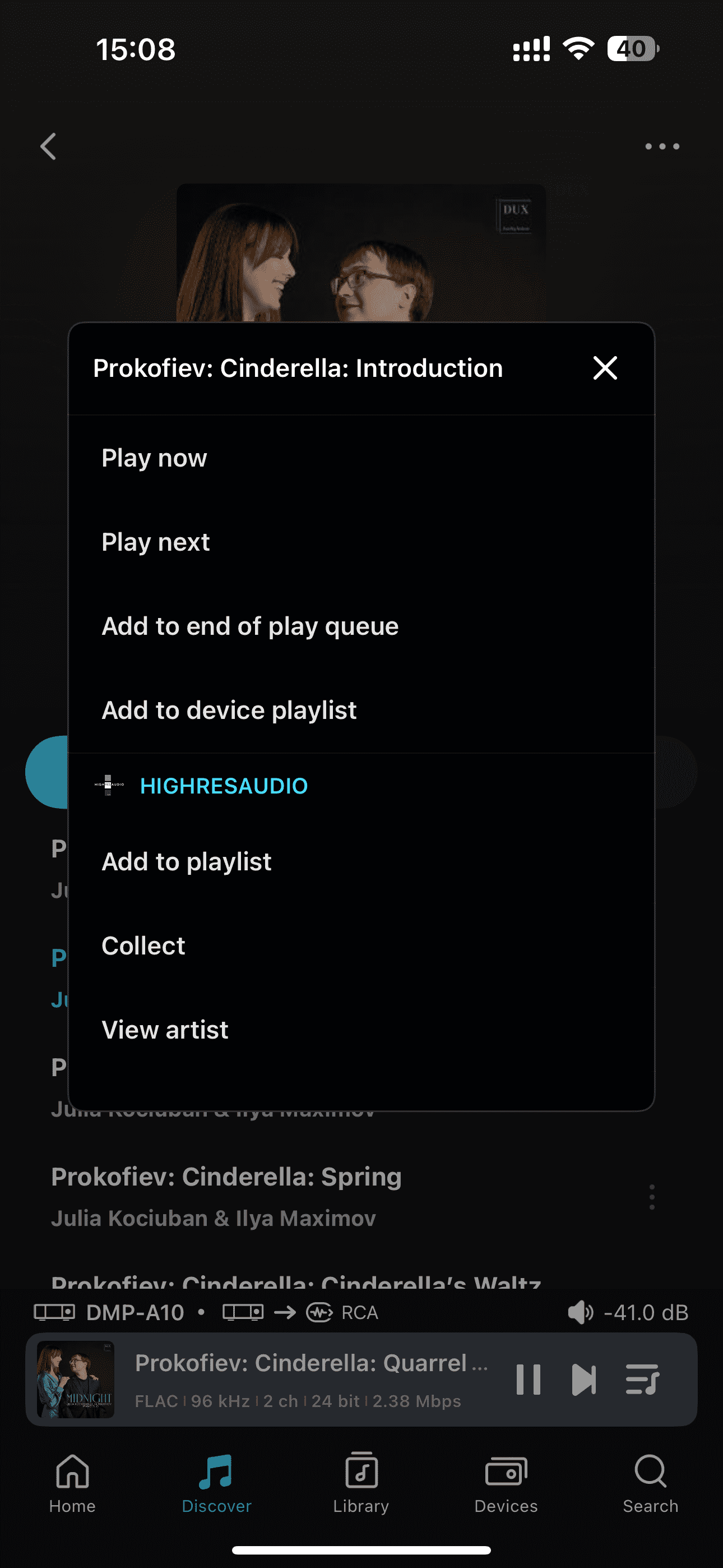
In the browsing interface, you can access the more options menu by clicking the " " icon to the right of a track or the "
 " icon in the upper right corner of an album/playlist.
This menu supports the following functions:
| More menus for singles | More menus for albums/playlists |
|---|---|
| Play now / Play next | Play all tracks now |
| Add to the end of play queue | Add all tracks to the next play |
| Add to device playlist | Add all tracks to the end of the play queue |
| Favorites to HIGHRESAUDIO | Add to device playlist |
| View artist | Favorite to HIGHRESAUDIO |
| View album | / |
Tips:
- Favorited content can be viewed and managed at any time in the "My Music" section.
- Content added to your device's playlists can be viewed and managed centrally in My Favorites - Device Playlists.
[Dual-end demonstration of the device and Eversolo Control]
6. Streaming Quality
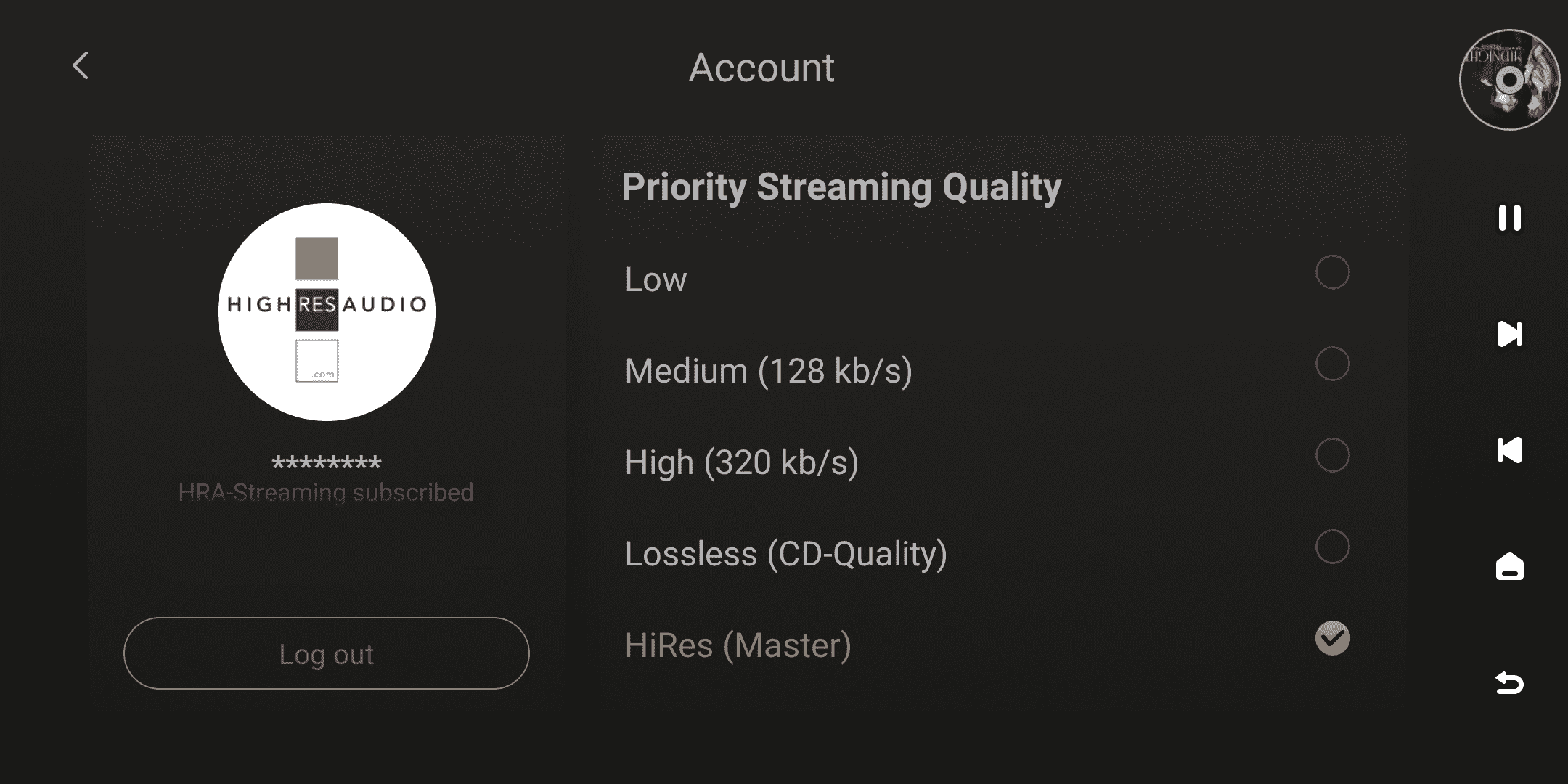
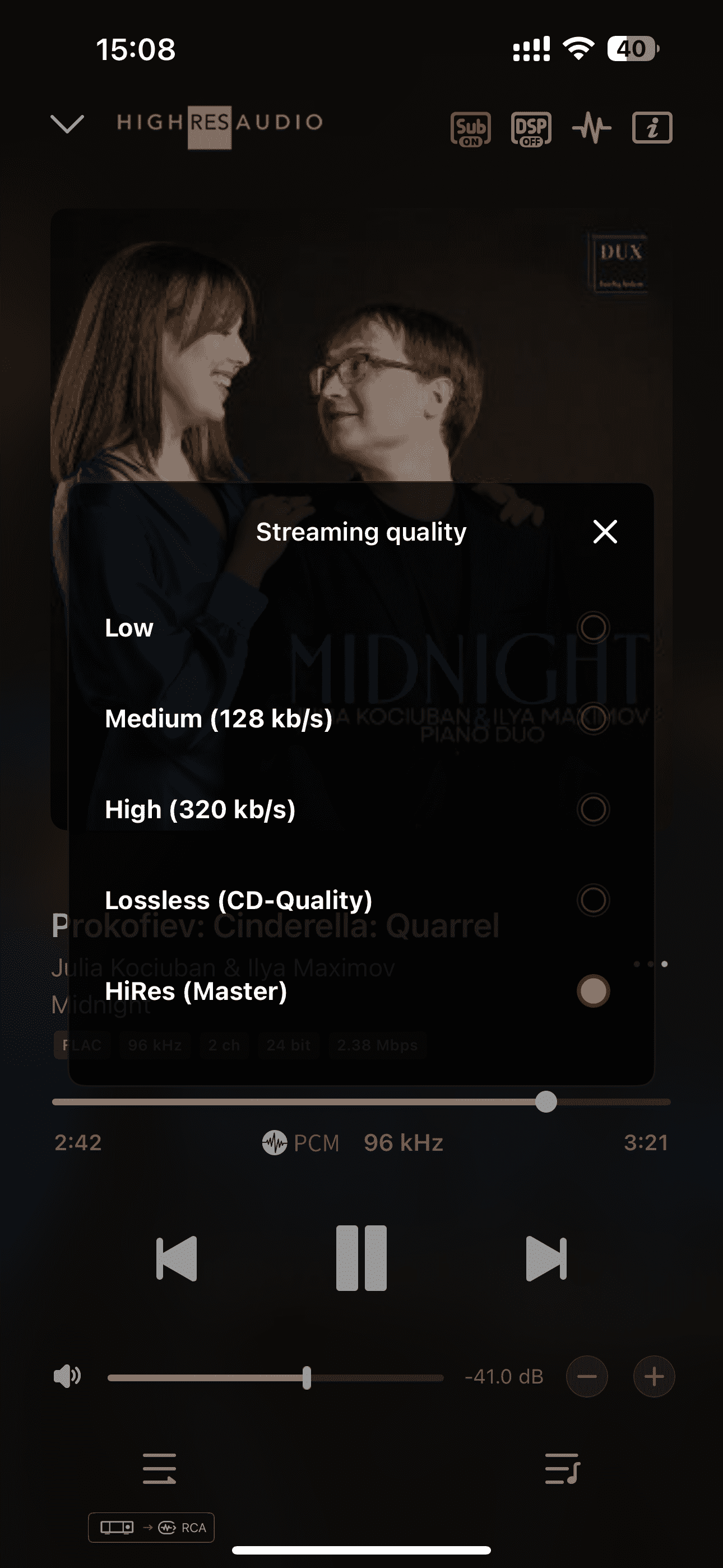
When using the HIGHRESAUDIO music service, you can select the Streaming Quality mode by clicking the " " icon in the upper right corner of the homepage or by clicking the "
 " icon on the playback details screen.
Supported options include:
- Low
- Medium(128 kb/s)
- High(320 kb/s)
- Lossless(CD-Quality)
- HiRes(Master)
[Dual-end demonstration of the device and Eversolo Control]